
How to Make a Movie with AI for Free
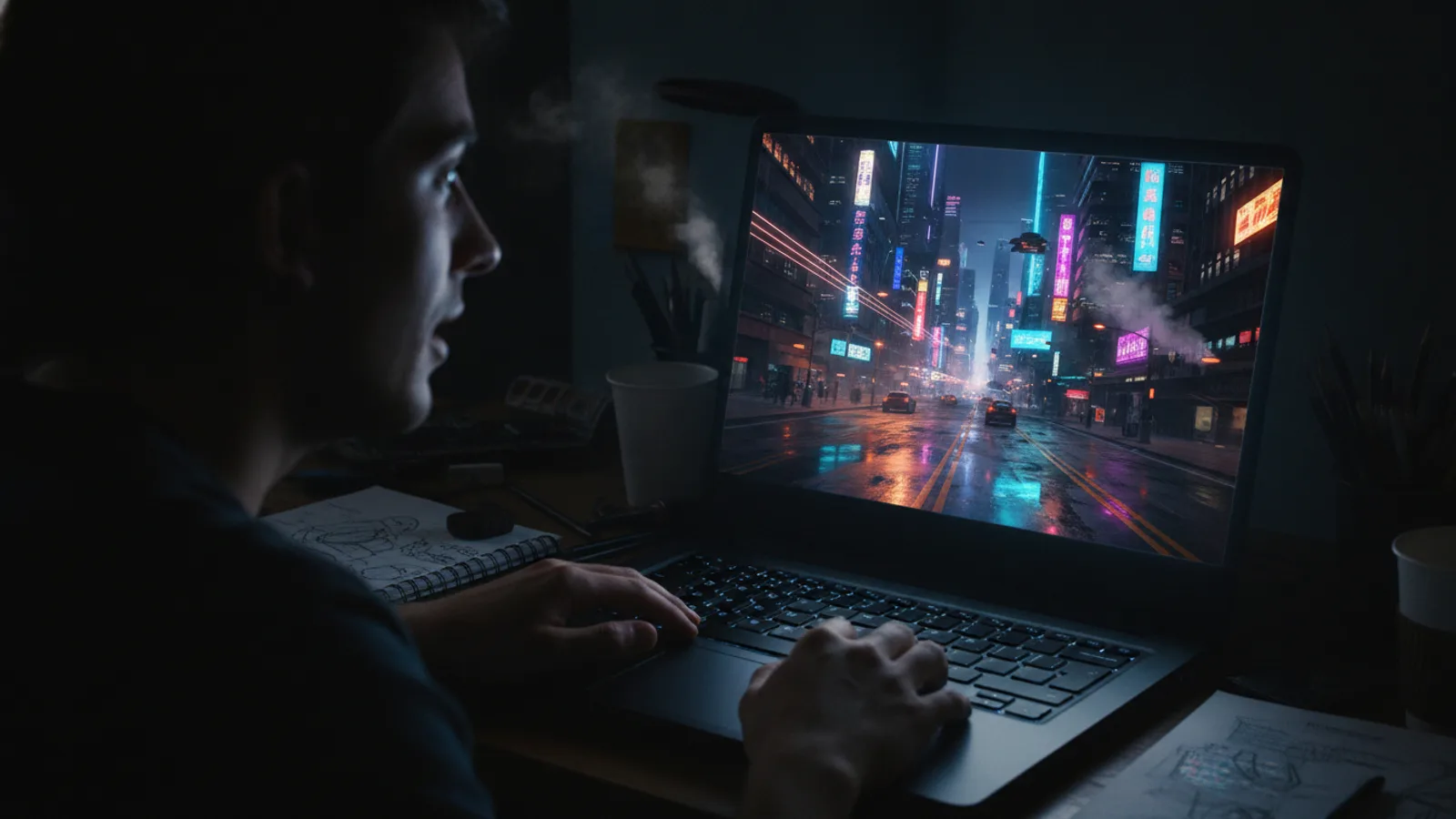
You want to make a movie. You have an idea, but maybe you don’t have a crew, a camera, or an effects budget. You can still tell your story. The key is to start. Today, you can make a movie with AI free of upfront costs by using a tool like Cinely. You begin with a free template, get initial generation resources, and build your film one scene at a time. It’s a practical way to move from concept to a visual draft without financial risk. This guide will walk you through the concrete steps, from that first spark of an idea to exporting your initial creation.
Start with a Free Template
Every project needs a starting point. With Cinely, you don’t face a blank page. You can choose from a range of free templates that provide a story spine, genre-specific tone, and a visual direction. This isn't about being generic; it's about having a foundation to build upon and personalize. For instance, you could pick a comedy template for a quirky short film or a fantasy template for an epic adventure. A template gives your AI a clear context, which helps generate more coherent and stylistically consistent scenes from the very first prompt. It’s the fastest way to go from “I have an idea” to “I have a first scene.”
Generate Your First Scenes Without Paying
Cinely’s model is designed for experimentation. New users get an allocation of coins to generate their first scenes at no cost. You use these coins to create each new scene in your movie. The process is iterative: you write a prompt describing a scene, the AI generates a video clip based on that description, and you review it. If a scene isn’t quite right, you can regenerate it using more coins until it matches your vision. This means your initial creative exploration—figuring out your characters, your setting, and your visual style—can happen without spending money. You can craft the opening sequence of your sci-fi thriller or the meet-cute for your romance entirely within this starting balance. If you're comparing tools, this rundown of AI video generators you can use free without a monthly plan explains what each one really includes.
Build Your Movie Scene by Scene
An AI-generated movie is assembled piece by piece, like storyboarding brought to life. You are the director, writing the prompt for each shot. Describe the action, the characters' emotions, the camera angle, and the lighting. For example: "A close-up on a detective’s weary eyes, rain streaking the window behind her, neon signs reflecting in the glass." The AI interprets this and produces a few seconds of video. You then add the next scene: the detective slamming a file on a desk. Then the next. You control the pacing, the cuts, and the narrative flow. This scene-by-scene method gives you precise control and allows for non-linear editing; you can always go back and tweak an earlier scene if the story evolves. It’s a flexible way to visualize a script.
Refine and Regenerate for Consistency
Your first generation for a scene might be good, but you might want to adjust the actor's expression, the time of day, or a specific detail. This is where regeneration is essential. Using your coins, you can regenerate any single scene without redoing your entire movie. This lets you hone in on consistency—making sure your main character looks the same throughout, or that the lighting in a room remains constant. It also allows for creative branching: generate two versions of a crucial scene and choose the one that works best. This iterative refinement is at the heart of the craft when you make a movie with AI.
From Draft to Shareable Movie
Once you’ve built your sequence of scenes, you have a draft movie. You can review it, reorder scenes, and add text cards for titles or dialogue. Cinely provides tools to compile these scenes into a single, cohesive video file you can download. This is your proof of concept, your visual pitch, or your first short film. You can share it directly from the platform or export it to edit further in other software. The free journey takes you right up to this point: a completed, viewable movie generated from your imagination. If you want to create longer or more complex films, you can explore options for earning or purchasing more coins to continue generating. Before scaling up, it helps to know what an AI movie really costs per finished minute so you can budget realistically.
Next Steps in Your AI Filmmaking Journey
Making your first free movie is just the beginning. Use it to learn how the AI interprets different types of prompts. Explore genres by checking out community creations in the action or mystery categories for inspiration. Consider your movie’s soundscape—while AI generation focuses on video, adding your own music and sound effects in post-production can elevate the final product. Most importantly, start your next project. Each movie you make hones your skill in directing the AI. When you're ready to scale up your production, you can visit the Cinely studio for more advanced creation tools and project management.
- Is it really free to start making an AI movie on Cinely?
- Yes. You can start completely free by using a free template. Cinely provides new users with an initial allocation of coins to generate their first scenes without any payment. This lets you build a significant portion of a short movie and understand the process at zero cost.
- What are coins, and how do I get more for free?
- Coins are the resource used to generate each new AI scene. New users get a starting amount for free. To get more coins without paying, you can engage with the platform's community and creator incentives. For ongoing projects, you can explore options to [earn or acquire more coins](/coins).
- How much control do I have over the AI-generated content?
- You have directorial control through your text prompts. You describe each scene in detail—actions, characters, shots, and mood. You can regenerate any scene until it aligns with your vision, allowing you to refine performances, consistency, and style throughout your movie.
- Can I make a full-length movie for free?
- You can create a substantial short film with the free starting resources. A full-length feature requires generating many scenes, which uses many coins. The free start is designed for learning, prototyping, and creating shorter pieces. For extensive features, you would need to secure more generation resources.
Written with AI assistance and edited by the Cinely Team.