
Make an AI Anime Story: Idea to Episode
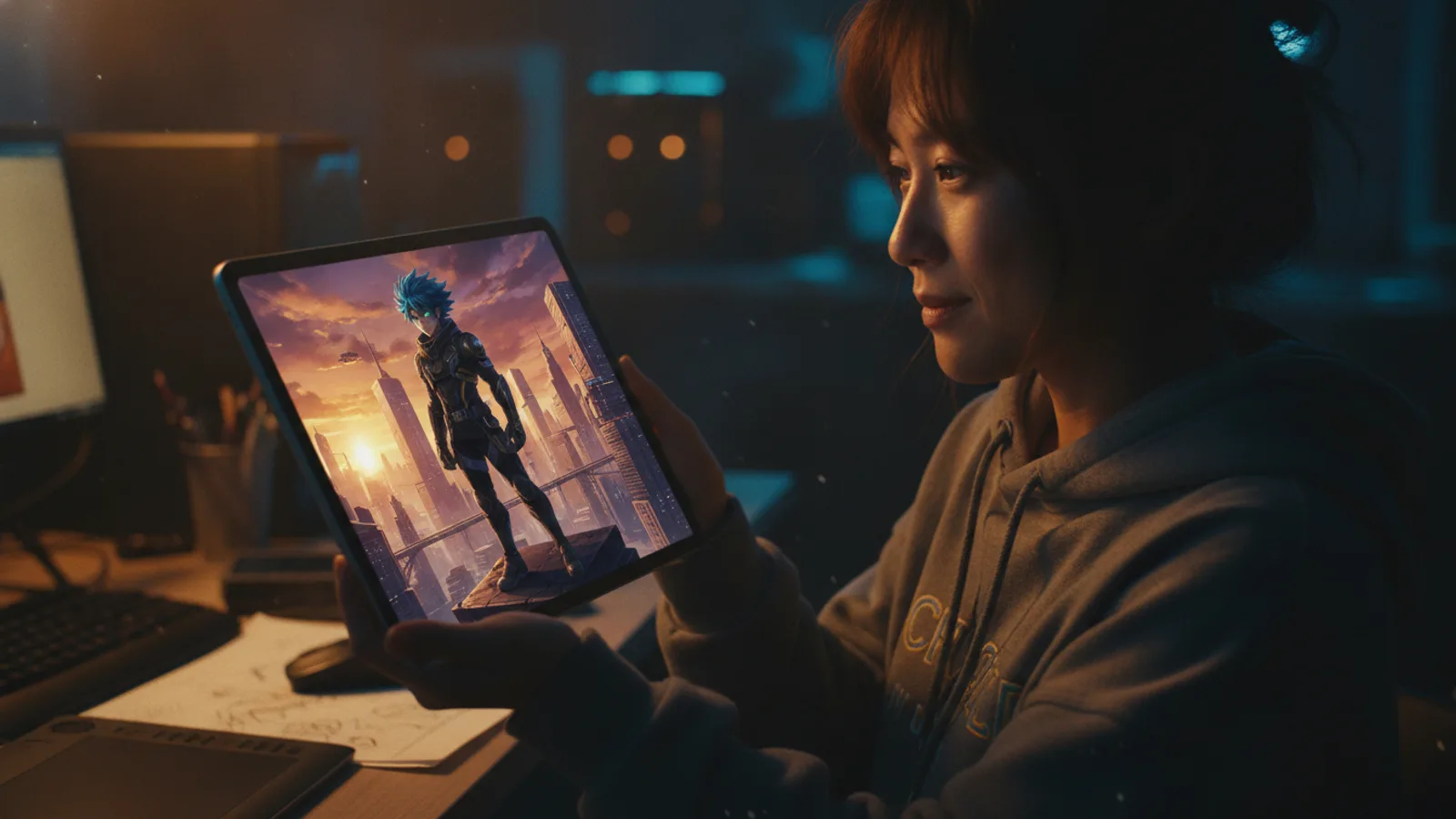
You have an idea for an anime, but you don't want to spend years learning to draw or animate. An AI anime story maker bridges that gap, letting you focus on your narrative while technology handles the visual style. With platforms like Cinely, you can build a multi-episode anime-style series from scratch and publish it directly to an audience. The process is structured, creative, and surprisingly direct. This guide explains how to do it, step by concrete step, turning your concept into a watchable series.
Define Your Anime Story and World
The first step is always the story. Anime spans countless genres, from epic fantasy and sci-fi to intimate romance and slice-of-life. Your core concept needs a clear hook. Is it about a mecha pilot with amnesia? A spirit detective in a modern city? Jot down the central conflict, the protagonist's goal, and the world's rules. Since you'll be guiding an AI, specifics help. Think about key visual elements: gothic architecture, cyberpunk neon, serene rural landscapes, or futuristic schools. These details become the foundation for your prompts. You can browse a genre like fantasy anime worlds or sci-fi series on the explore feed for inspiration on established visual styles and tropes.
A quick world bible keeps you consistent later. Before you generate anything, write a single page that answers five questions: Where does the story happen? What is the central conflict? Who is the protagonist and what do they want? What rule makes this world unique (magic system, technology, faction politics)? And what tone are you going for—comedic, melancholic, action-heavy? You will reuse these answers in nearly every scene prompt, so the time pays off fast.
Craft Your Cast with Consistent AI Characters
Consistency is the biggest challenge in serialized AI art. Your characters need to look the same in every scene. On Cinely, you tackle this by creating character profiles. You define a character's name, then build their visual identity. Describe their hair (style, color, any unique traits like ahoges), eye color and shape, signature clothing or armor, and any distinctive accessories or markings. The platform uses this profile to lock the character's appearance. When you write a scene prompt like "Kaira confronts the council," the AI generates Kaira based on her saved profile, not a random anime girl. This system lets you develop a recurring cast, which is essential for any anime-style series.
Be specific where it counts. "Silver hair" is weaker than "shoulder-length silver hair with a single braided strand on the left." "A scar" is weaker than "a thin scar across the right eyebrow." The more distinctive and concrete the trait, the easier it is for both the AI and your viewers to recognize the character at a glance. Give your villain something visually opposite to your hero so the two read clearly even in a small thumbnail.
Structure Your Series into Episodes and Scenes
Anime is episodic. Break your overarching plot into chapters or episodes, each with its own mini-arc and climax. Within each episode, think in scenes—discrete moments of action, dialogue, or revelation. When writing a scene prompt for the AI, be descriptive but clear. Instead of "a fight scene," try "aerial duel at dusk over the ruined city, swords clashing, energy trails lighting up the clouds." The more vivid your language, the more dynamic the resulting image. Remember to lock the anime visual style for your entire project in the platform's settings; this ensures every generated scene, from a quiet conversation to a giant battle, maintains coherent anime aesthetics.
A reliable scene prompt names four things: who is present (by profile name), where they are, what is happening, and the mood or lighting. For example: "Kaira and the masked envoy, rain-soaked rooftop at night, tense standoff, cold blue lighting, neon signs blurred in the background." That single line gives the AI character, setting, action, and tone in one pass. Aim for six to ten scenes per episode—enough to tell a complete beat without exhausting your pacing.
Assemble and Edit Your Visual Story
Once you generate your scenes, you move to the assembly phase. This is where your AI anime story becomes a narrative. Arrange the scenes in order on your timeline. The Cinely studio editor lets you add text for dialogue, narration, or sound effects. You can control the pacing by setting the duration for each image. This stage is your chance to direct the flow. Does a reveal need a slow fade? Should a punchline cut quickly to the next shot? You are the editor, using the AI-generated assets as your footage. It's a unique form of digital filmmaking.
Common mistakes to avoid
- Vague prompts. "A cool scene" gives the AI nothing to work with; describe the shot like a storyboard panel.
- Skipping character profiles. Generating characters fresh each time guarantees they drift in appearance.
- Mixing visual styles mid-series. Lock one anime style and keep it across every episode.
- Overstuffing one scene. One clear action per prompt beats three competing ideas crammed together.
- Editing as you go. Generate your full episode first, then arrange and time scenes—it keeps your pacing intentional.
Publish and Share Your Anime-Style Series
Your series is complete. Now, share it. On Cinely, you can publish your multi-episode anime-style story directly to the community watch feed. This is how you find your audience. Viewers can watch, react, and follow your series for updates. Publishing isn't just an endpoint; it's the beginning of building a following. You can see what resonates, gather feedback, and plan your next episodes based on what your viewers enjoy. The platform turns the solitary act of creation into a shared experience, which is at the heart of anime fandom.
From First Idea to Ongoing Series
Starting is the hardest part, but an AI anime generator simplifies the technical barriers. The real work remains creative: building a compelling world, writing engaging character dynamics, and structuring a story that makes people click "next episode." Tools like Cinely provide the canvas and the brush; you provide the vision. If you're ready to begin, the best step is to start creating. Head over to create your first scene, lock the anime style, and write your opening prompt. Your first episode is closer than you think.
- How do I keep my anime characters looking the same in every AI-generated scene?
- You use character profiles. When you create a character in a platform like Cinely, you define their visual traits—hair, eyes, clothing—in a saved profile. The AI references this profile each time you include that character in a scene prompt, locking their appearance for consistency across your entire series.
- Can I really make a multi-episode series with an AI anime story maker?
- Yes. The process involves structuring your overall plot into episodes, generating consistent scenes for each using locked styles and character profiles, and then assembling them into a sequence. You publish these episodes to a feed, allowing viewers to follow the story as it unfolds, just like a traditional anime series.
- Do I need to be an artist or programmer to use an AI anime generator?
- No. These tools are designed for storytellers. Your primary skills are conceptual: world-building, character development, and scene direction. You guide the AI with descriptive text prompts. The technical complexity of rendering the anime visual style is handled automatically by the platform.
Written with AI assistance and edited by the Cinely Team.