
Turn any lesson into a cartoon your child loves
Type what your child should learn — brushing teeth, the letter B, counting to 10, sharing — pick their age, and Cinely makes a 30 to 90 second educational cartoon with a friendly narrator and big word cards. Your child can be the hero.
- Lesson ready in minutes
- Kid-safe, bright and friendly
- Preview before any credits are spent
Any lesson, told the way a child listens
Habits, letters, numbers, feelings, nature, safety — one idea per clip, with a big word on screen.
From one sentence to a lesson in 3 steps
Say what to teach
One line is enough: the habit, the letter, the number, the value. Pick your child's age and the words follow.
Add your child
Type their name and the narrator talks to them. Add a photo and they star in every clip, with a companion if you like.
Preview, then approve
Choose a length and a look. Cinely writes every clip, the word cards and the narration, and shows you the preview first; credits are only spent when you approve.
- 30-second lesson · 120 credits
- 60-second lesson · 240 credits
- 90-second lesson · 360 credits
- Ages 2–4
- Ages 5–7
- Ages 8–10

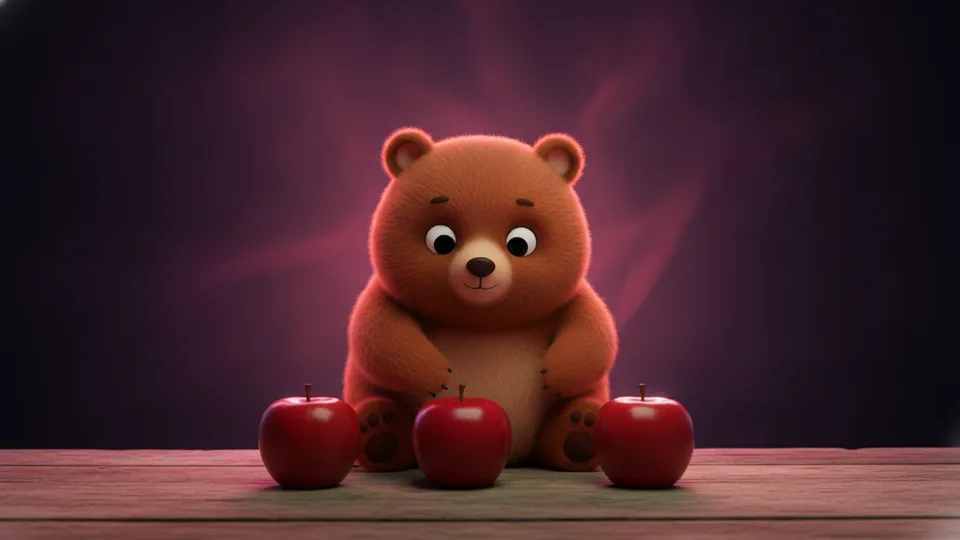
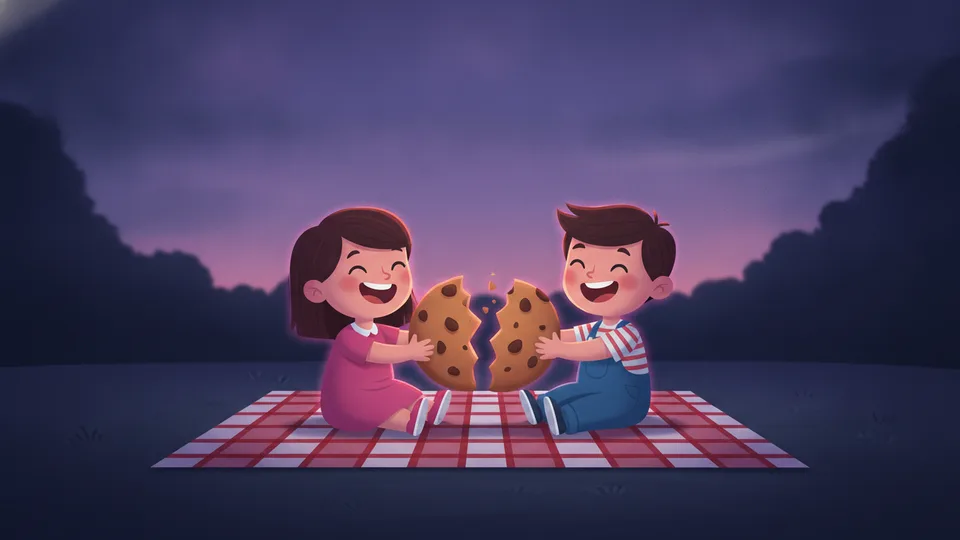
Your child is the hero
Add one clear photo and your child appears in every clip with the same face — learning, trying and getting it right. The narrator calls them by name.
Big words, written for the age
A title card, one keyword per idea, a quiz question and a cheer at the end are drawn over the clips — and the narration uses words a child of that age understands.
Kid-safe by design
No scary scenes, no violence, no brands, no copyrighted characters. Bright daylight, round friendly shapes, every character smiling. You review every clip before it is made.
Made for the TV and the tablet
Widescreen 16:9 by default, so it fills the family screen; portrait 9:16 when you want it on a phone. 30, 60 or 90 seconds — the length of a child's attention.
Pick your plan
Start free. Go Premium for cinematic quality and thousands of credits every month — a new lesson for every question your child asks.
Your purchase is for AI video generation: credits and Premium are used to create videos with generative AI.
Auto-renew each period. Cancel anytime · Secure payment. Premium works on the web and in the Cinely app with the same account.
More ways to create with Cinely
Questions, answered
What ages is it for?
Three age bands: 2–4, 5–7 and 8–10. The band sets the words, the pace and how much each clip explains — short repeated words for toddlers, a simple example for early school, a short why for older children.
Can my child be in the video?
Yes. Add one clear photo of their face and they appear in every clip with the same face. You can also add a companion character — a friendly animal or helper — described in a sentence. Only upload a photo of a child you are the parent or guardian of; it is used for this video only.
Is the content safe for children?
Every lesson is written under kid-safe rules: nothing scary or violent, no brands, no copyrighted characters, bright and friendly throughout. And you read every clip, every word card and every narrator line on the preview before anything is made.
What languages can the lesson be in?
The narration and the word cards are written in the language you choose — or in the language you type the topic in. Seventeen languages are supported, so a lesson for a Spanish-speaking child is spoken in Spanish.
How much does it cost?
A lesson is priced by its clips: every 8-second clip is 30 credits in standard quality, so a 30-second lesson is 120 credits and a 60-second one 240. Cinematic quality is 60 credits a clip. You see the preview first; credits are only spent when you approve.
Your child's first lesson is one sentence away
Say what to teach. Pick the age. Press play together.