
Cinely: Your AI Movie Website, No App Required
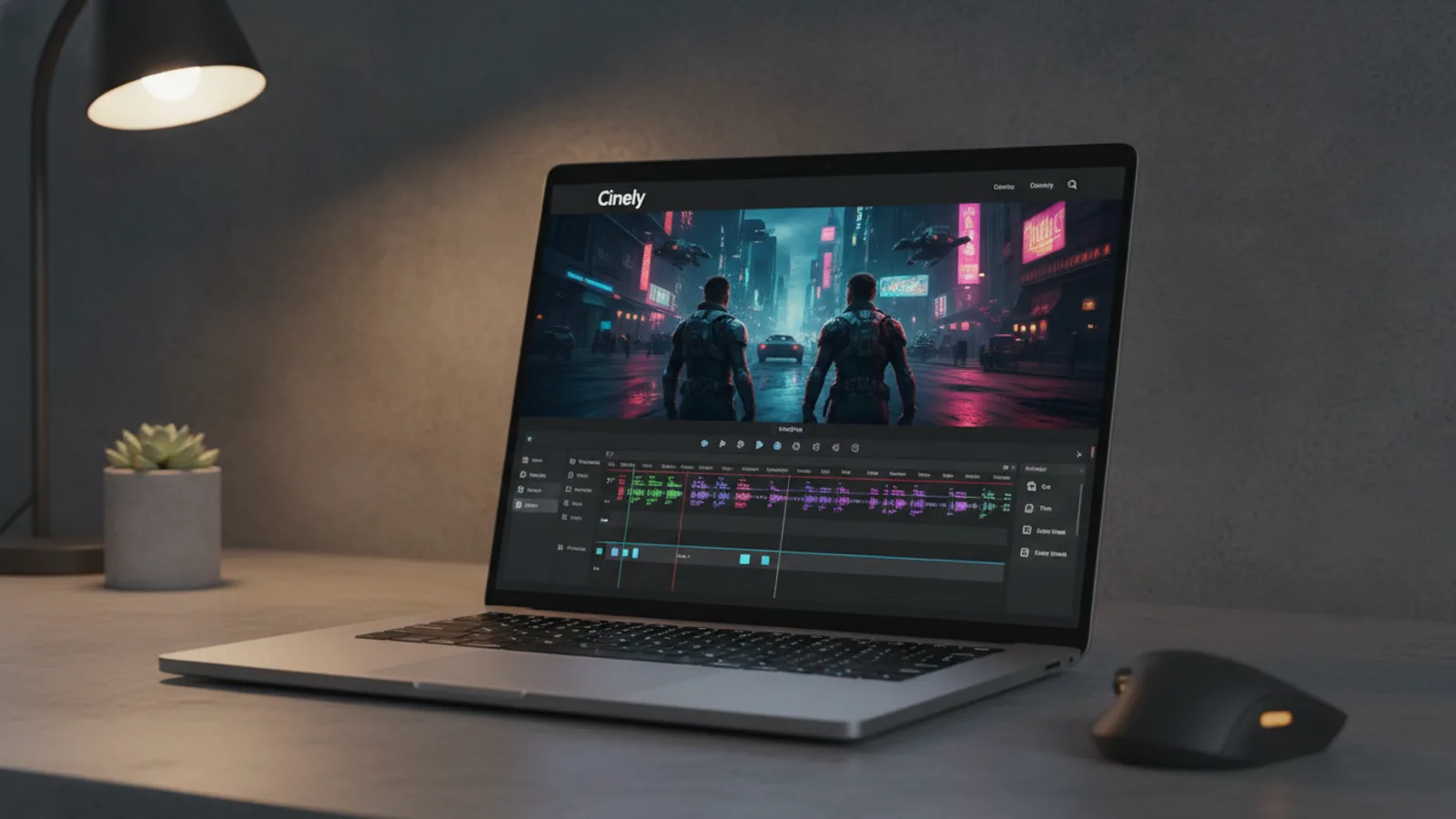
You don't need to install software to create AI movies. You can do it all—writing, editing, and watching—right from a web browser. Cinely is a fully-featured AI movie website. Everything runs at cinelyai.com. You get the same creative tools and viewing experience you would expect from a desktop application, but accessible anywhere you have a browser. Whether you want to make a short film, a music video, or a social media clip, you start and finish online. This is possible because the entire platform is built for the web, from the initial idea in the chat interface to the final export of your completed film. The site handles rendering, editing, and hosting without ever requiring you to download a separate program.
Why a Website Beats a Downloaded App
Installing software creates friction. You must check compatibility, wait for downloads, and manage updates. A dedicated AI movie website removes those barriers. You visit the site, log in, and your workspace is exactly as you left it, regardless of whether you're on a laptop, a library computer, or a tablet. The Cinely web interface is available in 17 languages, and you can generate your movie scripts and dialogue in any of those languages as well. For creators, this immediacy is key. An idea strikes, and you can immediately go to the site and start building without any intermediate steps. Your projects are saved to your account in the cloud, not tied to a single device. The web-based Cinely Studio gives you complete control over your series and episodes.
Everything You Can Create on the Web
The Cinely website supports all 11 creation types. This isn't a limited web version; it's the full platform. You can produce:
- Narrative Films: Write a movie from an idea, a pasted script or the Agent chat on the Create page, or make a narrated Story Video.
- Music Videos: Cut scenes to an AI-written song or a track you upload with the Music Video generator.
- Promotional Content: Make ads, Social Videos for Reels or TikTok, and UGC-style videos.
- Educational & Fun: Build Educational Videos or lessons for kids, or create animated greetings.
- Specialized Formats: Design Explainer Videos, movie Trailers, or even comics.
The process is similar for each: describe your concept (or chat it through with the Agent), review the plan and the visual direction, then generate and edit the episode. All these steps happen in your browser tabs. You can browse thousands of films made by other users to see the range of what's possible, all streamable directly on the site.
The Complete Web-Based Workflow
Here’s how you make an AI movie from start to finish without leaving cinelyai.com.
-
Concept & Scripting: You start in the AI Agent chat. Describe your idea—"a cyberpunk detective loses his memory"—and the AI helps expand it into a structured script, suggesting characters, scenes, and visuals. This collaborative brainstorming happens in real-time. A common mistake is being too vague. Instead of "a funny video," try "a sitcom scene where a time traveler tries to explain a smartphone to a medieval knight."
-
Visual Customization: Before generating, you select a visual style from the catalog and a genre. You can also customize character appearances with a photo or an AI-drawn portrait. This step is crucial. If you skip it, you'll get a default style that might not match your vision. The template and explore pages give you premises to start from, and the catalog of AI movie series shows what each style looks like in finished films.
-
Generation & Server-Side Rendering: You click generate. The website's servers handle the heavy computational work of creating the video, which can take a few minutes. Your local device isn't taxed. This means you can generate a film on an older laptop or a tablet.
-
Precision Editing: The episode opens in the web-based editor. Pick any scene on the timeline, describe what should change, and either edit the existing clip (motion and camera preserved) or recreate it from a revised prompt; scene edits cost credits and need Premium. You can also edit the subtitle tracks, choose a thumbnail and add your name or logo as a free author watermark. Your current cut stays untouched until the new one is merged.
-
Export & Distribution: Your movie lives on its series page. Publish it from Studio and, once moderation approves it, viewers watch it on your channel page or through a share link. To download, go to your series page. The system joins all episodes into one file. For a clean file without the 'Made with Cinely' badge, you need a Premium subscription.
Managing Credits and Your Account Online
All account management is on the website. Check your credit balance on your profile page. The web offers three primary ways to get free credits: a one-time welcome gift for new users, daily check-in bonuses (just visit the site), and a referral program. Sharing your referral link earns you credits when others sign up. To fund larger projects, you can buy credit packs on the coins page or in the app. Remember, the website does not have "rewarded ads" for credits; that feature is exclusive to the mobile apps.
Key Advantages and Practical Tips
Using a browser-based platform like Cinely offers tangible benefits.
Always Updated: You never manually update software. New features, like an improved AI model or a new visual style, are live when you refresh the page.
Device Freedom: Start on a Windows PC, review the edit on a MacBook at home, and show the final cut on a smart TV's browser. Your work syncs automatically.
Lower Hardware Barrier: Since rendering is cloud-based, you don't need a gaming PC. A modern browser on a standard computer is enough. This democratizes creation. If you still can't decide, here's how the AI movie maker app vs. the web version compare.
Collaboration Ready: You can share a direct link to your published series with anyone. They can watch immediately, no app install required, and the series page also downloads all episodes as one file.
Pro Tip for Efficiency: Use the AI Agent chat effectively. Treat it like a creative partner. Give it clear constraints ("in a noir style," "two characters in a tense standoff") and iterate on its suggestions. The more specific your input, the closer the first draft will be to your goal, saving you editing time later.
Ready to start? Your next movie is a browser tab away. There’s no setup, just creation. Open the AI movie maker and begin.
For inspiration, watch a few fantasy AI series or sci-fi AI films first, then make your own.
- Do I get the same video quality on the web as in an app?
- Yes, absolutely. The AI generation models and rendering pipelines are identical. When you download your finished film from your series page on the Cinely website, the video file is the same resolution and quality as one exported from a mobile app. The only potential difference is a small watermark for free users, which is removed with a Premium subscription.
- Can I really edit my movies on the website?
- Yes. The web episode editor at cinelyai.com works scene by scene: pick a scene on the timeline, describe what should change, and either edit the current clip or recreate it from scratch (scene edits cost credits and are a Premium feature). You can also edit the subtitle tracks, pick a thumbnail and add your name or logo as a free author watermark, all in the browser.
- How do I get free credits if there are no ads on the web?
- The Cinely website uses a different system. You receive a welcome gift of credits upon signing up. You can then earn more through daily check-in bonuses and our referral program. When you share your referral link and a friend signs up, you both earn extra generation credits to use on the site.
- What happens if I lose my internet connection while creating?
- Your script and settings are saved to your account, and generation runs on Cinely's servers, so a dropped connection does not stop a render. Once you reconnect, open the series page and the finished scenes are waiting for you. A stable connection still makes previewing and editing smoother.
Written with AI assistance and edited by the Cinely Team.