
AI Romance Movies: Watch Romantic AI Films Free
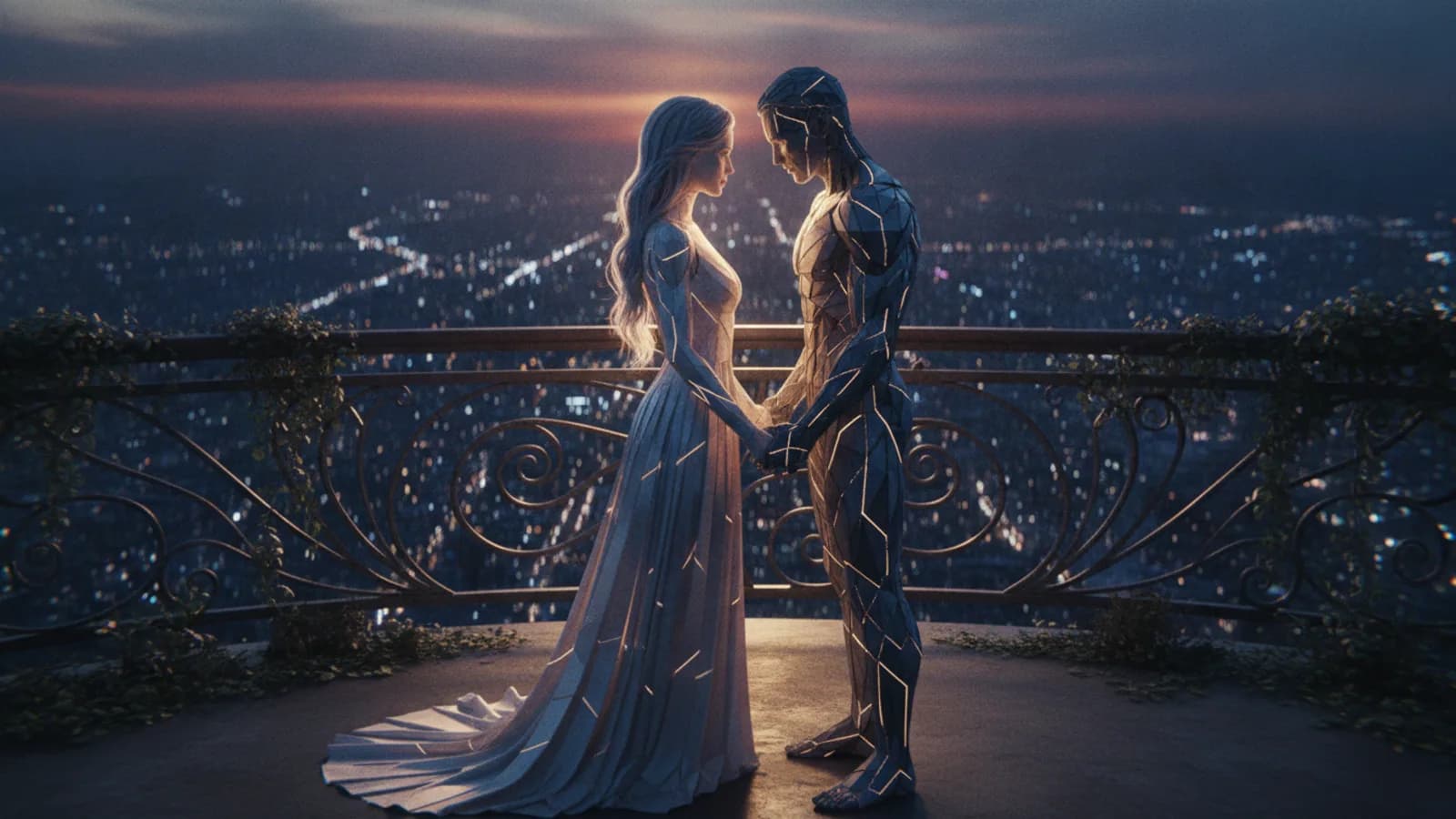
Looking for AI romance movies to watch? The romance catalog on Cinely lists romantic AI series made by creators, and many of them are free to watch in full on the web or in the app, with no subscription. Watch a few for inspiration, then make one of your own. The real magic begins when you decide to remix an AI movie—taking a narrative premise you connect with and making it your own. This process demystifies creation, letting you focus on the emotional core, the character dynamics, or the dramatic twist you've always wanted to see.
On Cinely, romance is one of the core genres built directly into the platform, alongside drama, fantasy, and sci-fi. Picking it tells the AI to lean into the language of love stories, from quiet longing to grand gestures, so you’re not fighting the system to get a romantic tone. The platform hosts creator-published romance series where you can see how others have used these tools, and then you can begin your own project with a clear vision of what’s possible.
How to Find Great AI Romance Movies to Watch
Start by exploring what other creators have already made. The romance catalog lists published romance series, and the full catalog of every series is on browse. A series whose creator has not turned on monetization is free to watch in full; on monetized series the creator decides how many episodes are free, and the rest unlock with credits. This lets you sample different styles—perhaps a slow-burn office romance, a fantasy love story, or a dramatic period piece—before you commit your own resources to viewing or creating.
Watching these AI love story movies serves a practical purpose beyond entertainment. You see how different prompts result in varied visual styles and narrative pacing. You notice how creators structure a six-scene story versus a longer series. This research phase is crucial. It helps you understand the vocabulary of the AI, learning what descriptions yield the most emotionally resonant shots and coherent story flow for a romantic narrative. A common mistake is writing vague prompts like "they are in love." Successful creators are specific, describing actions and settings like, "one character traces the other's name nervously in condensation on a window while they talk on the phone."
The Beginner's Path: Creating Your First AI Romance Movie
You don't need to be an expert to start. A new Cinely account receives 100 welcome credits. Since a Standard AI-generated scene costs 30 credits, this gift pays for three 8-second scenes, a 24-second film: enough for one romantic moment without any initial investment. A free account allows movies up to 6 scenes (each about 8 seconds long), and a full 6-scene romance costs 180 credits, so daily check-in credits or a credit pack make up the difference.
Your first AI romantic movie could be a simple “meet-cute,” a poignant breakup scene, or a reunion. The built-in genre tag for romance guides the AI's stylistic choices. Describe your characters, their setting, and the key emotional beat for each scene. You direct the tone. Is it a bittersweet drama or a lighthearted comedy? The AI handles the visual translation, letting you focus on the story you want to tell. A practical checklist for your first movie: 1) Define your two main characters with a distinguishing trait. 2) Choose a clear setting for each scene. 3) Decide the emotional shift for each of the 6 scenes. 4) Use the romance genre tag. When you're ready to build longer stories, a Premium subscription raises the limit to 100 scenes, about 13 minutes per episode.
What It Really Means to Remix an AI Movie
Remixing is where Cinely's collaborative creative culture shines. On a published film whose creator has left remixing on, you'll find a “Remix” button on the web and in the Android app (it is currently hidden in the iOS app). This doesn’t copy the original shot-for-shot. Instead, it starts a brand new film using the original’s written premise, characters, and story outline as your foundation. The AI regenerates all visuals from scratch, so you never copy another creator's characters or exact scenes. You take the story blueprint and rebuild it with your own visual style, altered dialogue, or new plot directions.
Think of it like a writing prompt or a story concept. You might remix a coffee shop romance into a historical drama, or change the ending of a tragic love story. The original creator controls this feature; they can turn remixing off for their series if they choose, but many leave it on to encourage community creativity. It’s a powerful way to overcome creative block and engage directly with stories you admire. Explore the concept further in the AI movie maker. For example, you could find a romance about rival chefs and remix it into a story about rival architects, keeping the core tension but changing the context and visual world entirely.
From Viewer to Creator: Building a Romance Series
Once you've made a single movie, you might consider expanding it into a series. This is how many creators on the platform build an audience. You publish your first episode and decide how many episodes are free; by default none are, so a sensible tactic is to make episode 1 free to attract viewers and set a credit price for the rest, of which you keep 70%. This creates a potential pathway for engagement, where viewers who are invested in your characters' journey can support the continuation of the story.
Your series could follow a couple through various stages of their relationship, or it could be an anthology of different romantic tales within a shared universe. You can also branch your own story into alternate timelines or “what-if” episodes that spin off from the core romance. Managing your series and its settings, including remix permissions, is done through your creator studio. Planning a series requires a slightly different approach than a one-off movie. Sketch a rough arc for 3-5 episodes, ensuring each has its own mini-climax to keep viewers engaged and wanting to use credits to see what happens next.
Advanced Techniques for Compelling Romance AI Drama
To elevate your romance AI drama beyond simple scenarios, focus on specificity and subtext. Instead of “two people arguing,” prompt for “a couple having a tense, whispered argument in a crowded museum, trying not to draw attention, with one person nervously twisting a wedding ring.” The AI uses these rich details to generate more nuanced and emotionally charged imagery.
Use the scene structure to control pacing. A six-scene romance might follow a classic structure: 1) The Glance, 2) The Connection, 3) The Conflict, 4) The Low Point, 5) The Realization, 6) The Resolution. Pay attention to character consistency by using descriptive names and attributes in every prompt. Remember, the most memorable love stories often live in the small, authentic moments—the hesitant touch, the shared silence, the knowing smile. Your direction through text is what brings those moments to life on screen. An advanced technique is to use contrasting scenes: follow a wide, scenic shot of characters apart with an extreme close-up on their hands almost touching. This visual storytelling, directed through your prompts, adds professional depth to your AI love story movie.
Where to Go From Here: Your Next Steps
Your journey from viewer to creator has a clear starting line. First, use your welcome credits. Don't save them; the best way to learn is by doing. Create a simple 2-scene test about a single romantic moment. Second, actively browse the romance catalog not just for fun, but to analyze two specific technical things: how creators name their characters in prompts for consistency, and how they describe lighting (e.g., "golden hour," "moonlit") to set mood. Third, try a remix. Find a story with a premise you like but a visual style you'd change, and use the remix button to make it your own. This hands-on process will teach you more than any guide. Finally, if you find yourself constantly hitting the 6-scene limit and wanting to build deeper worlds, that's the signal to consider the expanded tools and capacity of a Premium plan.
- Is it really free to make my first AI romance movie?
- You can start for free. A new Cinely account gets 100 welcome credits. A Standard AI-generated scene costs 30 credits, so the gift pays for three 8-second scenes, a 24-second film. A full 6-scene movie (the free account limit) costs 180 credits; daily check-in credits or a credit pack cover the rest. Watching is free too: a series whose creator has not turned on monetization plays in full for free, and on monetized series the creator chooses how many episodes are free while the rest unlock with credits.
- When I remix a movie, do I copy the original video?
- No. Remixing does not copy any video or character faces from the original. It uses only the original film's written premise, story outline, and character descriptions as a starting template. The AI then generates completely new visuals and scenes based on that template. You are free to change the dialogue, plot points, and visual style in your new version.
- Can I stop others from remixing my romance series?
- Yes. Creators have control over the remix feature for their own published series. In your series settings, you can choose to turn remixing off if you prefer. By default, the ability for others to remix your work is enabled, fostering a collaborative creative community on the platform.
- What's the difference between a free and Premium account for making romance movies?
- A free account can create movies with a maximum of 6 scenes. A Premium subscription raises that limit to 100 scenes (about 13 minutes an episode), enough for much longer chapters in a multi-episode series. Premium also removes the small "Made with Cinely" badge, unlocks scene remakes in the editor, and opens the Premium styles and genres.
Written with AI assistance and edited by the Cinely Team.