
Master AI RPG Character Creation
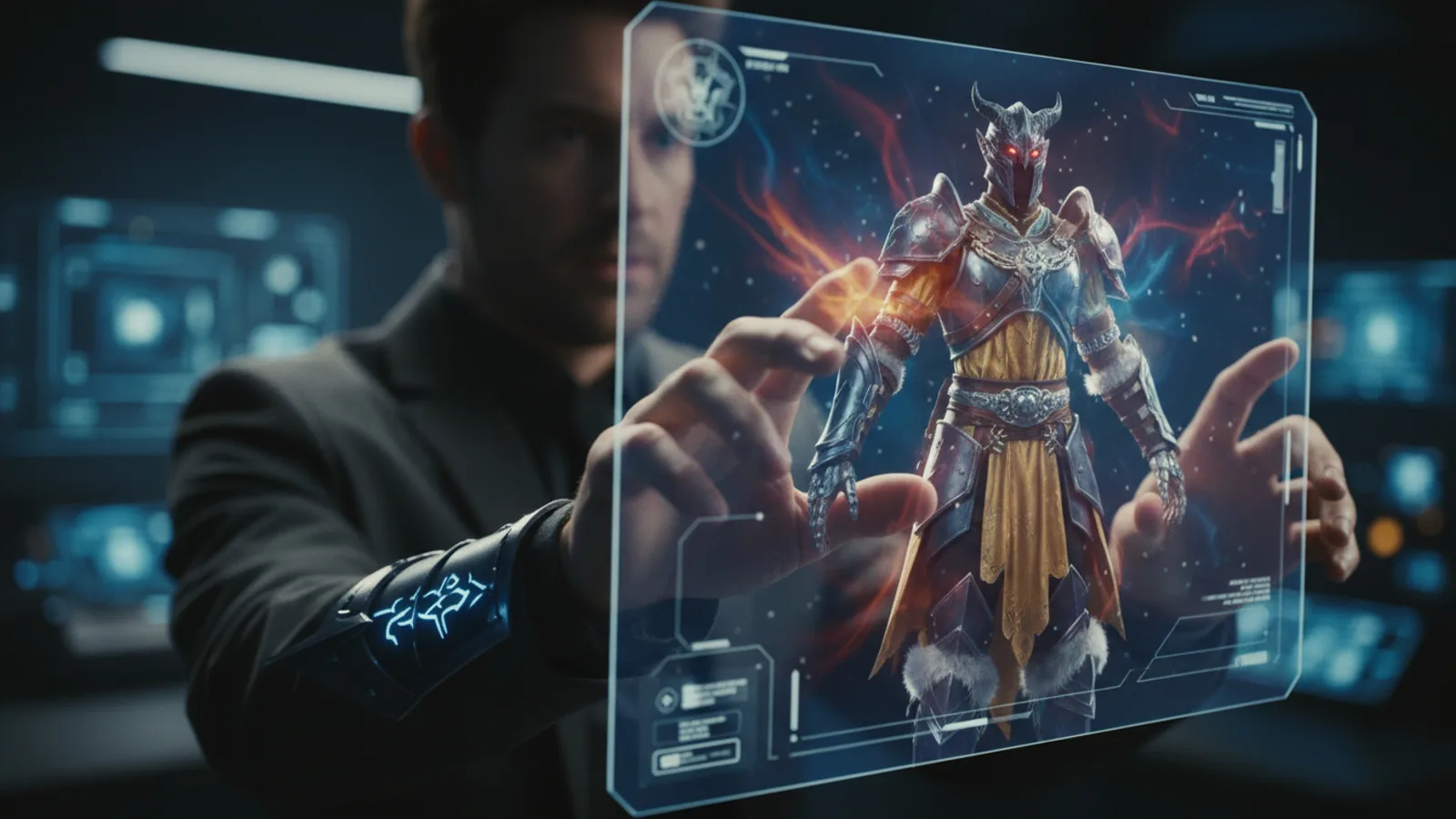
Creating a compelling character is the first step in any great role-playing game, and AI RPGs on platforms like Cinely are no different. The choices you make before the story begins—your character's name, appearance, and world—lay the foundation for the entire interactive story. This guide offers concrete, actionable tips to make those foundational choices with purpose, helping you build a character AI game that feels uniquely yours and drives a more engaging narrative. Your initial setup doesn't just describe a person; it creates the lens through which an entire story will be viewed and experienced. Think of it as pre-production for your personal movie. Every selection, from avatar to aspect ratio, is a directorial decision. Let's break down how to make those decisions count.
Start With a Strong Character Concept (The Blueprint)
Before you touch any dropdown menus, define your protagonist's core. A vague idea leads to a vague story. Answer these three questions to form a strong concept:
- Core Identity: Who are they at their essence? (e.g., A principled smuggler, a wizard with broken magic, a detective who sees ghosts).
- Primary Motivation: What do they want more than anything? (Redemption, knowledge, freedom, revenge).
- Central Conflict: What internal or external force makes achieving that goal hard? (A bounty on their head, a curse, their own cynicism).
This concept directly informs your technical choices on Cinely. Naming your elven archer "Lyra Swiftwind" suggests agility and a connection to nature, priming the AI for different story beats than "Korg the Breaker." Your chosen gender and avatar should visually reflect this core identity. This step is free and happens entirely in your head or notes, but it's the most important investment you'll make.
Leverage Visual Tools for Coherent Storytelling
On Cinely, you select both an avatar and an overall visual style. This is your chance to be both casting director and cinematographer. These choices should work together to support your character concept.
- Avatar as Casting: Choose a figure that embodies your character's role. A rugged avatar for a survivor, a refined one for a noble. Don't just pick a cool image; pick the right actor for the part.
- Visual Style as Genre & Mood: This choice sets the narrative tone. A gritty, film-noir style with high contrast is perfect for a cynical detective story. A vibrant, animated style suits a comedic adventure or heroic fantasy. A photorealistic style lends gravity to a sci-fi epic or intense drama. Browse Cinely's genre categories like /explore/fantasy or /explore/horror for mood inspiration before you lock in your style.
- Aspect Ratio as Framing: This technical choice subtly shapes perception. A cinematic widescreen (16:9) ratio makes the world feel epic and vast, ideal for adventures in /explore/sci_fi or /explore/action. A vertical (9:16) ratio creates an intimate, personal frame, pulling you closer to the character—perfect for emotional dramas, mysteries, or /explore/slice_of_life stories.
Avoid These Common Character Creation Mistakes
Learning what not to do is just as valuable.
- The Contradictory Combo: Selecting a cute, cartoonish avatar but choosing a hyper-realistic, dark visual style. This creates a confusing tone that the AI narrative may struggle to reconcile.
- The Overly Generic Protagonist: Picking the default name "Player1" with a nondescript avatar and no concept. This gives the AI little unique material to build upon, often resulting in a generic story.
- Ignoring the Genre-Mood Link: Creating a brooding vampire character but selecting the bright "Comedy" visual style from /explore/comedy. While subversion can work, it requires a very clear intention. For your first stories, aim for harmony between character, style, and expected genre tone.
- Rushing the Setup: Remember, starting a story spends coins on the opening scenes. Rushing through creation to "just see what happens" can waste that initial investment on a disjointed narrative. A few thoughtful minutes of setup yield a much better return.
Execute a Strategic Character Launch
Treat your first scenes as a pilot episode. Your goal is to hook yourself into wanting to continue the story. Here’s a step-by-step launch checklist:
- Final Concept Check: Does your name, avatar, and visual style all tell the same basic story about your character?
- World Alignment: Does your chosen aspect ratio and visual style fit the scale and mood of the world you imagine? (Epic = widescreen, Intimate = vertical).
- Genre Intent: Are you hoping for political drama, monster battles, or romantic intrigue? Let that desire subtly guide your last choices.
- Coin Awareness: Acknowledge that clicking "Start Story" spends coins. Your careful setup is how you ensure that spend launches a narrative you're likely to invest more in. If you want to continue a great story, you can always get more coins at /coins.
This strategic approach turns character creation from a simple form into a deliberate act of world-building.
Experiment and Iterate in Your Creative Studio
The /studio is your laboratory for AI RPG character creation. Use it to test concepts without spending coins. Here’s how to experiment effectively:
- The "What If" Test: Take a solid character concept—like "retired assassin"—and run it through different visual styles. See how the same person feels in a cyberpunk noir versus a historical fantasy setting. The results can inspire entirely new story angles.
- Genre Cross-Training: Place a character built for one genre into another. How does your heroic knight fare in a /explore/mystery or a /explore/romance setting? This pushes your creativity and reveals versatile character traits.
- Avatar Auditions: Try different avatars for the same character description. Does a younger or older-looking avatar change the potential story? Does a more serious versus a more whimsical figure alter the tone?
This iterative process hones your instincts. You’ll learn which choices lead to compelling narrative friction and which lead to coherence.
From Creation to Continuous Narrative
Your work isn't over once the story begins. The character you built is now in conversation with the AI. Pay attention to how the narrative interprets your setup. Does the AI emphasize your character's tactical skill, their moral dilemmas, or their mysterious past? This feedback is valuable. It shows you what your creation signals most strongly.
If a story captivates you, that's a sign your character creation was successful. It means you built a compelling vessel for an interactive tale. You can dive into more stories at /watch to see how other creators handle character setup. When you're ready to build your next protagonist, return to /create with the confidence that your deliberate choices are the first and most powerful prompts you give the AI. They define the reality in which your adventure will unfold, scene by AI-generated scene.
- What do I need to define before starting an AI RPG story on Cinely?
- Before your interactive story begins, you set key character and world parameters. This includes your character's name, gender, and avatar. You also define the narrative's visual style, the aspect ratio (like widescreen or vertical), and the language. These choices collectively establish the protagonist and the cinematic feel of your adventure, giving the AI a foundation to generate your story's opening scenes.
- How do coins work with character creation?
- Coins are used to generate scenes in your interactive story. Starting a new story spends coins to create the initial scenes based on your character setup. This means your choices during character creation directly influence the value of that initial investment. A well-considered character with a clear direction is more likely to lead to a compelling narrative you'll want to continue spending coins on as the story progresses.
- Can I change my character after I start a story?
- The core character details you set at the beginning—name, avatar, visual style—define that specific story instance. To explore a different version of a character or try a new concept entirely, you would start a new interactive story. This allows you to experiment with how different traits and visual styles influence narrative outcomes. It's recommended to use the creation tools to test ideas before committing coins to a full story.
- Where is the best place to experiment with different characters?
- The [/studio](/studio) is the ideal place for experimentation. You can mix and match avatars, visual styles, and concepts without spending any coins. This sandbox environment lets you audition different character ideas, see how they look in various genres, and refine your approach before you launch a full story that uses your coin balance.
Written with AI assistance and edited by the Cinely Team.