
Find What to Watch Tonight by Your Mood
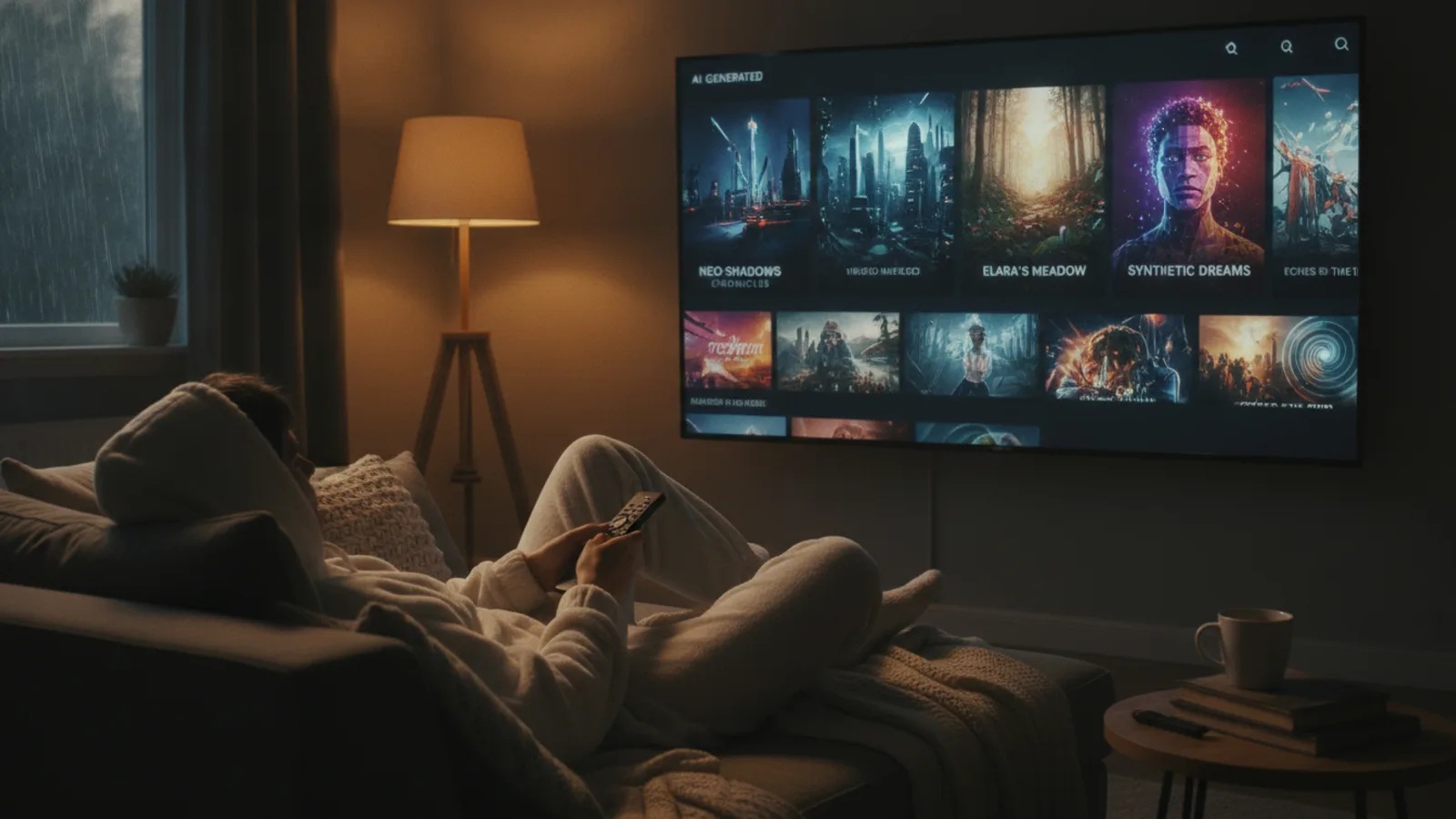
You’ve settled in for the night, but now you're staring blankly at a screen, unsure what to watch. The endless scroll is real. What if you could skip the decision fatigue and let your current mood guide you? Cinely’s watch feed is built around discovery, sorting thousands of AI-generated series to help you find the perfect show for your evening. This guide will show you how to navigate by mood, using filters, genres, and the search tools to cut through the noise. Whether you’re craving heart-pounding suspense or a cozy escape, you can find a series that matches exactly how you feel right now.
How to Browse Cinely by Mood
Your mood is your most powerful filter. Instead of browsing aimlessly, start by asking yourself a simple question: what kind of emotional experience do I want? Do you need to laugh after a long day, or are you looking to get lost in an epic adventure? Once you have that intent, head to the Cinely watch feed. Here, you’ll see series sorted in several key ways that act as mood curators. The "Trending" tab shows what the community is collectively loving right now—ideal when you want to be part of a shared experience. "Newest" is perfect for the viewer who craves novelty and wants to discover a fresh story. "Most Viewed" points to reliable, binge-worthy hits, while "Most Liked" surfaces series with high audience connection. Use these sort options as your first step to narrow the field based on the mood of the crowd versus the mood of discovery.
A common mistake is ignoring these sorts and just scrolling the default feed. The default view is often a mix, which can be overwhelming. Be deliberate: if you're feeling indecisive, start with "Most Liked." It’s a quality filter voted on by other viewers, which often aligns with a satisfying watch. For a step-by-step approach: 1) Open the Cinely app or site. 2) Navigate to the main watch page. 3) Locate the sort dropdown or tab menu (it's usually near the top). 4) Select the sort that matches your intent (e.g., "Newest" for curiosity, "Trending" for social buzz). 5) Browse the refined results. This small action takes five seconds but completely changes the context of your search.
Match a Genre to Your Feeling
Genres are direct pathways to specific moods. Cinely’s library is organized into clear categories that serve as emotional shorthand. If you're feeling romantic or nostalgic, the romance genre offers stories of connection. For a thrill or a scare, dive into horror or action. When you want to escape reality completely, fantasy and sci-fi provide boundless imagination. Need a mental puzzle? The mystery section awaits. For pure levity, choose comedy. And if you’re in the mood for something calm, relatable, and soothing, the slice of life genre offers gentle, everyday stories. Clicking into any of these genre pages immediately filters the vast library to shows designed to evoke those particular feelings, making your search intentional rather than random.
Let’s get concrete with examples of mood-to-genre pairing. Feeling anxious and need distraction? An action series with fast-paced plots can absorb your focus. Feeling melancholic? A slice-of-life series about small, human moments can be comforting, not depressing. Feeling intellectually stagnant? A complex sci-fi or mystery series can engage your mind. A useful checklist: Identify your dominant emotion (e.g., boredom, stress, happiness). Match it to a genre goal (boredom → adventure/fantasy; stress → comedy/light romance; happiness → anything—you're open!). Go to that dedicated genre page on Cinely. Scan the thumbnails and titles—they’re designed to communicate tone. Read the first line of a few descriptions. This targeted approach is faster than hoping the algorithm reads your mind.
Use Search and Your List for Precision
Sometimes your mood is hyper-specific. Maybe you remember a creator’s name from a series you enjoyed, or you’re looking for a show with a particular vibe or title keyword. This is where the search box at the top of the Cinely watch page becomes essential. Type in a name, a word from a title, or even a thematic element like "cyberpunk" or "gothic." The results will pull directly from series and creator names, helping you find exactly what’s on your mind.
Furthermore, when you do find a series that perfectly matches a mood you often find yourself in, save it. Click the save icon on any series page to add it to "Your List." This personal library becomes a go-to mood board for future nights. Building this list over time means you’ll always have a curated selection of “comfort horror” or “uplifting fantasy” ready to go, eliminating the search altogether. Think of "Your List" as your personal mood-based watchlist. You can organize it mentally: these are for lazy Sundays, these are for Friday night thrills. A pro tip: When you save a series, note why you saved it in your own mind ("great for mystery cravings"). This creates stronger mental associations and makes your list more useful over time.
From Watching to Creating Your Own Mood
Exploring series by mood might spark an idea of your own. You might watch a gripping sci-fi thriller and think, “I have a concept for a story like this.” The line between watching and creating on Cinely is fluid. The same creative engine that powers the series you browse is available to you. If you find yourself consistently drawn to a particular genre or emotional tone, it could be a sign of your own creative interests. The Cinely Studio is where those ideas take shape. You can start crafting your own characters, plots, and worlds, using AI to bring to life the very types of stories you love to watch.
It turns passive viewing into active creation. For instance, if you love the specific mood of dark academic mysteries, you could try to build one. The process starts with a concept, then characters, and then scenes. You can even explore coins to understand how the platform's economy works, seeing how creators are supported for their work. Considering premium can offer advanced tools for more detailed creation. The journey from deciding what to watch tonight to shaping what others might watch tomorrow is a unique possibility. It adds a deeper layer to your browsing—you’re not just consuming moods, you’re studying how they’re constructed in a story, which can make you a more discerning viewer.
Curate Your Perfect Viewing Night
A great viewing experience is about more than just picking a show; it’s about setting the intention. Use the tools Cinely provides as your personal programming director. Start with your internal mood, translate it to a genre or sort filter, and dig deeper with search. Save your wins. This proactive approach replaces the frustrating scroll with a satisfying ritual of discovery.
To solidify this, here’s a final actionable plan for your next "what to watch" session. First, pause. Ask: "Am I looking to unwind, be excited, think, or feel?" Second, open Cinely and apply one primary filter—either a genre page or a sort option. Third, browse the filtered results for 2-3 minutes, reading a few descriptions. Fourth, if nothing clicks, use the search box with one keyword from a show you previously loved to find similar vibes. Fifth, when you pick something, commit to the first episode before switching. This structure prevents looped indecision. The vast and growing library of AI-generated series means there’s always a new story, world, or character waiting to align with your feelings. So tonight, before you click play, take that moment. Let your mood lead, and you’ll find not just something to watch, but the right thing to watch.
- How do I find the most popular series to watch on Cinely?
- The Cinely watch feed has built-in sort options that act as popularity filters. Click on 'Most Viewed' to see the series with the highest watch counts, or 'Most Liked' to see those highly rated by the community. The 'Trending' tab is also a great way to see what's currently capturing everyone's attention and is a reliable starting point.
- Can I save series to watch later on Cinely?
- Yes, absolutely. When you find a series you like, look for the save icon (often a bookmark or plus symbol) on the series page. Clicking it adds the series to 'Your List,' which is your personal library. This makes it easy to return to shows that match your favorite moods without searching again, creating a custom collection.
- What if I want to watch something specific, like a certain creator's work?
- Use the search box at the top of the Cinely watch page. You can search for a creator's name or specific keywords from a series title or theme. The search function pulls results from both series names and creator profiles, helping you find exactly what you're looking for quickly and efficiently.
- I'm new to Cinely. What's the easiest way to start finding shows?
- Start with the 'Trending' or 'Most Liked' sorts on the main watch page. These show you what's resonating with other viewers, offering a curated starting point. Then, click into a genre that matches your current mood, like [comedy](/explore/comedy) for laughs or [fantasy](/explore/fantasy) for escape. This two-step method quickly surfaces high-quality, mood-appropriate options.
Written with AI assistance and edited by the Cinely Team.