
What Is Cinely Premium?
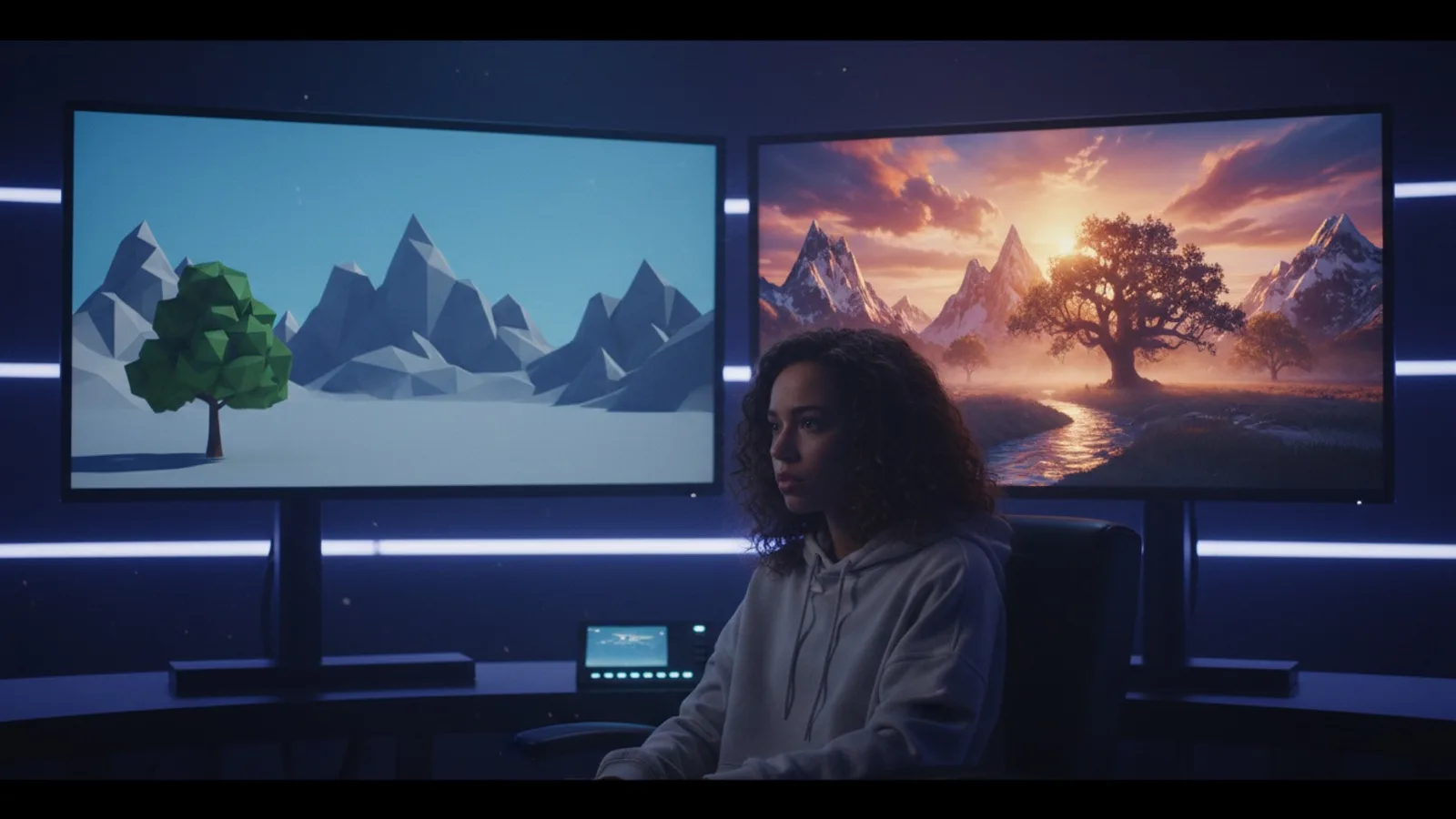
Cinely Premium is the full-access pass to creating with Cinely, an AI movie maker. Think of it as moving from a solid toolkit to an unlimited studio. It removes the guardrails on your creativity, giving you the resources and speed to consistently produce the movies you envision. Your Premium subscription isn’t just about removing restrictions; it’s about providing the fuel and tools to build a more ambitious creator series, experiment without limits, and earn more effectively as a creator.
What Do You Get with Cinely Premium?
The upgrade to Cinely Premium is straightforward. It bundles several key benefits that change how you interact with the platform. Your subscription immediately unlocks every premium visual style in the Cinely library. No more seeing a style you love on a genre page like /explore/fantasy and finding it locked—you have complete access to the full aesthetic range, from hyper-realistic to painterly, for any scene you imagine.
Beyond styles, you receive regular generation credits as part of your membership. These credits are deposited into your account on a recurring schedule, providing a steady stream of resources to create without constantly worrying about your balance. Perhaps the most noticeable daily benefit is priority processing. Your movie generation requests are placed in a faster queue, significantly cutting down your wait times so you can iterate and publish more quickly.
Finally, the entire experience becomes ad-free. Your creative flow in the studio and while browsing content on the watch page is uninterrupted, letting you focus entirely on your projects.
A Creator's Checklist: Using Premium Benefits Effectively
Once you have Premium, how do you make the most of it? Follow this practical checklist to integrate its benefits into your workflow.
- Audit Your Visual Library: First, browse the specific genre pages. For example, check out the distinct styles available for /explore/sci_fi and /explore/mystery. Note 3-5 premium styles that fit your current or planned series. Apply them to a test scene to see their full effect.
- Schedule Your Creation: With regular credit deposits, you can plan. Don't use all your credits the day they arrive. Budget them across the week or month to maintain a consistent publishing rhythm for your series.
- Leverage Priority for Iteration: Use your faster processing for critical scenes. Generate your first draft, then use the speed to create 2-3 alternative versions (e.g., different angles, character expressions) to choose the absolute best one.
- Build a Style Guide: For a series, pick 1-2 primary premium visual styles and 1 accent style for flashbacks or dream sequences. Consistency here builds a professional, recognizable brand for your audience.
A common mistake is treating Premium credits like one-time coin purchases and burning through them on day one. The strategic advantage is their recurring nature, which supports sustainable creation.
Why Upgrade? The Strategic Creator Advantage
For casual users making the occasional short, the free tier offers a great introduction. But if you're serious about building an audience and earning as a creator, Premium becomes a strategic tool. The combination of unlimited styles and a steady credit allowance means you can maintain a consistent, high-quality visual identity for your series. Consistency is key for audience retention. You can't build a recognizable brand if half your episodes use a premium cyberpunk style and the next uses a default filter because you ran out of access.
Speed matters, too. Priority processing means you can capitalize on trends, respond to audience feedback, and maintain a regular publishing schedule. A faster turnaround on generations allows for more experimentation—you can generate multiple versions of a key scene to pick the perfect one without losing a day. This operational efficiency directly supports your goal to earn as a creator, letting you produce more compelling content more reliably. It transforms Cinely from a fun app into a professional content engine.
How to Start Your Premium Free Trial
Cinely offers a 3-day free trial of the Premium subscription. This is the best way to experience the difference firsthand. During the trial, you have full access to all Premium benefits: every visual style, priority processing, and an ad-free environment.
Here are the exact steps to begin:
- Ensure you have the Cinely mobile app installed. This is where you initiate the upgrade for now.
- Open the app and navigate to your profile Settings.
- Look for the account or subscription section, where you will see the option to start your Cinely Premium free trial.
- Follow the prompts. You will not be charged until after the 3-day trial period ends.
Use your trial period proactively. Don't just make one movie. Try to simulate a real creator's week: generate a short film using a cohesive premium style, publish an episode to your series, and experiment with rapid iterations using priority processing. The team is actively setting up the web upgrade flow, so starting the trial directly from your desktop studio will be available soon.
Managing Your Cinely Subscription
Once subscribed, you remain in control. All subscription management—viewing your next billing date, upgrading or downgrading, and cancellation—is handled from your account Settings in the mobile app. This centralized hub gives you a clear view of your membership status. Your regular credit deposits and active benefits will continue seamlessly as long as your subscription is active. For store-by-store help, see our guide to cancelling an AI app subscription wherever you signed up.
It’s designed to be straightforward, so you can spend less time on admin and more time using your Premium access in the studio to create your next project. If you ever have questions about your benefits or billing, the support options within Settings are your first point of contact. Remember, if you cancel, your benefits continue until the paid period ends, and you can resubscribe at any time.
Is Cinely Premium Right for You?
Consider your goals on the platform. Are you creating for fun, once in a while? The free version has powerful capabilities. Are you building a creator series, aiming to grow an audience, and treating AI movie-making as a serious creative or even revenue-generating pursuit? Then the math changes. The value of Premium compounds with your output. To run that math yourself, this breakdown of the real per-minute cost of an AI movie helps you estimate spend before choosing a plan.
The unlocked styles elevate your production quality. The regular credits provide predictable resources for planning. The faster processing saves you tangible time. Together, they remove friction from the creative process, allowing you to focus on storytelling and audience building. For dedicated creators, it's less of an expense and more of an investment in the quality and scale of your work.
Try it for three days. Use the trial to produce something you couldn't before. Push the visual boundaries with premium styles from /explore/action or /explore/comedy. Feel the difference priority processing makes when you're on a deadline. Then decide if the streamlined, empowered workflow is the right fit for your journey on Cinely. Visit the /premium page for the latest details or head to the studio to start creating with your new tools.
- What's the difference between Cinely Premium and buying coins?
- Buying coins gives you a one-time bundle of generation credits. Cinely Premium is a subscription that provides recurring credits, plus permanent access to all premium visual styles, faster priority processing, and removes ads. Premium is about ongoing access and speed, while coins are a consumable resource for generations.
- Can I use Cinely Premium on the web?
- Yes. Once your subscription is active through the mobile app, all Premium benefits are available on the web platform immediately. You can use every style and enjoy priority processing in your desktop studio. The initial upgrade process is currently in the mobile app, with a web upgrade flow coming soon.
- What happens if I cancel my Premium subscription?
- If you cancel, you keep access to all Premium benefits until the end of your current billing period. After that, you revert to the free tier. You will lose access to premium-only visual styles, priority processing, and ad-free browsing. Any unused subscription credits will remain in your account.
Written with AI assistance and edited by the Cinely Team.