
Common AI Movie Mistakes and How to Fix Them
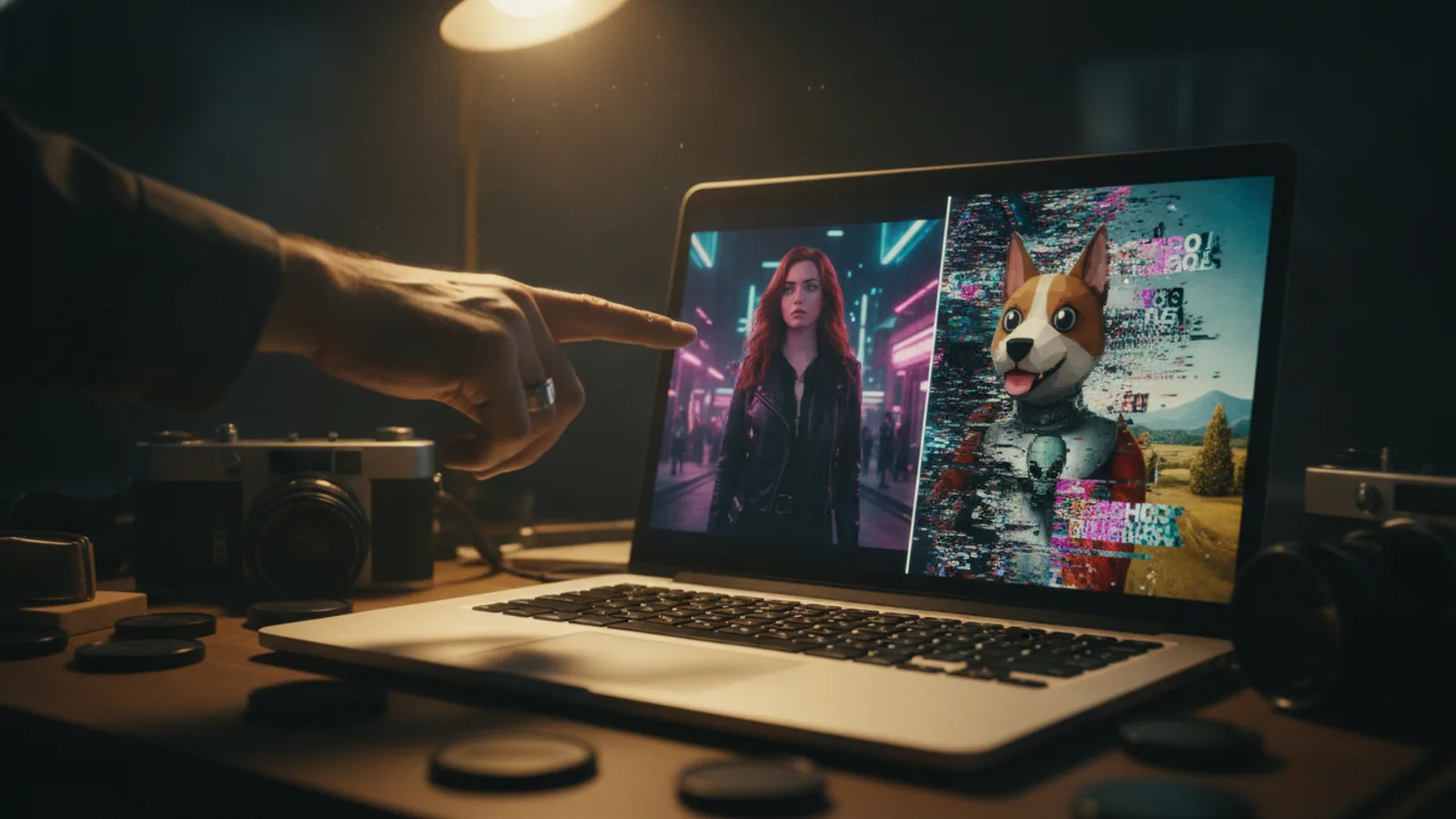
You've got a brilliant idea for a short film. You type your vision into an AI movie maker, full of excitement, only to get back a confusing jumble of images. The character's face changes in every scene, the story makes no sense, and the whole thing feels chaotic. This is a common experience, but it's not the AI's fault. More often, it's a few simple creative choices that lead to these frustrating results.
The good news is that every common AI movie mistake has a straightforward fix. By understanding a few core principles, you can guide the AI to produce cohesive, compelling stories instead of confusing clips. This guide will walk you through the most frequent pitfalls—like visual inconsistency, overloaded prompts, and getting stuck on a weak scene—and show you exactly how to fix them, often without starting over from scratch.
Mistake 1: Inconsistent Visual Styles and Character Designs
This is the number one giveaway of an AI-generated movie. Your main character is a grizzled detective with a scar in scene one, but in scene two, they're a fresh-faced youth with different hair and clothes. The background might shift from a photorealistic city to a cartoonish sketch. This breaks the audience's immersion immediately. The mistake happens when you don't define the visual rules for your world before you start generating.
How to Fix It: Lock down your style first. Treat your movie like a real production. Before filming, a director chooses a cinematographer, a costume designer, and a location scout. You need to do the AI equivalent. On Cinely, this means selecting a consistent visual style from the beginning and sticking to it for your entire project. Don't switch between "cinematic photorealism" and "watercolor painting" mid-way. For characters, use clear, consistent descriptors in every prompt, or use the platform's tools to maintain a character reference. The key is to establish a visual bible for your short film and follow it. Want to experiment with different looks? Save that for a separate project, like a moody horror piece versus a bright comedy.
Mistake 2: Overloading Your Prompts with Too Many Ideas
You want a scene where the hero, a cyborg with a glowing blue arm, is arguing with a holographic AI in a rain-slicked neon alley while their pet robot-dog looks on sadly. You type all of that into one prompt. The result? The AI gets confused, prioritizing some elements and dropping others entirely. You might get the alley and the rain, but the cyborg is missing an arm, the hologram is a static image, and the dog is nowhere to be seen. An overloaded prompt asks the model to do too much at once.
How to Fix It: Master the single beat. A scene should convey one clear story beat or action. Break down that complex idea. Scene 1: A close-up on the cyborg's glowing blue arm as raindrops sizzle on it. Scene 2: The cyborg looks up, their face reflected in the shimmering surface of a holographic AI. Scene 3: The AI's expression flickers as they speak. Scene 4: A low-angle shot of the small robot-dog sitting by the cyborg's foot, a single lens drooping. By giving the AI one clear task per scene, you get stronger, more focused results. Think of it as writing a shot list, not a novel paragraph. Start practicing this focused approach in your own Cinely studio.
Mistake 3: Starting Over Instead of Fixing One Scene
You've generated four great scenes, but the fifth is all wrong. The character is off-model, the action is confusing, or the color palette is jarring. The instinct is to scrap the entire movie and begin again. This is a massive waste of time and discards all the work that did go right. AI filmmaking is iterative, not linear.
How to Fix It: Regenerate, don't restart. This is a core advantage of using an AI movie maker. You are the director, and you can call for another take on just one shot. In Cinely, you can select any individual weak scene and regenerate it with adjusted prompts while leaving the rest of your movie intact. Change the description slightly, emphasize a different detail, or adjust the style setting for that scene alone. This targeted revision process is how you refine a movie from a rough cut to a polished final product. There's no need to go back to square one. If the problem is a scene that never finishes rather than one that looks wrong, see how to handle a stuck or failed generation and reclaim spent credits.
Mistake 4: Ignoring Pacing and Scene Transitions
Even with consistent visuals and clear scenes, a movie can feel like a slideshow if the pacing is off. Every shot is the same medium-length duration. Scenes cut abruptly from a quiet dialogue to a roaring explosion with no buildup. The mistake is thinking only about the static image, not the flow of time and emotion between images.
How to Fix It: Direct the rhythm. Use your scene descriptions to imply pacing. Words like "slow pan," "rapid cuts," "lingering close-up," or "wide establishing shot" guide the AI's interpretation of timing. Think about transitions. Instead of just describing two scenes, describe the connective tissue: "The camera pushes in on the character's worried eyes, then a match cut to a spinning gear in the machine." After generating, use the editing tools to adjust scene duration and add sound or music cues that enhance the rhythm. See how pacing creates tension in genres like sci-fi or mystery.
Mistake 5: Writing for a Book, Not for the Screen
Your prompts are full of internal monologue, backstory, and complex emotional states that are invisible to a camera. "John thinks about his lost love, feeling a deep melancholy mixed with regret for the choices he made ten years ago." The AI has no way to visualize this directly. It might give you a sad-looking man, but the specific, layered emotion will be lost.
How to Fix It: Show, don't tell. Translate internal states into visible actions and imagery. What does "deep melancholy mixed with regret" look like? Perhaps: "John slowly turns an old wedding ring on his finger, staring at a faded photograph on the rain-streaked window. He sighs, and his reflection blurs." This gives the AI concrete visual elements to work with: the ring, the photo, the rain, the sigh, the blurred reflection. The emotion is shown through the action. This is the fundamental skill of screenwriting, and it applies directly to writing effective AI prompts.
Putting It All Into Practice
The journey from a messy first draft to a compelling AI movie is about control and iteration. Start with a solid, simple concept. Define your visual style and character anchors. Write prompts that focus on one clear, visual beat per scene. Generate your movie, then review it critically. When you find a weak scene, regenerate it. Tweak the pacing and think about how scenes connect. Remember, you are the director. The AI is your crew, your cinematographer, your special effects team. It responds to clear, concise direction. By avoiding these common mistakes, you stop fighting the tool and start collaborating with it. Ready to apply these fixes? Head to the Cinely creation page and start your next project with these guidelines in mind. You might be surprised how much your results improve.
- Can I fix a single bad scene without redoing my whole AI movie?
- Absolutely. This is a key advantage of platforms like Cinely. You don't need to restart your project for one weak scene. Simply select the specific scene that isn't working and use the regenerate function. You can adjust the prompt, tweak settings, or try a different visual emphasis for that scene alone, while keeping all your other successful scenes intact.
- Why do my AI-generated characters keep changing appearance?
- This is usually caused by inconsistent prompts. If you describe the character differently in each scene prompt, the AI will generate a new interpretation each time. The fix is to establish a clear, locked-in character description from the start and reference it consistently. Use the same key details—hairstyle, clothing, distinctive features—in every prompt where they appear to maintain continuity.
- My AI movie prompts are detailed but the results miss key elements. What's wrong?
- Your prompts are likely overloaded. The AI can struggle when a single prompt contains multiple complex actions, characters, and settings. Try breaking the idea down. Focus on one clear story beat or visual per scene. Instead of describing an entire chaotic argument, prompt for a close-up on a clenched fist, then a shot of a shattered glass, then a character's reaction. Simpler, sequential prompts yield more accurate and controlled results.
Written with AI assistance and edited by the Cinely Team.