
How Long Does It Take to Make an AI Movie?
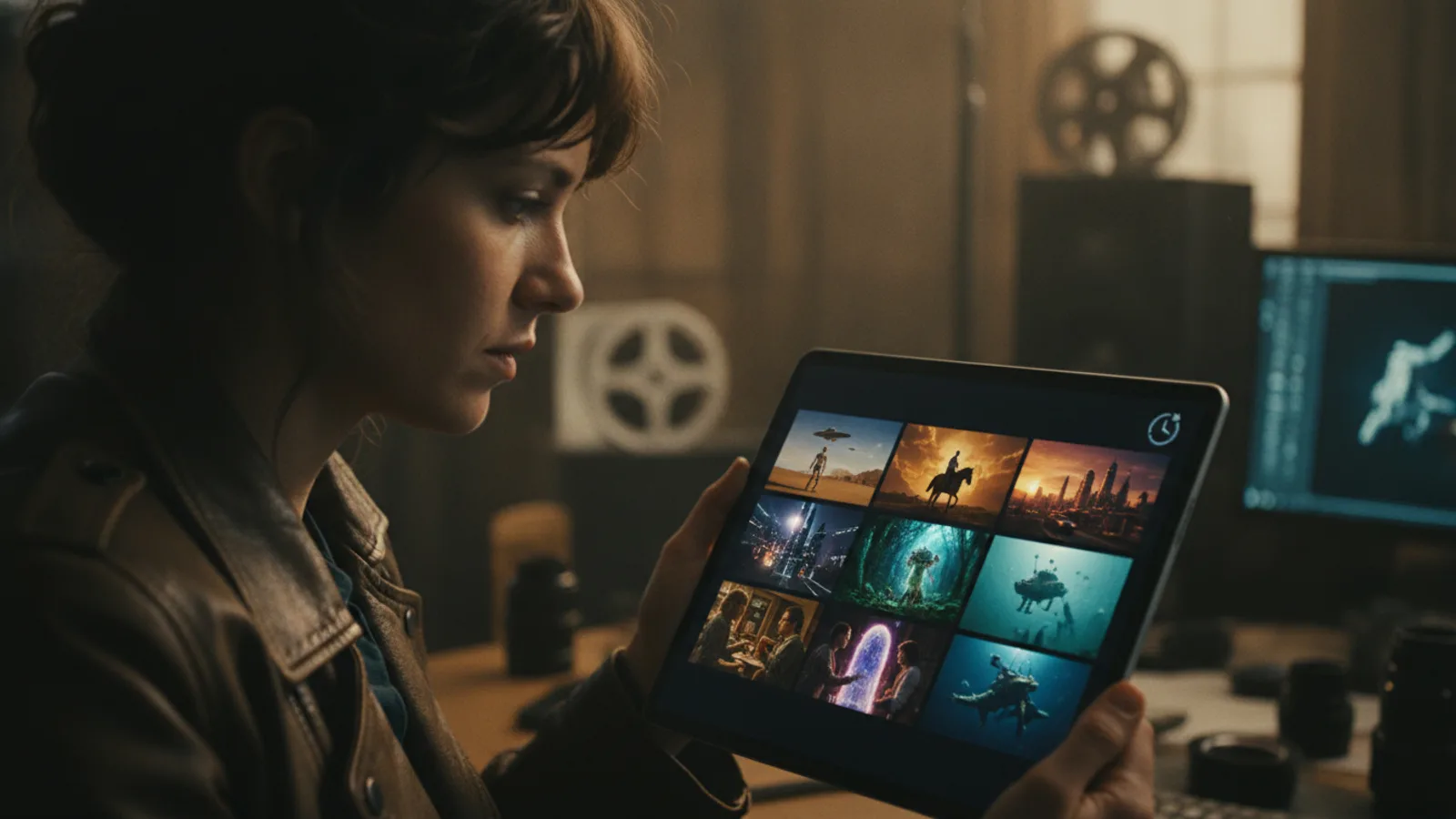
The most practical answer to 'how long to make an AI movie' is: it depends entirely on your process. Unlike traditional video generation tools that render an entire video in one long, unpredictable wait, AI movie generation platforms like Cinely are built for iteration. Your timeline isn't about waiting for a monolithic render to finish; it's about actively shaping your story, scene by scene. The speed is in your hands. You're not a passive spectator waiting for a result—you're a director making real-time decisions. Your focus shifts from technical rendering time to creative development time, which is the true measure of a project's duration.
The Scene-by-Scene Workflow: Your Key to Speed
Cinely's core technical approach directly answers the question of AI video generation time. The platform generates your movie one scene at a time. Think of it like building with cinematic blocks. You write a prompt, generate a scene, and review the output immediately. If a shot isn't right, you regenerate just that specific scene. You don't scrap and rebuild the entire film. This iterative, targeted process is what makes creating a movie fast. It eliminates the frustration of a single, hours-long render that might fail or miss the mark. Your time is spent on creative refinement, not technical guesswork. And if a single scene does hang or error out, here's what to do when an AI video is stuck or failed, and how to get credits back.
Variables That Shape Your Project Timeline
Several factors will determine your final timeline. Understanding these helps you plan and work more efficiently.
- Script Complexity: A simple, five-scene romantic comedy will naturally take less time than an epic sci-fi saga with complex world-building and action sequences. Start simple to get a feel for the pace. Explore the romance or comedy categories for inspiration on straightforward narratives.
- Your Specificity: Vague prompts often lead to more regeneration cycles. The clearer your vision for a scene's composition, character actions, and mood, the faster you'll get a usable result. Instead of 'a scary room,' try 'a dimly lit Victorian nursery, with a single rocking chair moving slowly on its own.'
- Revision Threshold: Are you a perfectionist who will regenerate a scene ten times to get the perfect actor's expression? Or are you happy with a solid first or second draft? Your personal standards for 'done' are the biggest personal variable. Using Cinely's studio tools for organization can help you manage these revisions without losing track.
A Realistic Production Schedule: From Minutes to Weeks
Let's break down what 'fast' can mean in practical terms.
- The Lightning Draft (Under 1 Hour): You can absolutely go from a blank page to a shareable, 60-second movie in under an hour. This is perfect for a proof of concept, a social media clip, or a fun experiment. You'd write a concise 3-5 scene script, accept the first or second generation for each scene, add a music track, and export.
- The Polished Short (A Few Days): For a more refined 3-5 minute short film, plan for a few dedicated sessions over several days. Day one: outline and script. Day two: generate all core scenes. Day three: review, regenerate key problem scenes, and tweak pacing. Day four: finalize audio, titles, and export. This schedule allows for creative breathing room and thoughtful revision.
- The Ambitious Series (Weeks/Months): For a multi-part creator series, your timeline expands, but the scene-by-scene advantage scales with you. You work in episodes, treating each as its own short film. The ability to regenerate a single flawed scene without corrupting your entire episode's work is invaluable for long-term projects. Consider tools like Cinely Premium for extended capabilities if you're committing to a larger series.
Optimizing Your Process for Maximum Efficiency
To truly minimize the time it takes, adopt a strategic workflow.
- Outline First, Generate Later: Don't generate scenes as you think of them. Write your full script or detailed beat sheet first. This gives you a roadmap and prevents mid-stream creative paralysis.
- Batch Your Tasks: Dedicate one session to writing all your prompts. Dedicate the next to generating all your scenes. Then have a separate review and regeneration session. Context-switching less saves mental energy and clock time.
- Use 'Good Enough' as a Milestone: For your first draft, aim for 'good enough to convey the story.' Lock in your narrative flow first. Then, in a second pass, go back and upgrade the two or three most important visual scenes to 'great.'
- Leverage the Community: Stuck on a scene idea? Browse the Explore page to see how others have visualized similar concepts. Getting inspired can be faster than staring at a blank prompt box.
Common Mistakes That Waste Time
Knowing what slows you down is as important as knowing what speeds you up. Avoid these pitfalls.
- Endless Tinkering on Scene One: Don't try to make the first scene perfect before moving to scene two. You may later cut the scene entirely, making that time investment worthless. Generate rough drafts for your entire sequence first.
- Ignoring the Prompt Library: If you're writing a horror film, start by looking at successful prompts in the horror genre. Reverse-engineering a working prompt is faster than inventing one from scratch.
- Not Using Scene Descriptions: A text description for each scene in your script is crucial. It serves as your prompt blueprint. A scene description like 'EXT. SPACEPORT - NIGHT - Rain slicks the neon-lit landing pads. A shadowy figure buys a forged identity chip from a tentacled vendor' gives the AI clear, actionable direction, reducing regeneration loops.
Why the Old 'Render Time' Metric Is Obsolete
In legacy video production—AI or otherwise—'render time' was a black box. You’d hit export and wait, hoping your software didn't crash after 45 minutes. Cinely's model makes that obsolete. Your wait time is the few seconds it takes to generate a 10-second scene. If it fails, you lose seconds, not hours. This fundamentally changes the creative relationship with time. You experiment more freely. You try wild ideas because the cost of failure is negligible. The question stops being 'how long will rendering take?' and becomes 'how quickly can I iterate to my vision?' To start this process, begin with the Cinely creation hub.
The journey from idea to screen is now a dynamic conversation, not a delayed monologue. The time it takes to make an AI movie is no longer a mystery dictated by your computer's processor. It's a flexible duration you control, defined by your creative goals, your attention to detail, and your willingness to iterate. The tools are built for speed; you decide how to use that speed to tell your story.
- Can I really make a full movie in under an hour?
- Yes, for a very short, simple film. If you have a clear 3-5 scene script and are not aiming for perfection in every shot, you can generate scenes, quickly review them, add basic audio, and export a complete 60-90 second movie in under an hour. The scene-by-scene generation makes this rapid assembly possible.
- What's the biggest time-saver when using Cinely?
- The single biggest time-saver is the ability to regenerate individual scenes without affecting the rest of your movie. In traditional rendering, a flaw in scene 3 means re-rendering scenes 1 through 10. With Cinely, you only fix scene 3. This localized iteration saves hours of wasted processing time and lets you focus your effort precisely.
- Does a longer or more complex movie take exponentially longer to make?
- Not exponentially, but it does take proportionally more time. The effort scales more linearly because you're still working on one scene at a time. A 10-scene movie will take roughly twice as long as a 5-scene movie of similar complexity, not four times as long. The manageable, modular workflow prevents complexity from causing a time blowout.
Written with AI assistance and edited by the Cinely Team.