
How to Share AI Dramas and Watch with Friends
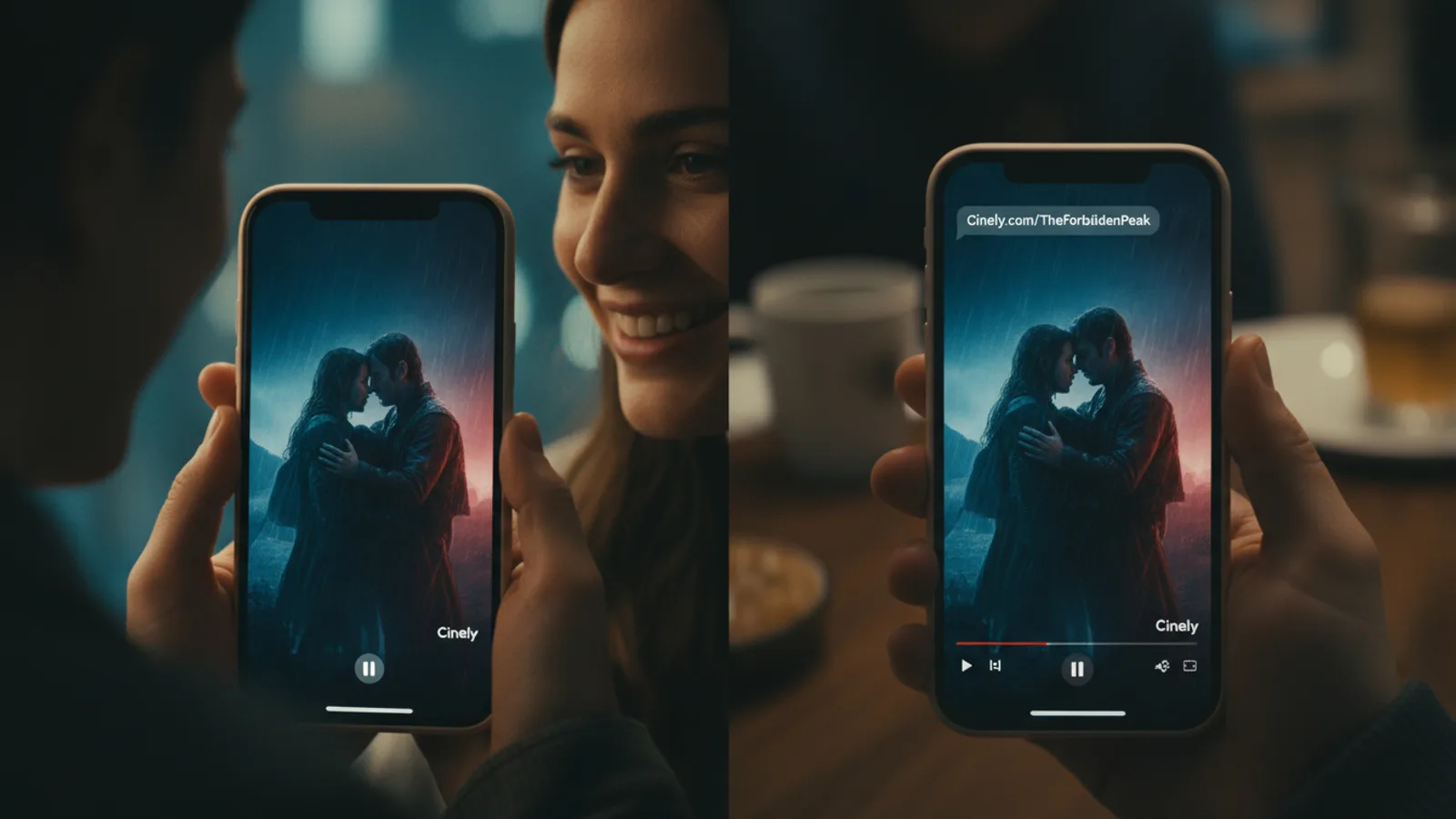
Found an AI drama you can't stop thinking about? Discovered a creator whose fantasy series has the perfect cliffhanger? Sharing that excitement is a core part of the experience on Cinely. The platform is built for social viewing, allowing you to send a story to anyone with just a link. Every series and every episode has a public, shareable URL. When you share it, your friends can click and watch immediately—no account or login is required. This guide covers the exact steps to share AI series, how to turn it into a social event, and why your simple action is so powerful for the creators you love.
Step 1: Find and Copy the Shareable Link
The process starts on the series or episode page. First, find the content you want to share. This could be from your /watch history, a recommendation, or by browsing a category like /explore/fantasy or /explore/sci_fi. Once you're on the page, look for the universal share icon. It's usually a curved arrow pointing up, or a link chain symbol, located near the title or description. Click it. A menu will appear with the option to "Copy Link." Select that. You will not get a confirmation dialog; the link is now silently saved to your device's clipboard. This link is the key. It's a direct, public gateway. You can now paste that link anywhere: into a text message, a WhatsApp group, a Discord channel, an email, or a social media post like Twitter or Facebook. The recipient needs only an internet connection.
Step 2: Organize a Synchronized Watch Party
Sharing a link for asynchronous viewing is great, but watching together in real time creates a shared memory. Hosting a watch party requires minimal tech setup. First, coordinate with your friends. Choose a series that fits the group's mood—a suspenseful /explore/mystery for collective guessing, or a /explore/comedy for shared laughs. Send the copied series link to everyone in your group chat. Agree on a precise start time (e.g., "Play at 8:00 PM sharp"). When the time comes, everyone clicks the link and hits play simultaneously. For audio commentary, use a parallel voice call on Zoom, FaceTime, or Discord. The simplicity is the advantage: no special software or sync plugins are needed. As you watch, reactions happen live. This method is perfect for premieres of new episodes from your favorite creators. Every person watching counts as a view, making your party a significant boost for the series' stats in that moment.
Step 3: Share Specific Episodes for Context
You don't always need to share a full series. Often, you want someone to see a specific moment. Cinely's sharing works at the episode level. While an episode is playing, look for the same share icon within the video player controls. Clicking it copies a link that goes directly to that exact episode, not the series homepage. Use this for precision. Examples: "Watch the incredible battle in Episode 3 of this /explore/action series," or "Catch up to Episode 5 so we can talk about the cliffhanger." When your friend opens the link, the player loads that specific episode ready to play. They can then easily navigate to other episodes using the series sidebar. This respects their time and lets you curate the experience. A common mistake is only sharing the series homepage, which forces the viewer to find the right episode. Sharing the episode link is the more considerate and effective method.
Why Your Share Is a Powerful Tool for Creators
When you copy and send that link, you become part of a creator's growth engine. This isn't an abstract concept; it's tracked in real data. First, every single view generated from your link is recorded in the creator's analytics in their /studio dashboard. They can see traffic sources, including social shares. Second, and more materially, if the series has a coin-lock system for later episodes, your friend's decision to unlock directly funds the creator. Cinely's model allocates 70% of the revenue from those unlocks to the creator. Your share is a potential lead that converts into direct earnings. It's more valuable than a passive view from the homepage. By introducing a new fan, you're expanding the creator's audience in a sustainable way. If you love a story, sharing it is the most impactful action you can take beyond watching it yourself.
Best Practices for Effective Sharing
To increase the chance your friends will click, add compelling context. Don't just paste a bare link. Frame it with a personal hook.
- Genre Hook: "If you love slow-burn character drama, this /explore/slice_of_life series is perfection."
- Emotional Hook: "This horror series actually scared me—see Episode 2!" (linking to /explore/horror).
- Creator Hook: "This filmmaker's visual style is insane. Started their new series today."
If you are a creator, sharing your own work from your /studio dashboard is non-negotiable for growth. Share across different platforms: link in your Instagram bio, post a gripping scene on TikTok with the link, or discuss it in relevant Reddit communities (where allowed). The goal is integration. Make sharing the exciting finale or the surprising new /explore/romance series a natural part of your conversation. Authenticity always beats generic promotion.
Troubleshooting Common Sharing Issues
Sometimes a share doesn't go as planned. Here’s how to fix common problems.
- Link Doesn't Work: Ensure you copied the full link. Sometimes, if you manually select text, you might miss part of the URL. Always use the official 'Copy Link' button. If a friend reports an error, try generating a fresh link yourself and sending it again.
- Friend Can't See All Episodes: Remember, if a series uses a coin-lock system, later episodes will be locked for them as a new viewer, just as they were for you. This is normal. You can explain they can support the creator by unlocking them.
- Watch Party Out of Sync: If streams desynchronize during a live party, have everyone pause, count down from three, and press play together again. A stable internet connection on everyone's part is key. Using the same episode link (not series link) ensures you all start at the exact same point.
- Want to Share Privately? The public link is the only sharing mechanism. There is no private, password-protected share option. If you want a more controlled group discussion, share the link in a private group chat rather than a public social media feed.
Ultimately, the ability to share AI series effortlessly transforms how we discover and enjoy stories. It turns a solo viewing session into a social catalyst and a direct line of support for the artists building worlds with AI. Next time a plot twist leaves you stunned, don't just sit on it. Copy the link. Send it. Start a conversation. You might just launch a creator's next big project with that single act. Explore more stories to share on the /watch page, or if you're inspired, start making your own to share from the /create page.
- Do my friends need a Cinely account to watch a shared series?
- No account is needed. Any link you share is public. Your friends can click it and watch the series or episode instantly in their web browser. They never have to sign up, log in, or provide an email address to view the content.
- How does sharing help the AI series creator?
- It helps in two concrete ways. First, every view from your link is counted in the creator's audience statistics. Second, and most importantly, if your friend uses coins to unlock later episodes, the creator earns 70% of that revenue. Your share is a direct channel for new viewers and potential support.
- Can I share a single episode, or only a whole series?
- You can share both. Use the share button on a series page to link to the entire show. Use the share button *inside the video player* while an episode is playing to copy a link that goes directly to that specific episode. This is ideal for discussing key moments.
Written with AI assistance and edited by the Cinely Team.