
Story to Video AI: Turn a Written Story Into Video
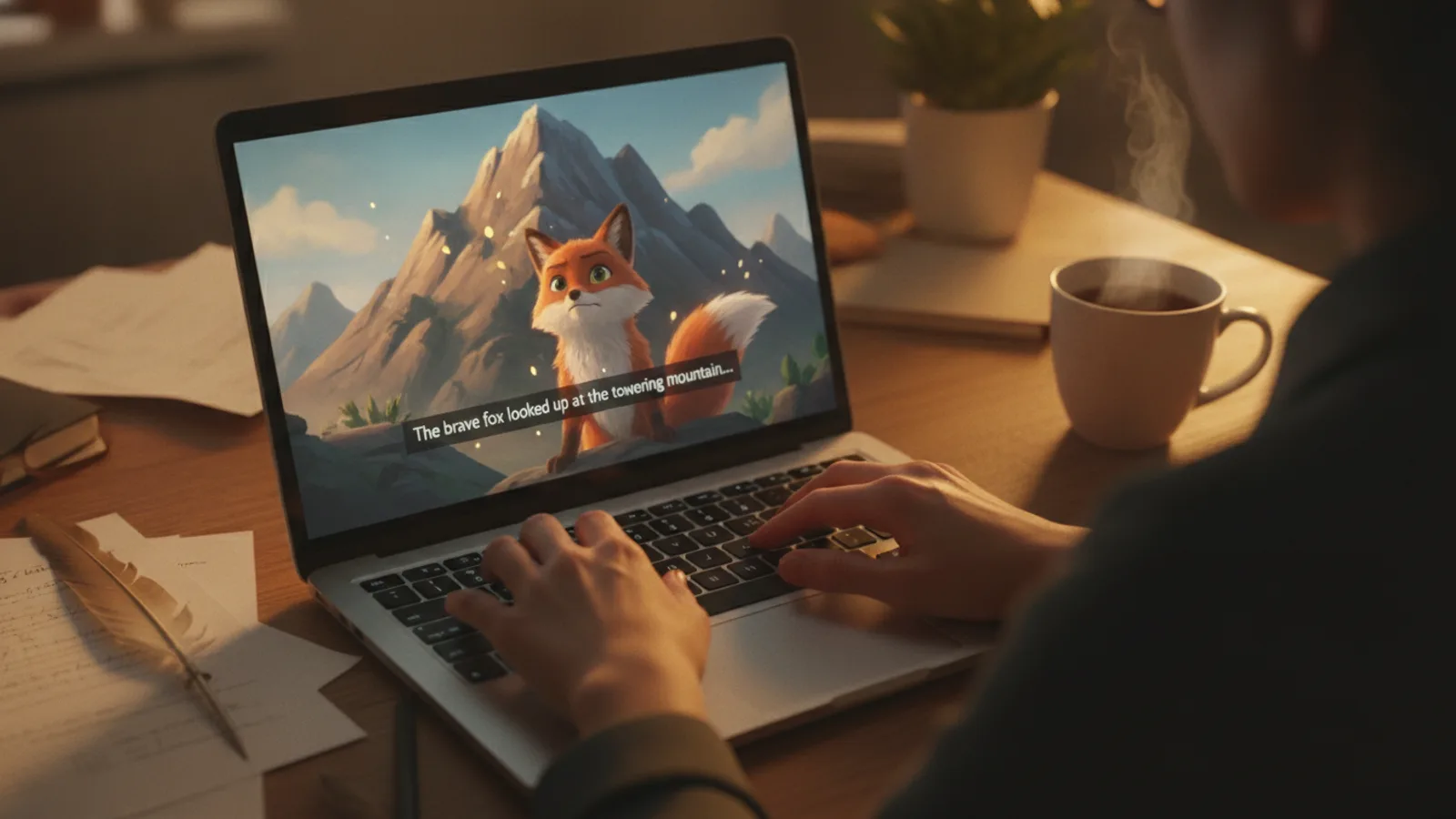
Story to video AI turns a few lines of text into a narrated, illustrated video: you type the story, the AI writes the narration scene by scene, draws every scene and has one storyteller voice read it aloud. With Cinely's AI story video maker that means one form, a free preview of every line, and a finished video in 30 seconds to 3 minutes of story.
This guide goes through it step by step, with the real limits and prices, so you know what to type and what it will cost before you start.
What a story to video AI actually does
A story video is not a slideshow with a voice-over. The writer splits your story into beats (an opening, the hero, a wish or a problem, the attempts, a setback, the turning point, the ending and the moral), gives each beat its own 8-second clip, writes what the narrator says over that clip, and draws it. A short story keeps only the beats a tale cannot do without; a longer one gets more attempts and setbacks in the middle.
On top of the pictures you get:
- One narrator who reads the whole story, slower and softer when it is a bedtime story.
- A title card on the first clip and a moral card on the last (you can switch both off).
- Read-along captions, if you want them.
- 17 languages for the story and the narration.
Step 1: Write the story (or just the idea)
Open the AI story video maker and type up to 400 characters. That is enough for:
- Your own story in a few sentences: "A little fox finds a basket of berries and has to decide whether to share it with the hungry crow."
- Just an idea: "a cloud that was afraid to rain".
- A lesson you want to teach: "a story that teaches my son to tell the truth".
- A classic by name: "The Tortoise and the Hare". Classics are told in their public-domain form.
You do not have to write the ending or the moral. If you want a specific lesson, put it in the optional moral field (up to 120 characters) and the story is written to earn it. A title is optional too.
What you cannot use: studio or franchise characters, brands, real people and celebrities. A prompt filter checks the story before anything is charged.
Step 2: Choose who it is for and how it is told
Two settings change the writing more than anything else:
- Who is it for? Little ones (3–5), Kids (6–10) or Everyone. For little ones the words are shorter, the narrator is slower and nothing is frightening.
- How is it told? Bedtime (soft, slow, a quiet ending), Playful (bright and a little funny) or Classic fable (a storybook voice with a clear moral).
If you are making a story for the night, read our guide to AI bedtime story videos, which goes deeper into the bedtime settings.
Step 3: Pick the storyteller's voice
The presets are Warm woman, Gentle man, Grandmother and Grandfather. Auto picks the one that fits the tone. You can also choose a voice from the catalog or use your own voice. One voice reads the entire video, so the story sounds like one person telling it.
Step 4: Add the characters (optional)
You can leave the cast to the writer, or:
- Name the hero: the narrator calls them by that name.
- Add a clear photo of a face: that person becomes the hero and keeps the same face in every scene. Add more photos and the others become the hero's companions.
- Describe a companion instead of using a photo, for example "a small round sparrow with a red scarf".
Only use photos of people who agreed. A photo of a child may only be added by their parent or guardian, and it is used for that video only.
Step 5: Set the length, look and format
Under the advanced settings you choose the length, and the length decides the number of clips. Clips are 8 seconds and the count rounds up, so a story is never cut off before its ending:
| Story length | Clips | Standard | Cinematic |
|---|---|---|---|
| 30 s | 4 | 120 credits | 240 credits |
| 60 s | 8 | 240 credits | 480 credits |
| 90 s | 12 | 360 credits | 720 credits |
| 120 s | 15 | 450 credits | 900 credits |
| 180 s | 23 | 690 credits | 1,380 credits |
Cinematic quality needs Cinely Premium. Here you also pick an art style, turn the title and moral cards or the captions on or off, choose the language, and switch from landscape (the default, for a TV or tablet) to portrait for phones.
Step 6: Read the preview, then approve
Press Preview story. Cinely writes the whole story, the narration of every clip, the title and the moral, and shows them to you before a single credit is spent. Read it as you would read a book to a child. If it is right, approve and the clips are drawn, narrated and joined into one video. If a scene is blocked by the content rules, it is refunded.
Free accounts get welcome credits and daily check-in credits, enough to try a short story; you can also buy coins. Free downloads carry a small "Made with Cinely" badge, which Premium removes.
Tips for a better AI story video
- Give the hero a want. "A turtle who wants to see the sea" gives the writer a wish, attempts and a turning point. "A turtle" gives it nothing.
- Put the lesson in the moral field, not in the story. The story then shows the lesson instead of saying it.
- Match the length to the story. A simple fable fits in 60 seconds (eight clips). Keep 120 or 180 seconds for stories with several attempts or companions.
- Write in the language you want. The story is written in the language of your words; you can also set it in the Language field.
Story video, film or something else?
A story video is a told story: one narrator, cards, a moral. If your characters should talk to each other in their own voices across many scenes or episodes, use the AI movie maker instead. To teach a topic rather than tell a tale, there is the AI educational video maker, and for a song there is the AI music video maker.
Ready to try it? Type your first line into the AI story video maker and read the preview for free.
- What can I type into a story to video AI?
- In Cinely, up to 400 characters: your own story, a one-line idea, a lesson you want to teach, or the name of a classic tale (Aesop, the Panchatantra, Grimm, Andersen), which is told in its public-domain form. Studio characters, brands, real people and celebrities are not allowed.
- How much does it cost to turn a story into a video?
- Every 8-second clip costs 30 credits in Standard quality and 60 in Cinematic (Cinematic needs Premium). A 30-second story is 4 clips (120 credits in Standard), 60 seconds is 8 clips (240), 90 seconds 12 clips (360), 120 seconds 15 clips (450) and 180 seconds 23 clips (690). The script and the narration are previewed for free; you pay when you approve.
- Who narrates the video?
- One storyteller voice reads the whole video. Pick Warm woman, Gentle man, Grandmother or Grandfather, let Auto choose a voice that fits the tone, or use a voice from the catalog or your own voice.
- Can a real person be the hero of the story?
- Yes, if you add a clear photo of their face: the hero keeps that face in every scene. Use only photos of people who agreed; a photo of a child may only be added by their parent or guardian and is used for that video only.
- Is it free?
- Previewing is free. New accounts get welcome credits and can collect daily check-in credits, which can pay for a short story video. Free downloads carry a small "Made with Cinely" badge; Premium removes it.
Written with AI assistance and edited by the Cinely Team.