
Your Guide to the Cinely Watch Feed
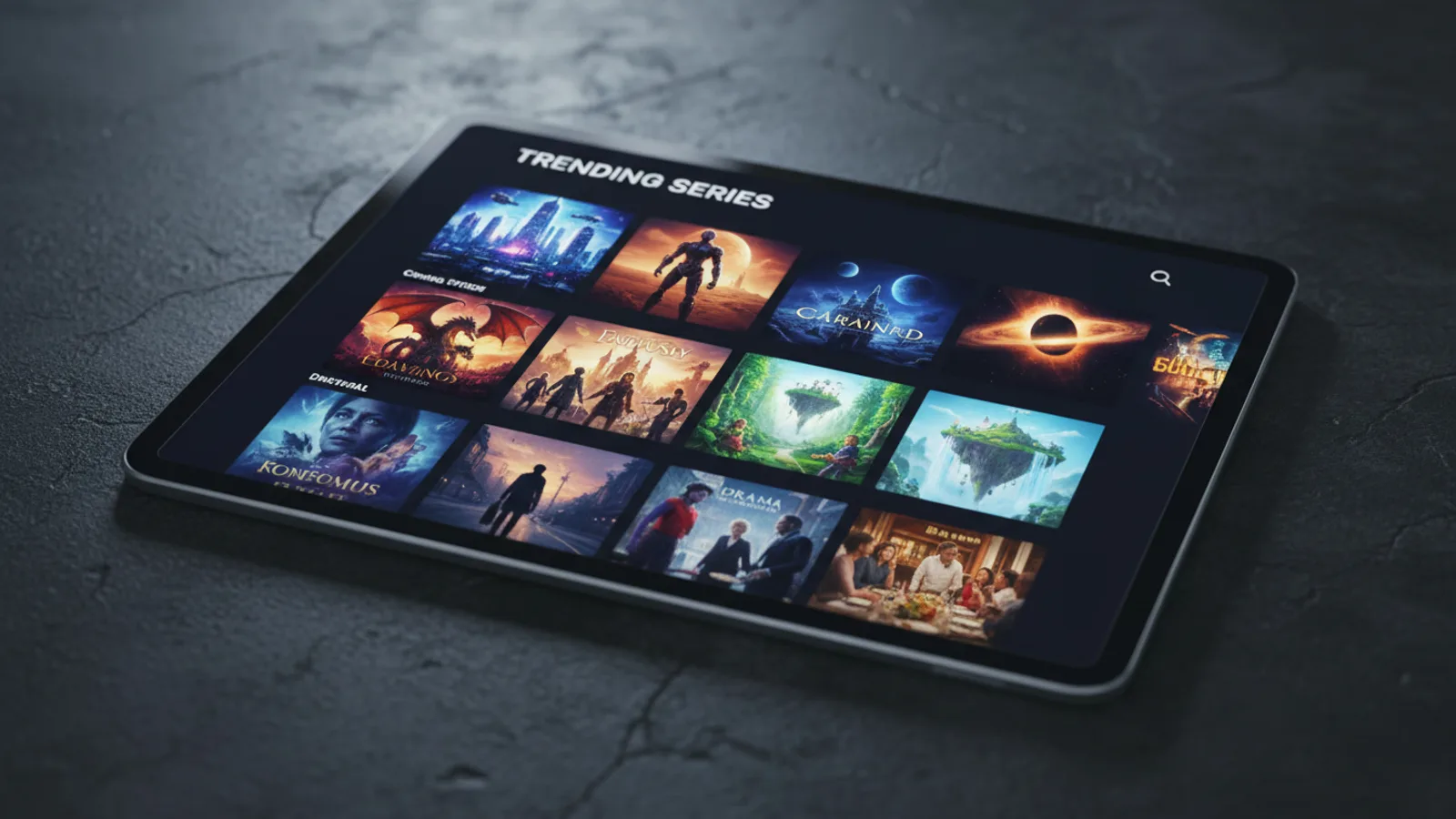
Every streaming service has a home screen, but the one on Cinely is built for discovery in a new world of AI-generated stories. The Cinely watch feed is your launchpad for finding the next series to binge, following your favorite creators, and diving into genres you love. It’s more than just a list; it’s a curated window into a constantly evolving library of creator-made series, designed to help you watch exactly what you’re in the mood for. From trending hits to hidden gems, your journey starts here. You can access the main feed directly from the Cinely homepage. Coming over from a paid drama app? Here's how to cancel ReelShort, DramaBox or ShortMax before your next renewal.
Understanding the Core Watch Lists
The primary section of the watch feed presents published creator series in organized, scrollable rows. You control the sorting to match your browsing style with four main filters.
The default is often the Trending list. This surfaces series gaining rapid popularity based on a combination of recent views, likes, and share velocity. It’s not just about total numbers; it’s about momentum. A series with a sharp spike in engagement over 24 hours will appear here, making it your best bet for catching the latest viral hits everyone is talking about.
Next, the Newest feed shows you every published series in strict chronological order. This is the raw frontier, completely uncurated by popularity. It’s where you can be among the very first to watch something fresh, discover a new creator before they trend, or simply see the sheer volume of content being published daily.
If you prefer the wisdom of the crowd, switch to Most Viewed. This list ranks series by their total lifetime view count. It’s a hall of fame for enduring popularity, often populated by epic series with many episodes or early platform hits that have stood the test of time.
Finally, the Most Liked feed surfaces content with the highest ratio of positive reactions. This often points to exceptional quality, emotional resonance, or unique creativity that inspires viewers to hit the like button. It’s a reliable filter for finding well-crafted stories.
Pro Tip: Don’t rely on just one filter. Check ‘Trending’ for what’s hot now, then switch to ‘Most Liked’ for quality gems you might have missed.
Unlocking Personalized Feeds with an Account
Creating a free Cinely account transforms the static watch page into a dynamic, personal hub. The most practical feature is the Continue Watching row. This feed acts as a universal bookmark, tracking your progress across every series on any device. It saves your exact spot—down to the minute—in each episode, so you can seamlessly pick up where you left off.
Your Following Feed is a chronological, auto-updating stream. Every time a creator you follow publishes a new series or releases a new episode, it appears here. Think of it as a dedicated television channel programmed exclusively by your favorite storytellers. To build this feed, simply click the ‘Follow’ button on any creator’s profile or series page.
For long-term planning, use your Saved List. This is your personal watchlist, a collection you curate by clicking the ‘Save’ icon on any series poster. It’s perfect for when you see an interesting title but aren’t ready to start it immediately. Common uses include saving a highly-rated mystery for the weekend, or a list of short comedies for a quick break.
Behind the scenes, the platform’s Creator Discovery system works continuously. Based on your watch history, likes, and follows, it generates tailored recommendations for new creators whose work aligns with your tastes. These suggestions often appear in dedicated rows labeled “Because you watched…” or “Similar to…”
Mastering Search and Genre Exploration
When you have a specific target, the search box at the top of the watch feed is your most direct tool. You can search for exact series titles, partial names, or creator usernames. The search results will display both series and creator profiles. For broader exploration, genre pages are essential.
From the main feed, you can navigate to dedicated genre hubs. Each hub applies the same sorting filters but scoped to that category. Here’s a practical guide to using them:
- For Epic World-Building: Head to Fantasy or Sci-Fi. Use ‘Most Viewed’ to find sprawling sagas.
- For Atmosphere and Thrills: Browse Horror or Mystery. ‘Most Liked’ here often finds series with exceptional tension or clever plots.
- For Character and Emotion: Explore Romance or Slice of Life. The ‘Newest’ filter can reveal heartfelt, recent stories.
- For Entertainment and Action: Visit Comedy for laughs or Action for high-octane sequences. ‘Trending’ shows what’s currently popular in these fast-paced genres.
A common mistake is only browsing the main feed. Dedicating time to a specific genre page like Mystery with the ‘Most Liked’ filter is a far more effective way to find a series you’ll truly enjoy.
Engaging with the Community Through the Feed
The Cinely watch feed is not a passive viewing terminal. Your interactions directly shape your experience and the wider community. Liking a series does more than just add it to your private history; it boosts that series in the Most Liked feed for other viewers, signaling quality. Saving and following are personal organization tools that also support creators by demonstrating an engaged audience.
This cycle is vital: your engagement teaches the recommendation algorithm, improving your own Creator Discovery suggestions. Simultaneously, it provides valuable feedback to creators about what themes, styles, and genres resonate. The collective activity on the watch feed—the views, likes, and follows—helps determine which stories rise to the top of the Trending list, creating a community-curated spotlight.
Advanced Tips for Power Viewers
To truly master the Cinely watch feed, integrate these strategies into your routine.
- The Daily Check: Spend two minutes scanning the ‘Trending’ and ‘Newest’ feeds. This keeps you informed on the cultural moment and lets you spot promising new series early.
- The Deep Dive Session: Once a week, pick a genre you love. Go to its dedicated page, like Sci-Fi, and scroll through all four sorting filters. You’ll find popular hits, new releases, quality standouts, and all-time greats in one place.
- List Maintenance: Regularly review your Saved List. Remove series you’ve finished watching or are no longer interested in. This keeps your watchlist relevant and manageable.
- Follow Strategically: Don’t just follow creators of series you like; follow creators whose process you admire. If you enjoy behind-the-scenes insights, their future projects will automatically appear in your Following Feed.
From Watching to Creating Your Own Series
Time spent on the Cinely watch feed is often the best education for a potential creator. You analyze pacing in successful series, observe popular genre conventions, and identify gaps in the market. When inspiration strikes, the tools used to make the series you’re watching are accessible to you.
The logical next step is the Cinely Studio, the production environment where you’ll guide AI to generate visuals, write dialogue, structure episodes, and edit scenes. The learning curve is part of the creative process. Start by conceptualizing a short, simple series—perhaps a three-episode mystery or a character-driven slice of life. The same community you’ve been engaging with as a viewer is now your potential audience. Ready to move from the audience to the director’s chair? Your first step is on the create page.
- Is the Cinely watch feed free to use?
- Yes, browsing, searching, and watching the vast majority of creator series on the Cinely watch feed is completely free. You can view trending, newest, and genre pages without an account. Creating a free account unlocks personalized feeds like 'Continue Watching' and 'Following'.
- How does the 'Trending' list work?
- The Trending list on the Cinely watch feed is a dynamic ranking of series that are currently gaining significant traction. It's calculated using a combination of recent views, likes, and engagement velocity. It's the go-to place to see what the community is talking about right now.
- Can I download series from the watch feed to watch offline?
- Offline viewing capabilities may be part of enhanced access. For the latest information on features like downloads, please check the official [Cinely download page](/download) for details on app functionality and availability.
- How do I find more series from a creator I like?
- Click on the creator's name from any series page to visit their profile. There, you'll see their full published filmography. You can also follow them directly from their profile. Once followed, all their new series will appear in your personal 'Following Feed' on the main watch page.
Written with AI assistance and edited by the Cinely Team.