
How to Turn a Photo into an AI Movie Character
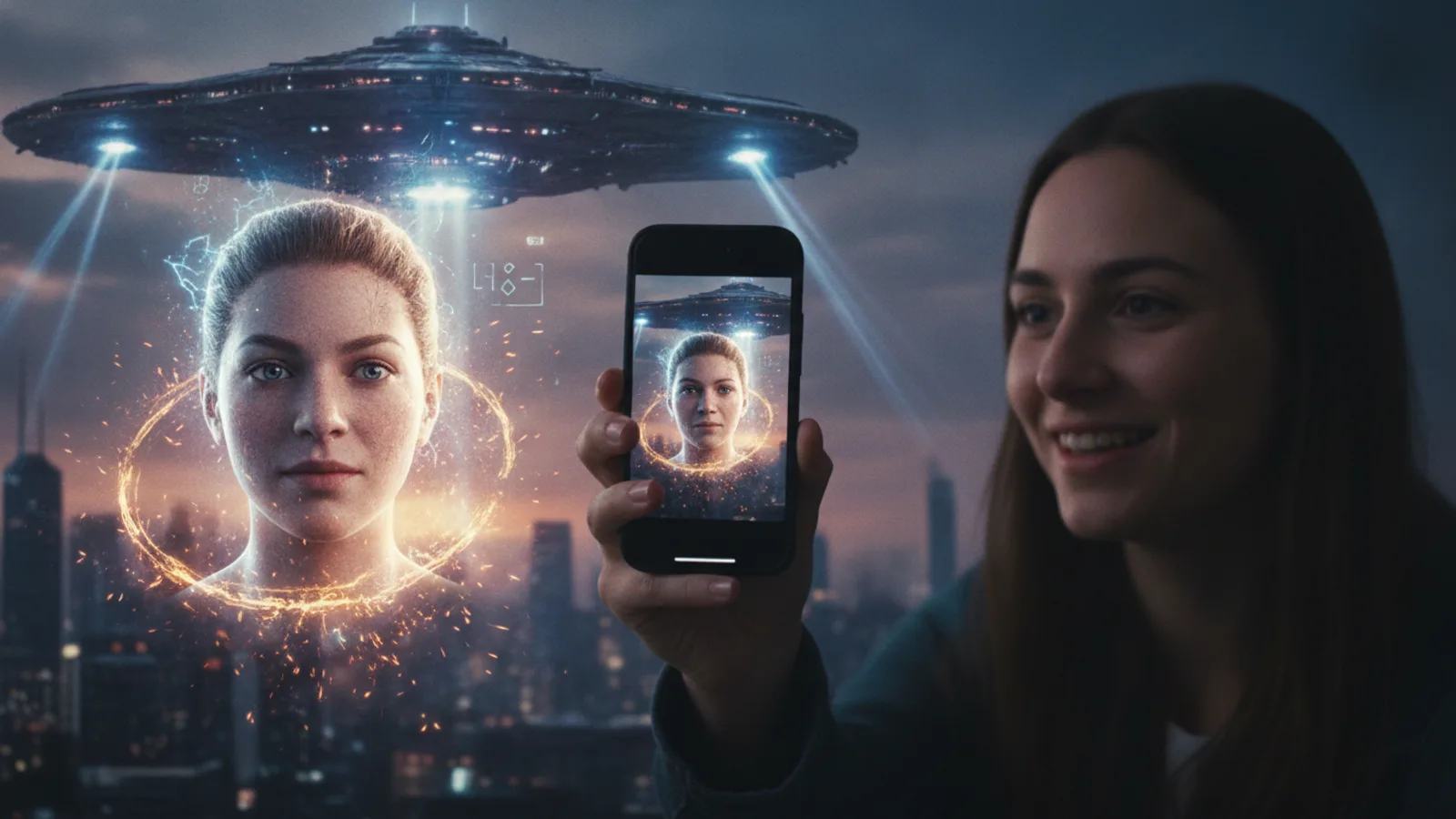
Want to see yourself on screen, but in a world of your own making? The simplest way to turn a photo into an AI movie character is to start with a single selfie. Platforms like Cinely are built for this exact creative act, letting you cast yourself as the protagonist with a few clicks. This isn't about swapping your face onto a stock actor; it’s about generating a new, stylized version of you that becomes a persistent actor in your cinematic universe. The process transforms a static image into a dynamic, expressive character ready for any role you imagine.
The Foundation: Uploading Your Selfie
Everything begins when you start a new project and create your main character. This is the moment you upload your photo. Think of it as a digital audition where you're guaranteed the lead role. The AI analyzes key features—your face shape, expressions, and overall appearance—to build a unique character model. For best results, use a clear, well-lit selfie where your face is fully visible. This initial photo sets the blueprint. Once created, this digital doppelganger is saved in your character library, ready to be summoned for any story. It’s your personal actor, waiting for a script.
If you'd rather follow along, here is the whole flow at a glance:
- Open the character creator and start a new project from a single photo.
- Upload your selfie and let the AI build your character model.
- Name and save the character so it lands in your reusable library.
- Open the scene builder, pick the saved character, and choose a genre.
- Write your character's dialogue and actions, then generate the scene.
- Repeat with the same character to chain scenes into a full film.
The photo you choose in step two carries the most weight, because every future scene inherits the likeness it captures.
Choosing a Photo That Casts Well
The quality of your source image is the single biggest factor in how convincing your AI movie character looks. The model can only work with the detail you give it, so a sharp, honest photo pays off across every scene you later create. Before you upload, run through this short checklist:
- Face the camera straight on. A frontal angle gives the model the most information about your features.
- Use soft, even lighting. Harsh shadows or backlighting hide the contours the AI needs to map.
- Keep your face unobstructed. Skip hats, sunglasses, and hair falling across your eyes.
- Pick a neutral, uncluttered background. A busy backdrop can confuse where you end and the scene begins.
- Choose a relaxed, natural expression. Extreme grimaces are harder to animate believably.
A photo that satisfies all five points gives the AI a clean blueprint, which is exactly what keeps your character recognizable when you drop them into wildly different settings later on. If your likeness still comes out off, this guide to why AI video can get your face wrong explains the usual causes and fixes.
Maintaining Character Consistency
One of the most significant technical hurdles in AI video is keeping a character looking the same from scene to scene. Cinely addresses this by ensuring the character you create from your photo stays visually consistent when you reuse it. This means if you cast your AI character in a romantic cafe scene and later in a gritty sci-fi chase, they will recognizably be the same person, with the same core likeness. This consistency is crucial for storytelling. It allows you to build serialized content or a multi-scene film without your hero morphing unexpectedly. The character maintains its identity, allowing you to focus on directing the plot, not fixing continuity errors.
Directing Your Character in a Scene
With your character ready, the real fun begins: putting yourself in the movie. Navigate to the scene builder and select your custom character from your library. Now, choose a genre. Want to be a noir detective? Explore the mystery genre for inspiration. Feel like a swashbuckling hero? The action category has you covered. You write the dialogue and actions for your character, and the AI generates the video, animating your likeness to speak and move according to your directions. You’re not just a face in a template; you’re an active participant in the scene's creation, deciding what your character says and how they react.
Building a Full Narrative Arc
A single scene is a snapshot. A movie requires a journey. To craft a full narrative, you create multiple scenes, using your same AI character in each one. Start by establishing a premise in your first scene—perhaps your character discovers a mysterious object in a fantasy forest. In the next scene, reuse the character to show them consulting an elder in a village. For the climax, place them in a dramatic confrontation. Because the character is consistent, your audience follows you through the story’s progression. This ability to reuse a custom character transforms the tool from a novelty into a genuine filmmaking platform.
Common Mistakes to Avoid
A few habits separate a flat result from a believable one. The most frequent slip is uploading a low-resolution or heavily filtered selfie; beauty filters smooth away the very details the model uses to recognize you. Another is changing characters between scenes—if you generate a brand-new character for each scene instead of reusing your saved one, you lose the consistency that makes a film feel cohesive. Writing vague directions is a third pitfall: "do something cool" gives the AI little to work with, while "leans against the doorway and smirks before walking out" produces a far stronger shot. Finally, don't try to cram an entire plot into one scene. Break the story into beats, give each beat its own scene, and let the through-line carry the momentum.
Sharing and Evolving Your Creations
Once your AI movie is complete, you can share it directly from the platform. But creation doesn’t have to stop at one film. Your character remains in your library, a reusable asset for infinite stories. Next time, you might place them in a sci-fi adventure or a slice of life drama. Each project adds to your portfolio as a creator. For those who want to push their productions further, the advanced studio workspace and a premium upgrade can unlock higher-quality exports and more creative control. When you're ready, cast yourself in your next scene—the character born from your selfie becomes your creative signature.
- What kind of photo works best to create my AI character?
- Use a clear, front-facing selfie with good lighting and a neutral background. Ensure your face is fully visible and not obscured by hats or sunglasses. The AI uses this image to model your features, so a high-quality photo yields a more accurate and consistent character across all your scenes.
- Can I use this AI character in more than one movie?
- Yes. Once you create a character from your photo, it’s saved in your personal library. You can reuse this exact same character in any new project or scene you make. This allows you to build a series of films or explore different genres with a persistent protagonist.
- Do I need any video editing experience to do this?
- No professional experience is needed. The process is designed to be intuitive: you upload a photo, write your character's lines and actions, and the AI generates the video. It handles the complex animation, letting you focus on storytelling and direction from the very first scene.
Written with AI assistance and edited by the Cinely Team.