
Make a Book Trailer with AI in Minutes
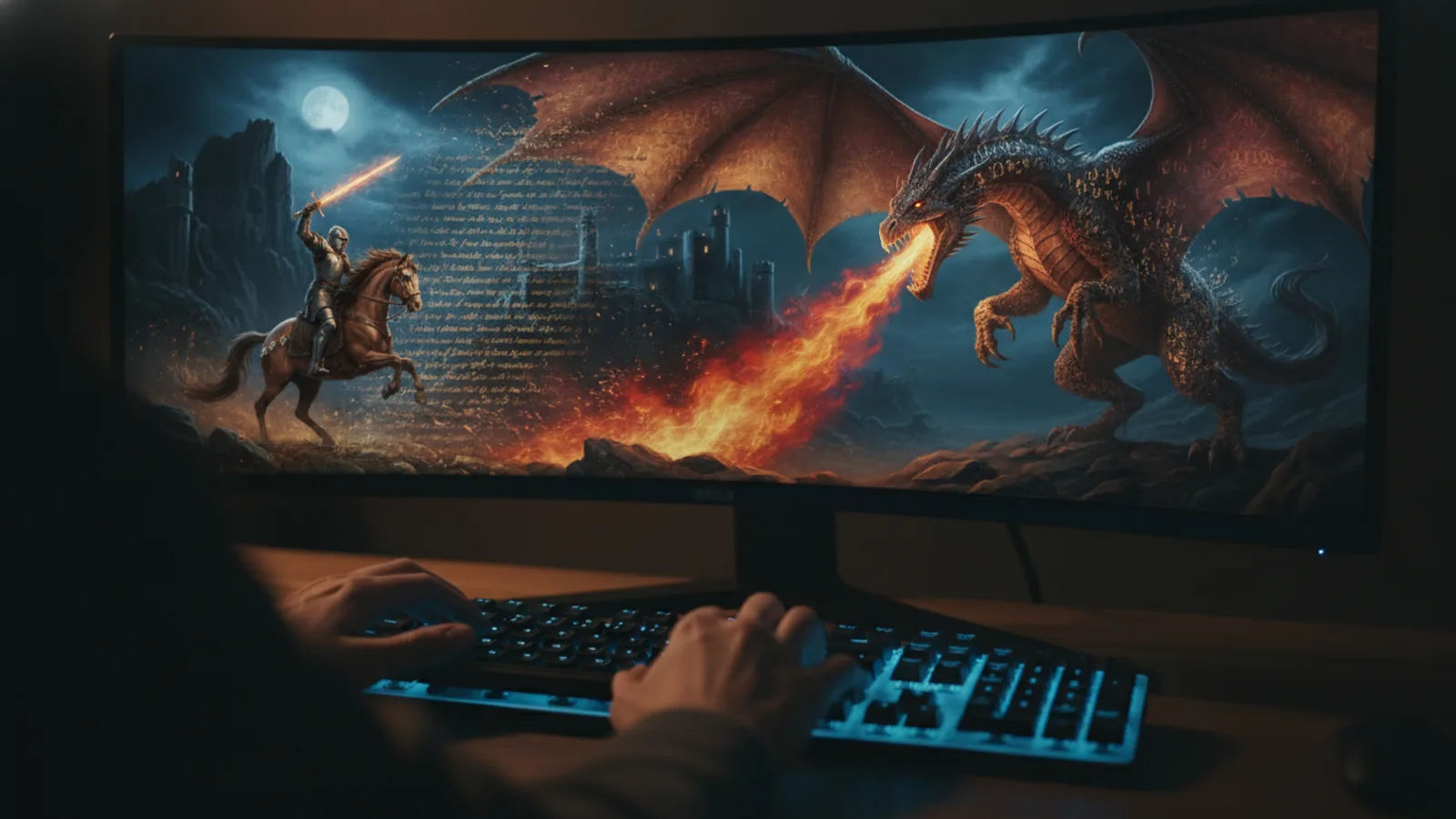
You’ve imagined the scenes, characters, and pivotal moments of your story for months, maybe years. Now there’s a way to see it all moving on screen, before you’ve typed "The End"—or sold a single copy. A book trailer with AI isn’t just a marketing tool; it’s a creative sandbox. It allows you to experiment with tone, test a story’s visual appeal, and share the core of your narrative with potential readers in a format they instinctively understand. For authors, the gap between manuscript and movie has never been narrower.
At its heart, this process is about translation. You are translating the language of prose into the language of cinema. You don’t need a film degree or expensive software. You start with the story elements you already have: a compelling protagonist, a unique setting, and that central hook. A prompt naming a character, a setting, and a hook gives the AI everything it needs to stage a scene. This direct translation from your imagination to a visual frame is the first, most powerful step.
From Outline to Opening Scene
Think of your book’s logline or elevator pitch. That’s your foundation. A book trailer with AI doesn’t require a finished manuscript; it thrives on core concepts. Let’s say your novel is a sci-fi mystery set on a derelict space station. Your prompt could be: "A wary xenobiologist, Dr. Aris, examines a pulsating alien artifact in a zero-gravity lab, the station’s lights flickering." That single sentence provides character (Dr. Aris), setting (derelict station, zero-g lab), and immediate hook (the artifact). The AI uses this to generate the visual tone—the cold metal, the eerie glow, the sense of isolation.
Your next step is storyboarding the trailer’s beats. A trailer isn’t a summary; it’s a tease. Identify three to five key moments: the ordinary world disrupted, the protagonist’s challenge, a glimpse of the stakes, and a compelling question or cliffhanger. Write a simple prompt for each. These become your shots. You’re not writing screenplay directions; you’re evoking the most potent images from your book’s emotional arc.
Choosing the Right Visual Language
The genre of your book is your visual guide. A gritty noir mystery demands shadowy alleys and rain-slicked streets, while an epic fantasy calls for vast landscapes and intricate costumes. Cinely’s genre templates cover fantasy, romance, horror, sci-fi, mystery, and more. Selecting the right template, like the ones for sci-fi or mystery, does a lot of the heavy lifting. It aligns the AI’s visual style, color palette, and even scene composition with reader expectations for your genre.
This is where you refine the mood. Is your romance a sweet, sun-drenched contemporary or a tense, gothic historical? Your prompts should include those atmospheric keywords. “A tense standoff in a candlelit Victorian library” and “a flirtatious argument in a bright, modern bakery” will generate fundamentally different footage, even if the core action is similar. The template sets the stage, but your descriptive language directs the actors and paints the set.
Crafting a Narrative Arc in 60 Seconds
A compelling trailer has a mini-narrative. Start by establishing the normal world. Show your protagonist in their element. Next, introduce the inciting incident or the central conflict—the "but then" moment. This is followed by rising stakes, often shown through quick cuts of action, emotion, or discovery. Finally, end on a powerful visual or line of text that leaves a haunting question. The AI generates the clips, but you sequence them to create rhythm and tension.
Sound and text are your secret weapons. A well-chosen, copyright-free music track dictates the pacing. A melancholic piano piece suggests literary fiction; pulsing synth waves scream sci-fi thriller. Overlay text cards with your book’s tantalizing taglines or evocative quotes from the manuscript. Use the AI-generated visuals as the backdrop for these title cards. The combination of moving image, sound, and text transforms a series of clips into a coherent, persuasive story pitch.
Sharing Your Vision and Building Buzz
Once your book trailer with AI is complete, it becomes a versatile asset. Share it on social media platforms where readers and writers gather. Use it as a pinned post on your author profile. Embed it on your website’s landing page or your book’s pre-order page on retailers. A short, captivating video is far more likely to be stopped and watched in a crowded feed than static text or a cover reveal alone. It demonstrates the world you’ve built in a way a blurb cannot.
This trailer also serves as a fantastic feedback tool. Share it with a trusted writing group or beta readers. Does the tone match the manuscript? Does the central conflict feel clear? The visual reaction can provide insights you might not get from prose alone. It can even help you, the author, solidify the story’s visual identity as you complete revisions. When you’re ready to scale up, you can explore the studio for more advanced editing and creation tools.
The New Author’s Toolkit
Creating a book trailer with AI democratizes a key part of the publishing process. It removes the technical and financial barriers that once made video the domain of big publishers. Now, any author can create a professional-looking piece of visual storytelling. It allows you to be both writer and director, testing how your story feels in a new medium. This isn’t about replacing the written word; it’s about amplifying it, offering a new entry point for potential readers.
The process itself can even be creatively generative. Seeing a character’s face or a location come to life might solve a descriptive problem in your draft or inspire a new subplot. It turns the often-solitary act of writing into a dynamic, visual conversation with your own work. Ready to see your story in motion? The first step is simply to describe it. Head to the creation page to begin translating your book from an idea into an experience.
- Do I need the whole book finished to make a trailer?
- Not at all. In fact, making a trailer can help solidify your book's core concept. You only need the essential elements: a main character, the central setting, and the story's primary hook or conflict. A book trailer with AI works best with these foundational pieces, whether your manuscript is complete, in progress, or just a detailed outline.
- What kind of images can the AI create for my book genre?
- The AI is tailored for cinematic storytelling across genres. Using specific templates, it can generate everything from the dark, tense atmospheres of a [horror](/explore/horror) story to the sweeping, magical vistas of an [epic fantasy](/explore/fantasy). Your descriptive prompts guide the details, but the genre template ensures the overall visual style—lighting, color, composition—matches reader expectations for your category.
- Can I use the trailer commercially to promote my book?
- Yes, trailers created on the platform are intended for you to use in promoting your work. You can share them on social media, your author website, or in advertising to build an audience for your book. For the broadest use and highest quality outputs, consider the options available with a [Premium](/premium) subscription.
Written with AI assistance and edited by the Cinely Team.