
Create an AI Video with Your Own Voice
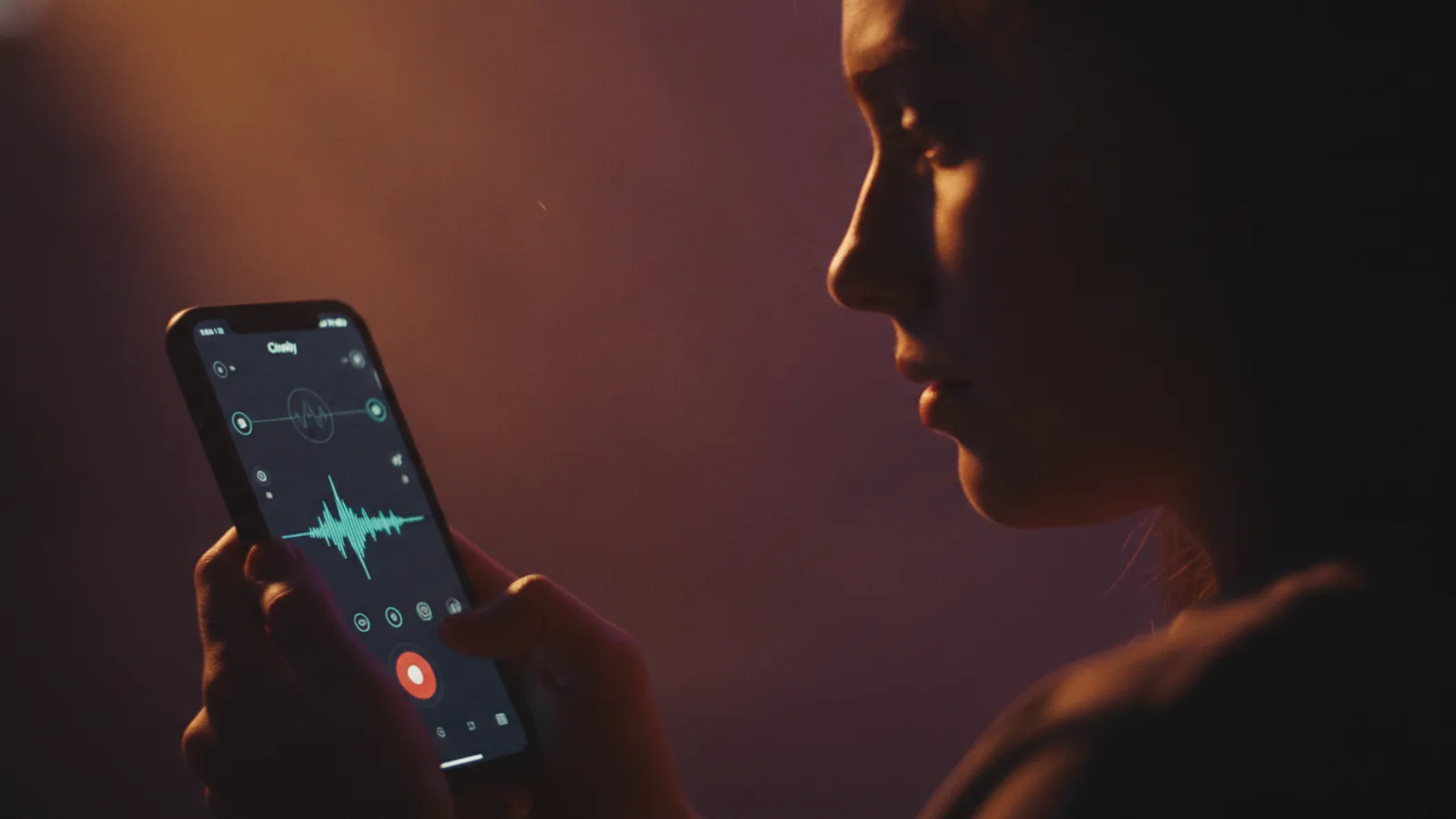
You want to create an AI video with your own voice. Maybe you're telling a personal story, explaining a concept with your familiar tone, or making content that feels authentically yours. Cinely lets you do exactly that, for specific video formats designed for narration. This feature lets you move beyond preset voices to create something that sounds like you, without requiring complex editing software or technical skills.
Which Cinely Videos Support Your Own Voice?
Not all video types on Cinely work the same way with audio. The platform is designed for different creative goals, so it's important to know where your own voice fits.
For narrated formats, you can use your own voice. These are videos where a single voiceover carries the story or explanation. This includes story videos, educational videos like kids' lessons, explainer videos, ad videos, and short-form social videos. In these formats, you provide the narration, and the visual story is generated to match it.
For cinematic films (like the episodes in Creator Series), the process is different. These multi-character stories use the platform's video model, with 30 built-in voice presets for dialogue. Each character maintains a consistent voice across episodes, but you cannot currently clone your voice for these character roles. For how dialogue, sound and subtitles fit together in a film, see our guide to the AI video generator with sound and voices.
Music videos are a third category. The sound is a song, one you upload or one Cinely writes and makes for you, and the video follows its rhythm and mood. There is no narration, but with the optional "Character sings" (Premium only) switch your character sings some of the chorus clips in time with the song. If you upload your own recording, the character sings with your voice. See how to make your AI character sing your song.
How to Add Your Voice to an AI Video
The process is straightforward and done once per project. You don't need any special equipment, just a relatively quiet space and a microphone—your phone or computer mic will work.
- Choose a Narration Format: Start a new project and select a compatible format like a Story Video or Explainer Video from the create page.
- Write Your Script: Describe your topic or paste the narration you want spoken in your voice; the AI drafts the scene-by-scene script, which you can review before anything is charged.
- Provide Your Sample: When prompted, you have two choices. You can record a 10-30 second sample directly in the browser using your microphone. Alternatively, upload a clear, pre-recorded audio file of you speaking.
- Generate: The AI uses that single sample to clone your voice's characteristics. It then reads your full written script aloud in your cloned voice and generates the video scenes to accompany it.
A common mistake is rushing the sample. Read the test sentence naturally, as if you were explaining something to a friend. Avoid background noise like fans or traffic. This ensures a clean model for your full narration.
Why Use Your Own Voice for AI Videos?
Adding your personal voice does more than just personalize the sound. It builds a stronger connection with your audience because your tone, inflection, and pacing are uniquely yours. For educational content, your familiar voice can make complex topics feel more approachable. For branded ad videos or UGC-style content, it adds an irreplaceable layer of authenticity that preset AI voices can't match.
It also streamlines your workflow. Instead of recording a full voiceover track separately and trying to sync it with visuals, you handle everything in one place. You write the script, provide your voice sample, and Cinely generates the synchronized audio and video. This is particularly useful for creators who are comfortable writing but want to avoid the technical hurdles of audio editing and video production.
Getting Started and Best Practices
Ready to try it? The best way to start is by choosing a format built for narration. Head to the Cinely creation page and select "Story Video" or "Explainer Video." Follow the prompts to begin your script. When you reach the audio step, decide if you'll record fresh or upload a file.
For the best results, use a clear voice sample. Record in a quiet room to minimize background noise. Speak at your normal pace and volume—don't whisper or shout. Remember, this technology is for adding your narration to AI-generated visuals. All videos created on Cinely are labeled as AI-generated, and its Acceptable Use Policy prohibits generating images or deepfakes of real people, celebrities, or using photos without consent.
Your voice is a powerful tool for making AI-generated content feel genuinely yours. By using it in Cinely's narrated formats, you maintain your unique presence while leveraging AI to handle the complex visual creation. Start a project today and hear the difference it makes.
Exploring Creative Possibilities
Once you're comfortable with the basics, you can explore more creative applications. Use your own voice to narrate a trailer for your series, or to add authoritative commentary to a product ad video. (Other formats, like a video greeting or a comic, use the built-in voices or no narration at all.) The consistency of your voice can also help in building a series of educational videos, making your channel or content hub instantly recognizable.
Your vocal identity can become part of your brand. Think about the tone you want to convey—is it friendly and enthusiastic for social videos, or calm and authoritative for professional explainer videos? Since you only need to provide one sample per project, you can subtly adjust your delivery for different types of content. The key is to plan your script with your vocal delivery in mind, which makes the final AI-generated narration sound more natural and intentional.
Consider creating a short series. For example, use your voice to narrate a three-part fantasy story, guiding viewers through each episode. Or, create a set of quick explainers on a topic you know well, each under a minute for social media. The uniform voice ties the series together.
Browse AI movie series from other creators to see how they use voice in their projects. You'll find a wide range of styles, from fantasy to slice of life. Seeing how voice and visual style interact can help you plan your own standout AI video with your own voice; more guides live on the Cinely blog.
Troubleshooting Common Questions
If your generated narration doesn't sound quite right, the issue is almost always the initial sample. Go back and check it. Was there static? Did you speak too fast? Re-recording a cleaner, clearer sample usually fixes the problem. Remember, the AI is extrapolating from those few seconds to create minutes of audio, so quality input is crucial.
Another point of confusion is the difference between video types. Cinely doesn't offer the cloned narration as a standalone audio download; the voice is used inside the video you are making, which you can then download as a whole. For cinematic films with characters, you are selecting from the available presets, not cloning. Keeping these distinctions in mind will help you pick the right tool for your project from the start.
- How long does my voice sample need to be?
- You need to provide a single sample of your voice speaking for 10 to 30 seconds. This can be recorded directly in Cinely or uploaded as an audio file. This one sample is used to generate all the narration for your video script, so aim for clear, natural speech in a quiet environment.
- Can I use my cloned voice for character dialogue in films?
- No. The "Clone My Voice" feature is specifically for narrated formats like story videos and explainers. For multi-character films (Creator Series episodes), the video model uses its library of 30 built-in voice presets. Each character is assigned a consistent preset voice for dialogue across episodes.
- Are there any content restrictions for using my voice?
- Yes. All Cinely outputs are labeled as AI-generated. More importantly, you must comply with the platform's Acceptable Use Policy. This strictly prohibits generating images of real people or celebrities, or using photos without consent, regardless of whether you use your own voice or a preset.
- Can I use different voices in one narrated video?
- The current feature for using your own voice is designed for a single narrator. You provide one voice sample, and it generates the narration for your entire script in that voice. Narrated formats use one narrator voice per video, so plan one voice per project; multi-character dialogue belongs in a film, where each character gets a preset voice.
Written with AI assistance and edited by the Cinely Team.