
AI Singing Video: Make Your Character Sing
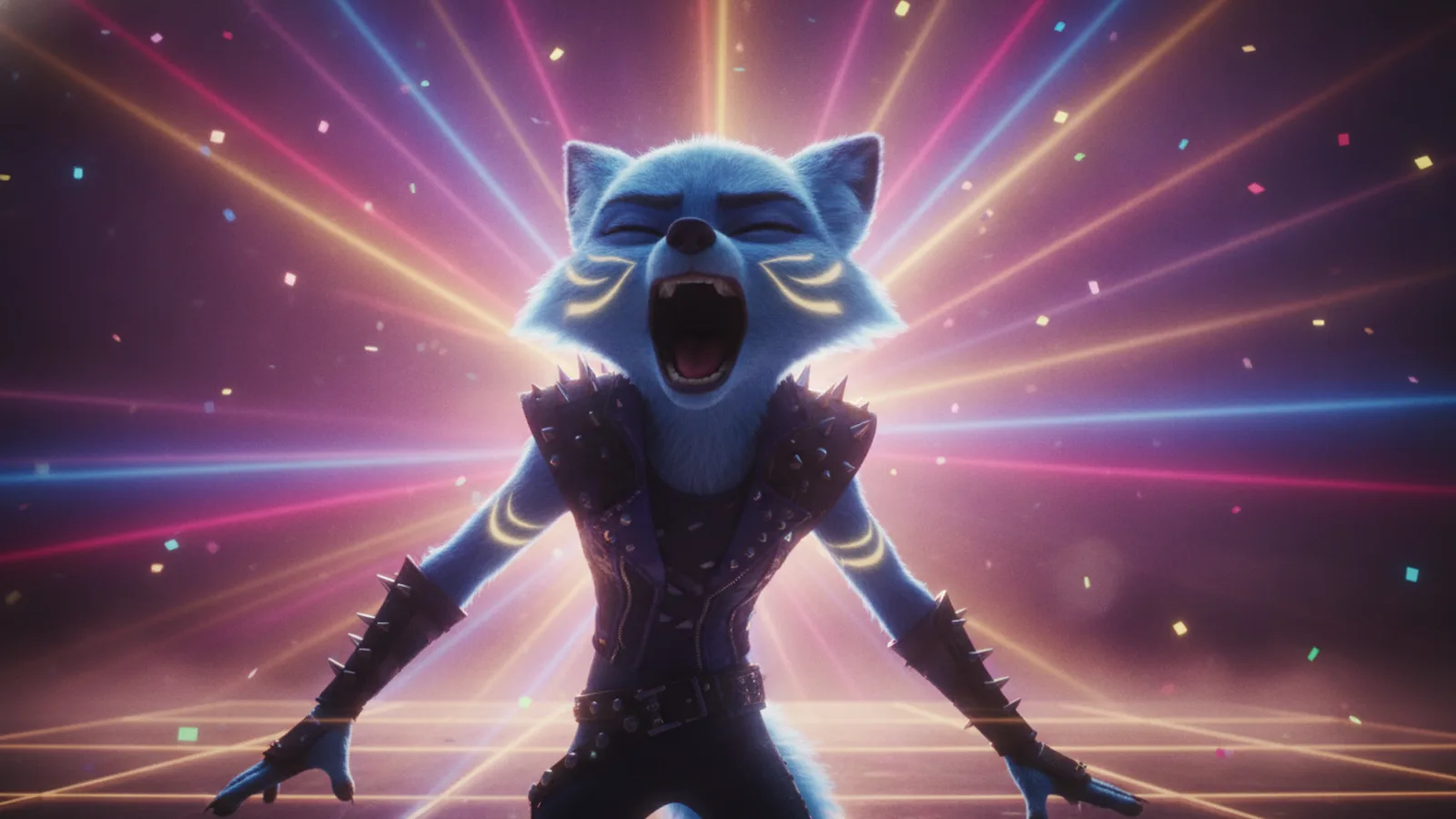
A music video gets a lot more personal when someone on screen is actually singing your words. On Cinely that is a single switch in the AI music video maker: Character sings (Premium only). Turn it on and some of the chorus clips show your character singing in time with the song, your own uploaded track included. This guide covers what the switch does, what it costs, what happens when a clip goes wrong, and the rules for who can be on screen.
What "Character sings" does
A Cinely music video is built from 8-second clips that follow your song, with your recording laid over them at the end. Normally every clip is an illustrated scene. With Character sings on:
- Some chorus clips become performance shots. Your character sings on camera, lips in time with the song.
- At most half of the clips sing. The rest stay story scenes, so the video still has a narrative and not just a close-up for three minutes.
- It works with uploaded songs as long as they have lyrics. You paste the lyrics (up to 5,000 characters, with
[Verse]and[Chorus]lines) or leave the box empty and Cinely listens to the song and times the sung lines itself.
If the part of the song you picked has no lyrics, for example an instrumental intro, there is nothing to sing: pick another part or turn the switch off.
What it costs
This is the part to read carefully. When the switch is on, every clip of the video is charged at the singing price, not just the clips that sing:
| Length | Clips | Without singing (Standard) | With "Character sings" (Standard) | With "Character sings" (Cinematic) |
|---|---|---|---|---|
| 30-second cut | 4 | 120 credits | 480 credits | 560 credits |
| 60-second cut | 8 | 240 credits | 960 credits | 1,120 credits |
| 3-minute song | about 23 | about 690 credits | about 2,760 credits | about 3,220 credits |
So a singing video costs four times as much as an illustrated one in Standard. That is why we suggest starting with a 30-second chorus cut: it is the part that sings anyway, and it shows you whether the character and the song fit before you commit to the full track. The switch itself needs Premium, and so do the Pro and Cinematic quality levels. Credit packs are on the credits page.
Nothing is charged until you approve the free preview of the scenes.
When a singing clip fails
Lip-synced clips are harder to generate than illustrated ones, and sometimes one does not come out. When that happens the clip is replaced by an illustrated clip and the difference is refunded. You get a complete video either way, and you do not pay the singing price for a clip that does not sing.
Step by step
- Bring the song. Upload your track (MP3, M4A, WAV, FLAC or AAC, up to 50 MB and 15 minutes, at least 5 seconds) and tick "I have the right to use this song in a video", or describe a song and let Cinely write and make it (3 AI songs a day on a free account, 20 on Premium). Uploading has no daily limit and costs no credits. Made the track in Suno? See turning a Suno song into a music video.
- Add the lyrics, or leave the box empty so Cinely hears them from the track.
- Pick the length. 30 seconds or 60 seconds, starting at the first chorus unless you pick another start point, or the full song, up to 100 clips (13 min 20 s).
- Create your singer. Add a character (up to 20 on a free account, 50 on Premium). The character is drawn once and reused in every clip, so the face that sings the chorus is the same one that walks through the verses.
- Set the look. Portrait for Shorts, Reels and TikTok, landscape for YouTube. A style and a short concept steer the scenes.
- Turn on "Character sings". The price per clip updates before you go on.
- Check the free preview, then approve. Credits are charged only now.
Lyric subtitles follow the song, and viewers can switch them off. If subtitles are what you mostly want, see our AI lyric video maker guide.
Who can sing: the rules
Music videos follow the same rules as films made with the AI movie maker. Your singer must be an original character or a person who consented. No real people, no celebrities, no sexual content. You cannot make a famous artist "sing" your song, and you should not use a photo of a friend without asking them. The prompt filter runs before anything is charged, so an idea that breaks the rules costs nothing; rewrite it and try again.
The song has rules too: upload only songs you wrote, own or are allowed to use.
Tips for a better singing video
- Design the singer for close-ups. A clear, expressive face reads better in a performance shot than a tiny figure in a wide landscape; our guide to designing a memorable AI character helps here.
- Give the verses a story. Since at most half of the clips sing, the other half carry the narrative. "A lighthouse keeper sings to the storm, then rows out to find a lost ship" gives both kinds of clip a job.
- Make the chorus the start. Short cuts already start at the first chorus, which is where the singing happens.
- Test short, then go long. A 30-second singing cut is 480 credits in Standard; once you like the performance, render the full song with the same character.
Make your character sing
Open the music video generator, upload your song and flip Character sings. It works on the web and in the iOS and Android apps with one account. New to the flow? Start with how to turn your song into a music video with AI, or see what you can try without paying in the free AI music video generator guide.
- Which clips show the character singing?
- Some of the chorus clips, at most half of the clips in the video. The other clips stay illustrated scenes that follow the story of the song.
- How much does it cost to make my character sing?
- "Character sings" needs a Premium account. With it on, every clip of the video costs 120 credits in Standard or 140 in Cinematic, instead of 30 or 60. A 30-second cut is 4 clips, so 480 credits in Standard. You see a free preview of the scenes before anything is charged.
- What happens if a singing clip fails?
- It is replaced by an illustrated clip and the difference in price is refunded, so you never pay the singing price for a clip that does not sing.
- Can my character sing an uploaded song?
- Yes, as long as the song has lyrics. Paste them or let Cinely hear them from the track. Instrumentals work for music videos, but there is nothing to sing.
- Can I make a real person or a celebrity sing?
- No. Characters must be original or people who consented. Real people, celebrities and sexual content are not allowed, and the prompt filter checks your ideas before anything is charged.
Written with AI assistance and edited by the Cinely Team.