
AI Music Video Generator: Upload Your Own Song
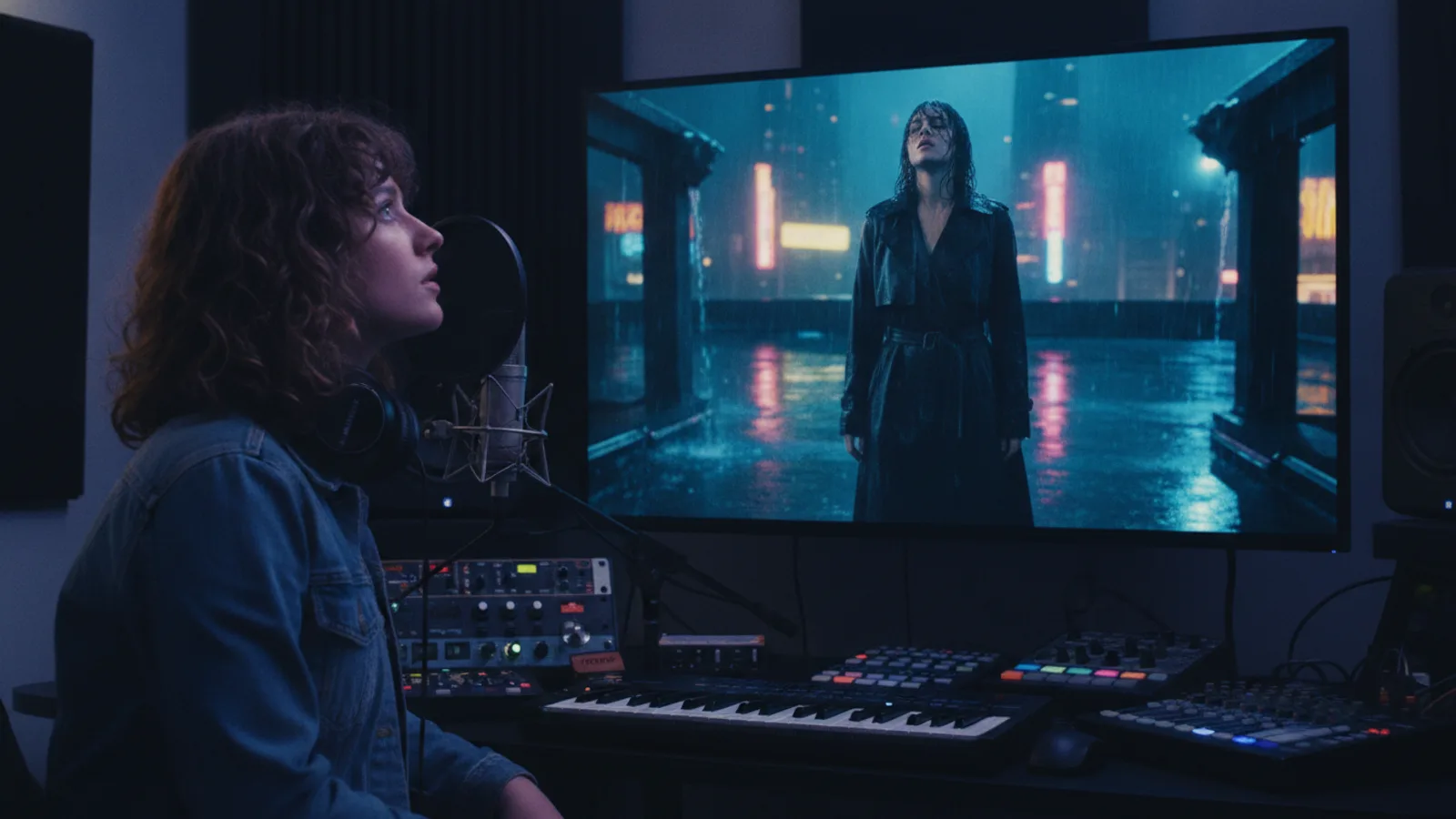
You already have the song. What you don't have is a director, a crew or a week to edit footage. An AI music video generator closes that gap: you upload the track, describe the look you want, and the video is built scene by scene around your music. On Cinely the whole flow lives on one page, the AI music video maker, and this guide walks through it step by step, with what each step costs, so there are no surprises when you hit "approve".
What you need before you start
- The audio file. MP3, M4A, WAV, FLAC or AAC, up to 50 MB and 15 minutes long, and at least 5 seconds. A final mix works best, because the song you upload is the song that plays under the video.
- The right to use it. Before the upload goes through you tick "I have the right to use this song in a video". Upload only songs you wrote, own, or have permission to use.
- An idea of the look. A style and a short concept are enough: "rainy neon city at night, lonely courier on a scooter" steers the scenes better than a paragraph of adjectives.
- Optionally, characters. If the song has a protagonist, you can add characters (up to 20 on a free account, 50 on Premium). Each one is drawn once and reused in every clip, so the same face carries the whole video. Characters must be original or people who consented, never real celebrities.
Uploading costs no credits and there is no daily limit, so you can try several mixes or versions before you commit to anything.
No song yet? The same page can write one for you: describe the song and Cinely writes the lyrics and makes the track (3 AI songs a day on a free account, 20 on Premium). The rest of this guide assumes you bring your own.
Step 1: Upload the track
Open the song-to-video maker and choose to upload your own song. Pick the file, tick the rights box, and the track is attached to the project. Nothing has been charged at this point.
Step 2: Lyrics: paste them or let Cinely listen
Lyrics matter twice in a music video: they become the subtitles, and they tell the scenes what each part of the song is about. You have two options:
- Paste the lyrics (up to 5,000 characters). Mark sections with lines like
[Verse]and[Chorus]so the structure of the song is clear. - Leave the box empty. Cinely listens to the uploaded song and times the sung lines itself, using speech recognition. This is the fastest route if your lyrics live in your head or in a voice memo.
Instrumental tracks work too. Without words, the style and concept you write carry more of the weight, so be a little more specific about the imagery.
Step 3: Choose the length
This is the choice that decides the price, so it is worth a minute of thought. You can make:
- A 30-second cut: 4 clips, 32 seconds of video.
- A 60-second cut: 8 clips.
- The full song: up to 100 clips, which is 13 minutes 20 seconds. A 3-minute song is about 23 clips.
The 30-second and 60-second cuts start at the first chorus, because that is usually the part people remember. If another moment is the hook, a drop, a bridge or a guitar line, pick a different start point.
A practical pattern for a release: make the 30-second chorus cut first for Shorts, Reels or TikTok, see how it lands, then make the full-song version for YouTube. Our music video maker guide for independent artists covers planning a release around it.
Step 4: Format, style and characters
Choose portrait for phone-first platforms or landscape for YouTube and embeds. Then set the style and the short concept. If you added characters, they appear across the clips with the same look every time. On Premium you can also make your AI character sing your song in some of the chorus clips.
Lyric subtitles follow the song as it plays, and viewers can switch them off if they only want the picture.
Step 5: Check the free preview, then approve
Before you spend anything, Cinely shows a free preview of the scenes. This is the moment to read the plan against your song: does the chorus get the big imagery, does the verse tell the quiet part of the story? If it reads right, approve it.
Only now are clips charged:
| Length | Clips | Standard (30 credits/clip) | Cinematic (60 credits/clip) |
|---|---|---|---|
| 30-second cut | 4 | 120 credits | 240 credits |
| 60-second cut | 8 | 240 credits | 480 credits |
| 3-minute song | about 23 | about 690 credits | about 1,380 credits |
Free accounts always render in Standard. The Pro and Cinematic quality levels need Premium. If you need more credits for a longer song, packs are on the credits page.
Step 6: How the video comes together
Each clip is 8 seconds of video made for its part of the song. When the clips are ready, your song is laid over them at the end, so what you hear is your own recording, not a re-generated version of it. The lyric subtitles run on top in time with the singing.
The music video maker works on the web and in the iOS and Android apps and you use the same account everywhere.
Rules worth knowing
Music videos follow the same rules as films on Cinely: original characters or people who consented, no real people or celebrities, no sexual content. The prompt filter runs before anything is charged, so an idea that breaks the rules costs nothing; you rewrite it and try again.
Tips for a better result
- Write the concept as a story, not a mood board. "A girl repairs an old radio and hears her future self" gives the scenes something to follow from clip to clip.
- Let the chorus be the payoff. Since short cuts start at the first chorus, save your strongest image for it.
- Keep one protagonist. A single character drawn once and reused reads as a real video, not a slideshow.
- Start short. A 30-second cut costs 120 credits in Standard; once you like the look, the full song is the same flow with a longer length.
Where to go next
If you want to see how far you can get without paying, read our guide to the free AI music video generator: what is free, what costs credits, and the arithmetic for a first video. When you are ready, upload your track and make the music video. And if your idea is a story rather than a song, the film maker uses the same characters and scene-by-scene approach for series.
- Which audio files can I upload?
- MP3, M4A, WAV, FLAC or AAC, up to 50 MB and 15 minutes long, and at least 5 seconds. Uploading costs no credits and there is no daily limit on uploads. Before you continue you tick "I have the right to use this song in a video", so only upload songs you own or are allowed to use.
- Do I have to type out my lyrics?
- No. You can paste them (up to 5,000 characters, with [Verse] and [Chorus] lines), or leave the lyrics box empty and Cinely listens to the uploaded song and times the sung lines itself with speech recognition. Instrumental tracks work too.
- How much does a music video cost?
- The video is built from 8-second clips. In Standard each clip costs 30 credits, in Cinematic 60. A 30-second cut is 4 clips (120 credits in Standard), a 60-second cut is 8 clips (240 credits), and a 3-minute song is about 23 clips (about 690 credits). You pay only after you approve the free preview of the scenes.
- Can I make a video for the whole song, not just a clip?
- Yes. Besides the 30-second and 60-second cuts you can choose the full song, up to 100 clips, which is 13 minutes 20 seconds of video.
Written with AI assistance and edited by the Cinely Team.