
How to Remix an AI Movie into Your Own Version
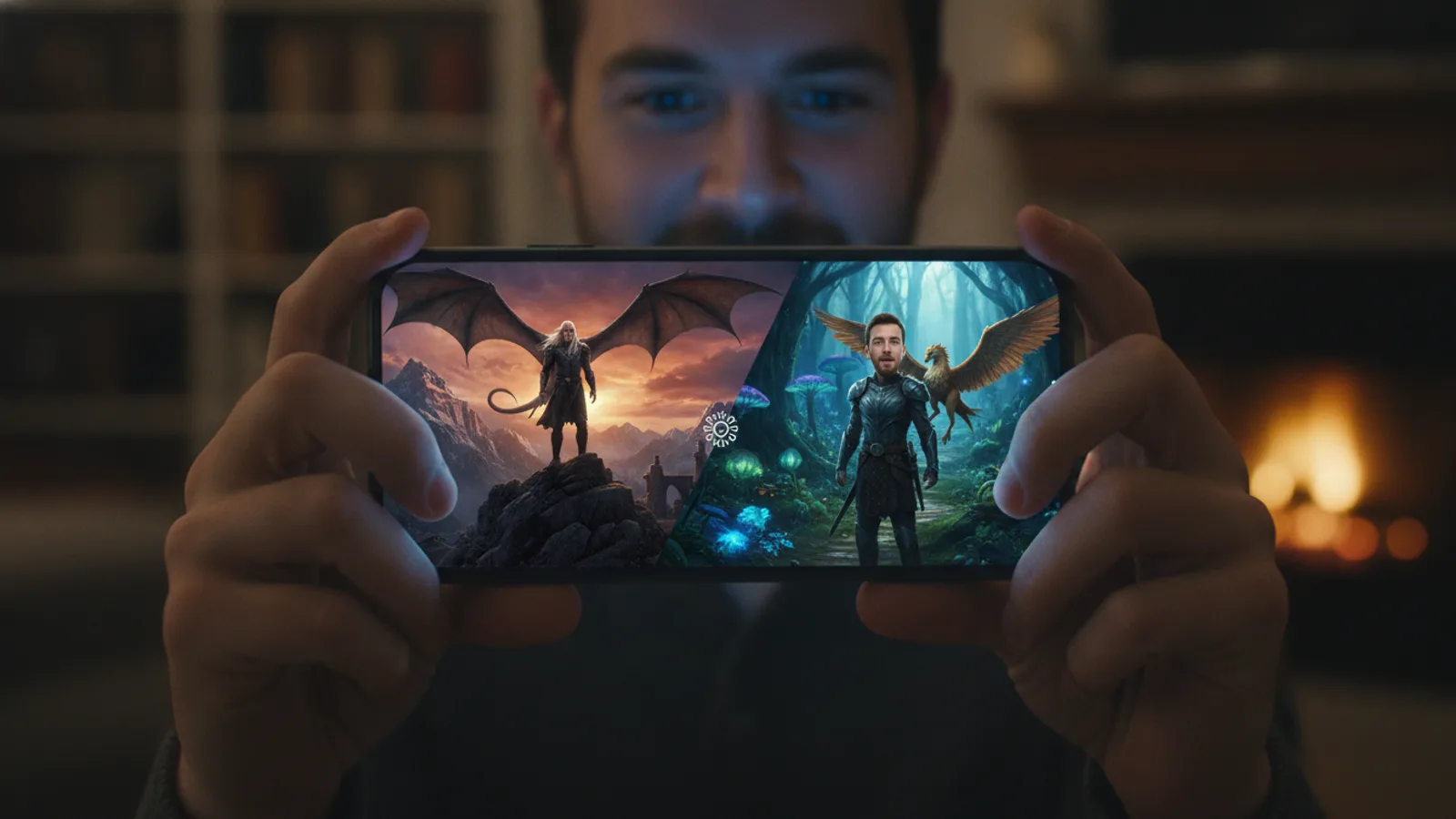
You’ve watched a great AI film and thought, "What if that were me?" With remix, you can take the core premise of any published film on Cinely and build your own version from it. This isn't about copying scenes. It's about taking a story's foundation—its genre, mood, and core conflict—and using it as a creative seed for your narrative. The original creator's performances, characters, and faces are never duplicated. Instead, you use their film as a launchpad for something entirely new. The process to remix AI video is straightforward, but understanding the rules and tools makes for a better experience.
How Remix Works: Starting from a Premise
Remixing begins with a film you've found in the Cinely library. When you select "Remix," you are not downloading or editing the original video file. You are creating a brand new film project that inherits the original film's story premise, genre, and stylistic cues. Think of it like a writing prompt based on a great movie logline. The new film starts from scratch in your studio with a blank slate for casting and scene creation.
This feature is designed to respect creator ownership. Original creators can choose to disable Remix for their entire series if they wish. Additionally, you can only remix films, not music videos. This keeps the focus on narrative adaptation and storytelling. It’s also worth noting that for the best experience, you should use the Cinely web platform or Android app, as the Remix feature is currently not visible in the iOS app.
Casting Yourself in a Remixed Film
One of the most compelling reasons to remix an AI movie is to put yourself (or someone else) into the story. Cinely’s character casting system makes this surprisingly consistent. You upload a single photo—it can be a clear headshot or even a detailed drawing or portrait. The system analyzes this image once to create a unique "character sheet." Our guide on how to turn a photo into an AI movie character covers this step in depth.
This sheet becomes the DNA for your character's appearance across every single scene you generate, and even across different episodes if you build a series. Your character’s face, hair, and basic features will maintain a consistent look throughout your film. This reduces the common AI video problem of characters morphing or changing unpredictably from shot to shot. You can browse different AI series genres to find a film whose premise perfectly suits the character you want to create.
A quick checklist for a good character photo:
- Use a clear, well-lit headshot: Face the camera directly with neutral lighting.
- Ensure a simple background: A plain wall is better than a busy pattern.
- Avoid hats or heavy obscuring glasses: These can confuse the model.
- A detailed drawing works: If you want a stylized anime or cartoon version of yourself, a clean digital portrait is effective.
The Creative Process: From Remix to Your Final Cut
After you select a film to remix, you land in the Cinely studio with the inherited premise. Your next steps are entirely in your hands.
- Rewrite the Prompt: The original film’s premise is your starting point, but you should immediately adapt it. Change locations, character motivations, and dialogue to fit your vision. Make the story yours.
- Recast Characters: Assign your custom character (or stock AI characters) to each role. This is where you slot in the character sheet you created from your photo.
- Regenerate Scenes: Generate new video clips based on your revised prompts. Each scene will be built fresh, with no visual assets taken from the original film.
- Edit and Refine: Use the episode editor to fix individual scenes, edit the subtitles and pick a thumbnail. The workflow is the same as for any film you start from scratch on the create page, and publishing happens from your studio.
The goal is to use the original as inspiration, not a template for duplication. The result should be a distinct film that shares a narrative kinship with the source, not a visual copy.
Using Preview Mode to Manage Your Credits
Experimenting with a remix idea shouldn’t risk wasting your generation credits. That’s where Cinely’s preview feature is essential. When "Preview before generating" is turned on, the system first produces a storyboard: every scene prompt, the AI-drawn look of each character, and who appears in which scene, all editable.
You review this preview for free. If you like it, you approve it; only then are your credits charged and the video rendered. If something isn't right—the character doesn't look like you, or a scene's action isn't what you imagined—edit the prompt, swap the photo or portrait, or discard the preview. Nothing has been charged yet. Once rendering starts, a scene the safety filter blocks is cancelled and its credits refunded. This lets you iterate on your prompts and character setups risk-free until the plan matches the film in your head. It’s a practical tool for ensuring your vision for a story video comes out right.
Common mistakes to avoid with previews:
- Not checking character consistency: Use the preview to verify your custom character's portrait looks right in the new style before you approve.
- Settling for "close enough": If a scene prompt is slightly off, edit it before approving. A small wording change can make a big difference.
- Forgetting to toggle previews on: Always confirm the setting is enabled before a generation batch.
Why Remix? Inspiration and Community
Remixing serves two powerful purposes. First, it tackles the "blank page" problem. A great premise can jumpstart your creativity, giving you a solid foundation to build upon rather than starting from zero. It’s an excellent way to learn how compelling AI film prompts are structured, alongside these AI movie prompt examples.
Second, it fosters a community of shared inspiration. You can see how different creators interpret similar story seeds, leading to a diverse library of films connected by thematic threads. It encourages you to not just be a consumer, but an active participant in the storytelling ecosystem. If you're looking for inspiration, you can always browse AI movie series for the latest creations to find a story you'd love to adapt.
Practical Examples of a Successful Remix
Let's walk through a concrete example. Imagine you find a popular film in the sci-fi AI series category about a lone astronaut repairing a satellite. The original star is a grizzled middle-aged man.
Your remix could transform this premise entirely:
- Change the character: Cast yourself as a young, first-time mission specialist.
- Alter the conflict: Instead of a technical fault, the satellite is being hacked, turning it into a cybersecurity thriller.
- Shift the tone: Add more dialogue and internal monologue to explore the character's fear and resolve.
- New visual style: Prompt for a sleeker, more advanced spacesuit and a different space station design.
The core "isolated technician in space" premise remains, but the execution becomes your unique story. This approach works for any genre. A romantic comedy about mistaken identity could be remixed into a bittersweet romance about past regrets, or a fantasy quest could be reimagined as a personal coming-of-age story.
Ready to transform a movie you love into your personal story? The process begins by finding a film that sparks your imagination and hitting "Remix." From there, you have all the tools to cast yourself, rewrite the narrative, and generate a film that is uniquely yours, all while using previews to perfect your vision without wasting resources. Head to the AI movie maker to begin exploring what’s possible.
- Does remixing copy the original creator's video or characters?
- No. Remixing does not copy any video footage, character likenesses, or performances from the original film. It uses only the published film's written premise and genre as a starting seed for your brand new project. The original creator's faces are never duplicated. Creators can also disable the Remix feature for their entire series if they choose.
- How do I put my own face into a remixed AI movie?
- You upload one photo (or a detailed drawn portrait) when you set up a character in your project. Cinely's system restyles this image once into a consistent character sheet. This "sheet" is then applied to every scene you generate, ensuring your look remains stable throughout the film and even across episodes, without needing a new photo for each shot.
- Can I try a scene before spending credits?
- Yes. With "Preview before generating" switched on, Cinely first builds a storyboard: every scene prompt plus the AI-drawn looks of your characters. Nothing is charged until you approve it, and you can edit prompts or swap a face first. Once the video renders, any scene the safety filter blocks is cancelled and its credits refunded.
- Why can't I find the Remix button in the app?
- The Remix feature is currently available on the Cinely web platform and Android app. It is intentionally hidden and not accessible in the iOS app version at this time. To remix a film, please use your desktop browser or an Android device.
Written with AI assistance and edited by the Cinely Team.