
Counting Video for Kids: Make a Number Video
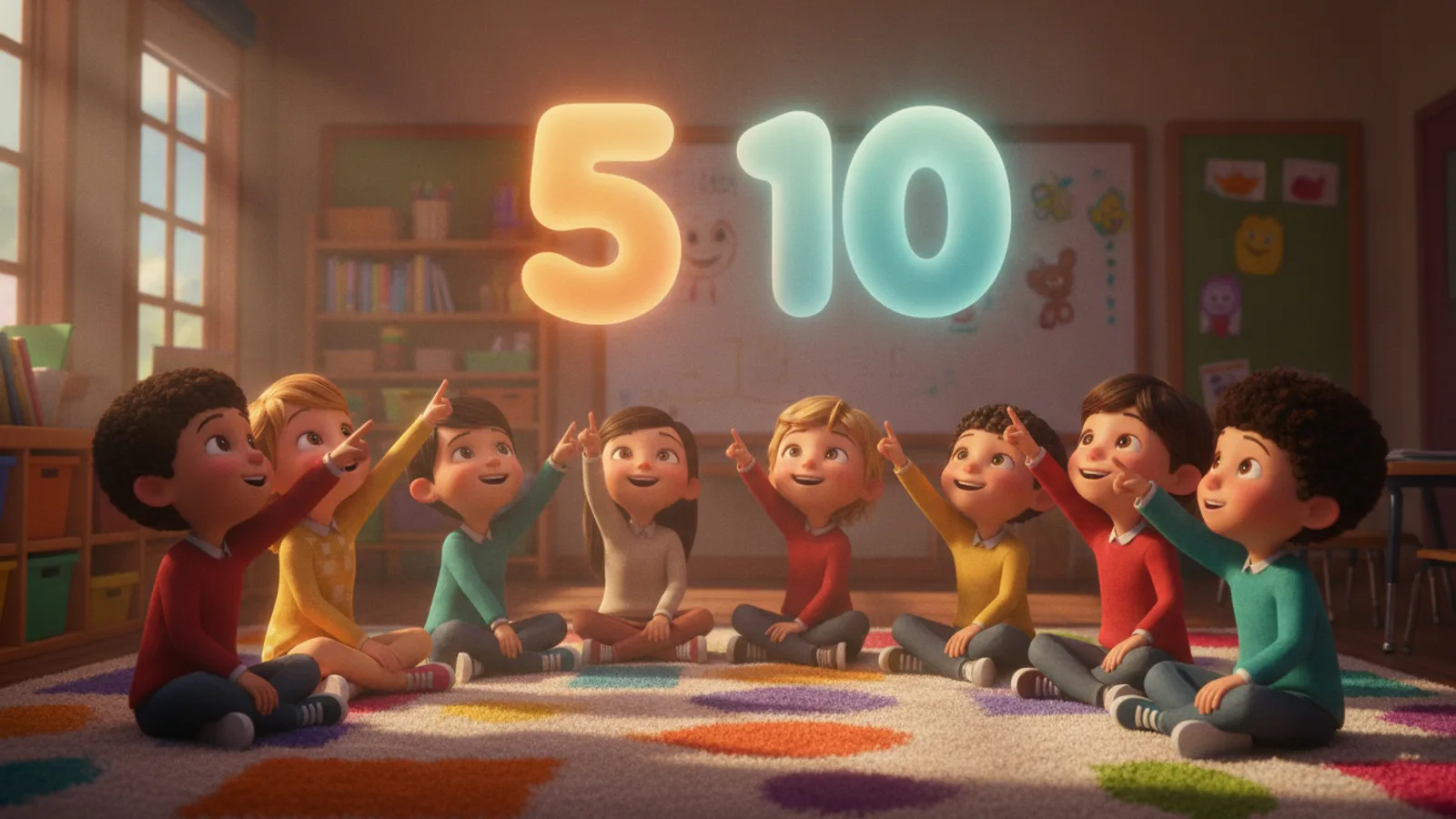
To make a counting video for kids, type what to count as the lesson topic in an AI educational video maker, for example "Counting to 5 with ducks", choose your child's age and a length of 30, 60 or 90 seconds. Cinely writes a lesson in which each teaching clip shows one big number card while the narrator counts things the child can see, and you read every card and line on a free preview before any credits are spent.
Plenty of number videos exist to watch. Making your own lets you choose the things being counted (your child's favourite animal, the toys in your classroom), the pace for their age, their name in the narration and the language you teach in. Below: how many numbers fit, plans by age, a full example and the settings.
How many numbers fit in one video
Every lesson is made of 8-second clips, and each clip has a job. The first is the title, the one before the last asks a question, the last one cheers and sums up, and every clip between teaches one idea with one card ("3", "Three ducks").
| Length | Clips | Teaching clips | Good for |
|---|---|---|---|
| 30 s | 4 | 1 | One number ("This is 3") |
| 60 s | 8 | 5 | Counting to 5 (one per clip) or to 10 (two per clip) |
| 90 s | 12 | 9 | Counting to 10 slowly, or by tens to 100 |
The picture has one useful rule: the video model is told not to draw numbers, letters or signs into the scene, except the one number the lesson is about, which may appear as a big friendly object. The number on screen is the card laid over the clip, so it is clean and easy to point at. What the scene does show is the counting itself: the children or the companion characters in the lesson point, count and smile, while the narrator does the talking.
Plans by age
Ages 2–4: small numbers, said twice. The narrator uses sentences of three to six words, says the key word twice and speaks at most 12 words a clip. Count to 3 or to 5, one number per clip, with one kind of object:
Counting to 5 with yellow ducks. One number per clip.
Ages 5–7: further, and in steps. Sentences of up to ten words, one concrete example per clip, at most 16 words a clip. Good lessons:
- Counting to 10 with apples (60 s, two numbers per clip, or 90 s, one per clip)
- Counting from 11 to 20 (90 s)
- Counting by 2s to 20 with socks (90 s)
- Counting by tens to 100 with stacks of blocks (90 s)
Ages 8–10: the "why". Older children get a short reason behind each idea. Counting is usually too easy for them; a topic such as "Odd and even numbers" or "Why we count by fives on a clock" suits this band better.
Write the numbers and the objects into the topic. The writer gives each teaching clip a different angle (the thing up close, the child doing it, a friend doing it too, counting it together slowly), so the more exactly you name what to count, the closer the lesson follows your plan.
Example: "Counting to 5 with ducks" in 60 seconds
Age 2–4, 60 seconds, eight clips. The writer phrases lines its own way; this is the shape to expect.
| Clip | Card | What the narrator says |
|---|---|---|
| 1 | Title: "Counting ducks" | "Ducks on the pond! Can we count them?" |
| 2 | "1" | "One duck. One, one!" |
| 3 | "2" | "Two ducks swim. Two, two!" |
| 4 | "3" | "Three ducks splash. Three, three!" |
| 5 | "4" | "Four ducks quack. Four, four!" |
| 6 | "5" | "Five ducks! Five, five!" |
| 7 | Question: "How many ducks?" | "Count with me. How many ducks?" |
| 8 | Recap: "Great counting!" | "Five ducks! You can count to five!" |
If your child loves trains, swap the ducks for train carriages; if the class has a mascot, add it as the companion and let it do the counting.
Make it in Cinely, step by step
- Open the AI educational video maker. In What should your child learn? (up to 300 characters) write the numbers and what to count. "Counting to 10" is one of the idea chips.
- Pick Your child's age: 2–4, 5–7 or 8–10.
- Optional: Child's name, said by the narrator in the first clip, the last clip and once between. Leave it empty for a class video.
- Optional: Who is in the lesson. The first photo is your child, who then counts along with the same face in every clip. Only upload a photo of a child you are the parent or guardian of; it is used for that video only.
- Optional: A companion, an animal, creature or person with a name and a look ("Pip the penguin, small with a blue scarf").
- Choose the narrator voice (Auto, a catalog voice or your own), the Length, the Language and a style. Landscape is the default for a TV, tablet or class screen; portrait is there for phones.
- Press Preview lesson and check that every number is there, in order. Cards and narration are not edited on the preview: if a number is skipped, make the topic more exact and preview again.
- Approve to make the video, then download or share it.
Lessons follow kid-safe rules (nothing scary, no brands, no copyrighted characters or mascots from children's shows). A filter checks the request before anything is charged, and a blocked scene is refunded.
Want a counting song instead?
An educational lesson is spoken, not sung. For a counting song, use the AI music video maker: describe the song and Cinely writes the lyrics and makes the track (3 AI songs a day on a free account, 20 on Premium, no credits for the song), or paste your own counting rhyme. The clips cost 30 credits each in Standard and the lyric subtitles follow the song.
Cost
| Length | Clips | Standard | Cinematic (Premium) |
|---|---|---|---|
| 30 s | 4 | 120 credits | 240 credits |
| 60 s | 8 | 240 credits | 480 credits |
| 90 s | 12 | 360 credits | 720 credits |
New accounts get 100 welcome credits and the daily check-in adds more. More credits are on the coins page; free downloads carry a small "Made with Cinely" badge that Premium removes. The web and the iOS and Android apps share one account.
More lessons in the series
- Letters: make an alphabet video for kids.
- First words: sight words video for your class.
- Any other topic: how to make educational videos for kids.
Choose the number your child is on and the thing they love most, and preview a lesson in the AI educational video maker.
- How many numbers fit in one counting video?
- A lesson is 30, 60 or 90 seconds, that is 4, 8 or 12 clips of 8 seconds. The first clip is the title, the one before the last is a quiz and the last is a cheer, so 1, 5 or 9 clips teach. Counting to 5 fits a 60-second video at one number per clip; counting to 10 fits at two numbers per clip.
- Can I make a count to 100 video?
- Counting by tens to 100 fits a 90-second lesson: nine teaching clips for ten numbers, one clip carrying two of them. Counting to 100 one by one is too long for a short lesson; split it into tens across several videos.
- Is it a counting song?
- No, the lesson is narrated. For a sung counting song, use the AI music video maker: Cinely writes the lyrics and makes the track (3 AI songs a day free, 20 on Premium) or you paste your own lyrics.
- How much does a counting video cost?
- 30 credits per 8-second clip in Standard: 120 credits for 30 seconds, 240 for 60, 360 for 90. Cinematic is 60 credits a clip and needs Premium. The preview is free; credits are spent only when you approve, and new accounts get 100 welcome credits.
Written with AI assistance and edited by the Cinely Team.