
Sight Words Video: Make One for Your Class
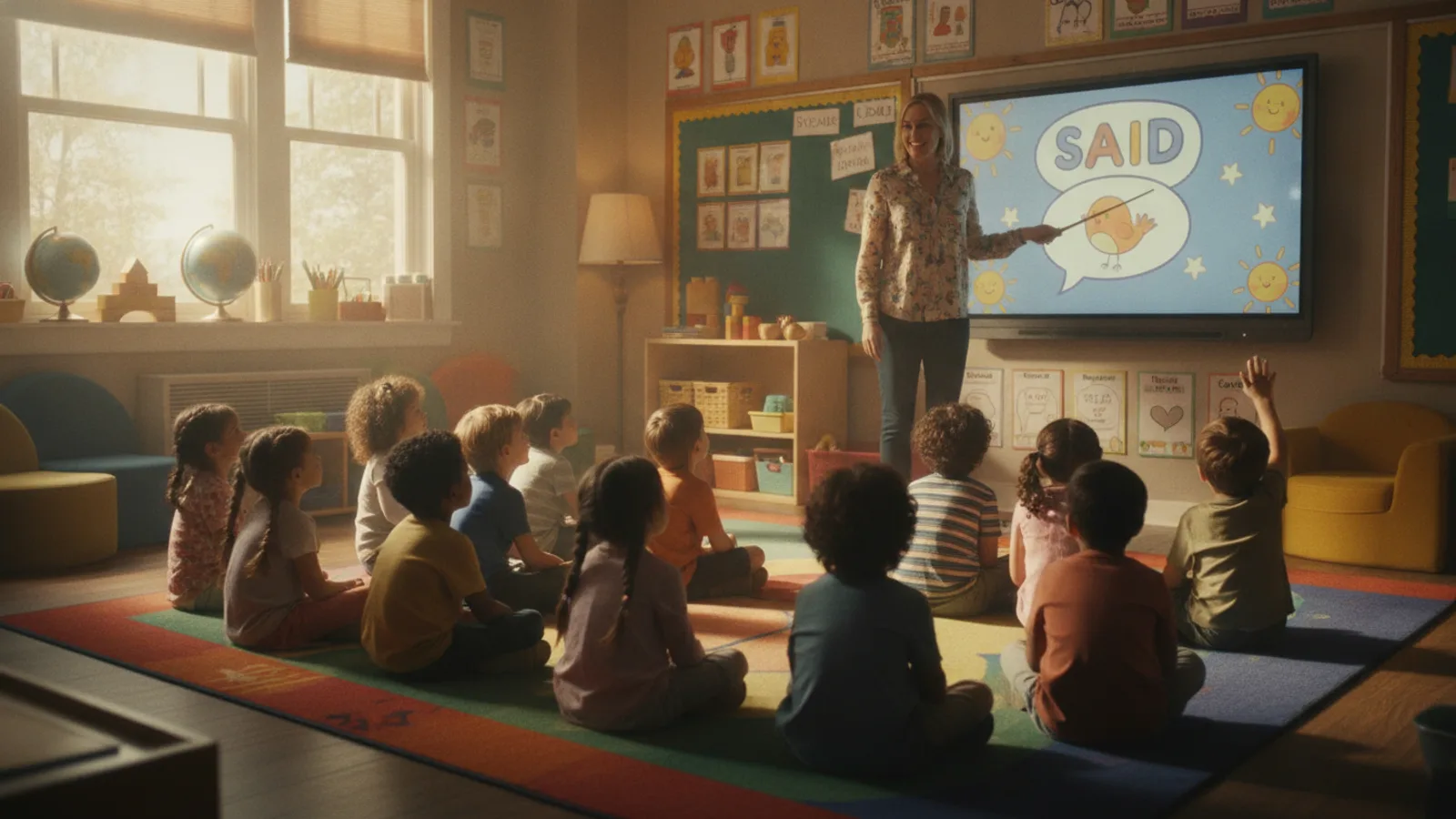
A sight words video shows one high-frequency word at a time, big on the screen, while a voice says it and uses it in a short sentence, so children learn to recognise it at a glance. Instead of searching for a video that happens to contain this week's words, you can type the words into an AI educational video maker, pick age 5–7 and 60 seconds, and get a short cartoon with one word card per clip, a quiz and a cheer, which you read in full on a free preview before it is made.
This guide is for kindergarten and first-grade teachers and for parents practising reading at home. It covers why your own video helps, how many words fit, a 60-second example clip by clip, a weekly routine, and the steps and cost in Cinely.
Why make your own sight words video
Ready-made sight word videos are useful, but they follow someone else's list and order. A video you make yourself can:
- Use exactly the words on your word wall this week, in the order you teach them, whether you follow a Dolch-style list, a Fry-style list or your school's own.
- Talk to your class or your child. Leave the name empty and the narrator says "you"; add a child's name and the narrator uses it at the start, at the end and once in between.
- Bring back the same companion every week, a class mascot the children recognise ("Pip, a small orange fox with a blue scarf").
- Be replayed at the start of the day, before reading groups, or at home.
How the lesson is built
Cinely writes every lesson for one age band and cuts it into 8-second clips. Each clip carries one word card, and the kind of card depends on the clip's place:
| Place | Card | For sight words |
|---|---|---|
| First clip | The lesson's title (about 6 words) | "Five new words today!" |
| Teaching clips | One key word, number or letter (about 3 words) | One sight word per clip |
| Second to last | A quiz question (about 8 words) | "Which word says see?" |
| Last clip | Praise and the takeaway (about 6 words) | "Great reading, superstars!" |
For ages 5–7 the narrator uses sentences of at most 10 words and at most 16 words per clip, with a question now and then and a pause for the child to answer. That is enough to say the word, spell it, and use it once: "See. S, E, E. I see a red ball!"
The picture under the card is made by a video model that is told not to draw letters, labels or signs. The word itself is added over the clip afterwards, as text. That matters for sight words: the word children see is the word on the card, not letters a video model tried to paint.
How many words fit
| Length | Clips | Teaching clips | Sight words |
|---|---|---|---|
| 30 s | 4 | 1 | 1 |
| 60 s | 8 | 5 | 5 |
| 90 s | 12 | 9 | 9 |
Five words in 60 seconds suits most kindergarten weeks; for a longer list, choose 90 seconds. Say what you want in the topic sentence: "Sight words, one per clip: the, see, can, I, and. Say each word, spell it, use it in a short sentence."
Example: five words in 60 seconds
Age 5–7, 60 seconds, eight clips. This is the kind of script to aim for; the writer words it its own way and you read the result on the preview.
| Clip | Word card | Narrator |
|---|---|---|
| 1 | Five new words today! | "Hello, readers! Let's learn five words together." |
| 2 | the | "The. T, H, E. The sun is up!" |
| 3 | see | "See. S, E, E. I see a red ball." |
| 4 | can | "Can. C, A, N. Pip can jump!" |
| 5 | I | "I. Just one letter. I like apples." |
| 6 | and | "And. A, N, D. Pip and Mia play." |
| 7 | Which word says see? | "Look closely. Which word says see?" |
| 8 | Great reading! | "Great reading! You know five new words." |
Five teaching clips need five angles, and the writer uses a different setting for each one (where it happens, someone doing it, counting or saying it together), so the pictures do not repeat. If a word is missing on the preview, make the topic sentence more explicit and preview again; the cards and narrator lines are read on the preview, not edited one by one.
A weekly routine
- Monday: make the video for the week's word set and play it at morning carpet time.
- Tuesday to Thursday: replay it before reading groups; pause on the quiz clip and let the class answer out loud.
- Friday: play it once more, then point at the same words on your word wall.
- Next week: a new video for the new set. Keep the same companion and style so the series feels familiar.
For younger children (2–4), sight words are usually too early: make a video about one letter or one colour instead. The guide to educational videos for kids has a full "letter B" example.
How to make it in Cinely
- Open the AI educational video maker and type the words in What should your child learn? (up to 300 characters).
- Set Your child's age to 5–7 (or 8–10 for harder words).
- Leave Child's name (optional) empty for a class video, or add one for a home video.
- Add A companion (optional): a name and one line about how they look. For a class video, use a companion rather than a pupil's photo.
- Choose Length (60 sec for five words, 90 sec for nine), the Language, a visual style and a narrator voice. Landscape is the default and fits a classroom screen. Keep the word cards on: for sight words, the cards are the lesson.
- Press Preview lesson, read every card and line, then approve.
Every lesson is written under kid-safe rules: nothing scary, no brands, no copyrighted characters, bright and friendly scenes. A filter checks the request before anything is charged and a blocked scene is refunded.
Cost
Each 8-second clip is 30 credits in Standard quality (60 in Cinematic, which needs Premium): 120 credits for 30 seconds, 240 for 60, 360 for 90. New accounts get 100 welcome credits, the daily check-in adds more, and more are on the coins page. Free downloads carry a small "Made with Cinely" badge; Premium removes it.
Sight word songs
Many classes learn sight words through songs. For that, use the AI music video maker: describe the song ("a cheerful song that spells see, can and the, for five-year-olds") and Cinely writes the lyrics and makes the track. Making the song costs no credits; a free account can make 3 AI songs a day. The video is priced per 8-second clip like a lesson, and the lyric subtitles follow the song, so the words appear on screen as they are sung.
Related guides
- Make a social story video to prepare a child for a new situation.
- Moral story videos for kids to teach a value through a tale.
Type this week's words into the AI educational video maker, check every card on the preview, and play it at carpet time.
- How many sight words fit in one video?
- In Cinely's AI educational video maker a 60-second lesson is eight clips of 8 seconds: a title clip, five teaching clips, a quiz clip and a praise clip. With one word per teaching clip that is five words. A 30-second lesson has room for one, a 90-second lesson for nine.
- Will the words be spelled correctly?
- The word on each card is added over the clip after the picture is made, as text, instead of being painted into the picture by the video model. You read every card on the free preview before anything is charged, so you can check the spelling and the word list first.
- Can I make a sight word song?
- Yes, with the AI music video maker. Describe the song, for example a cheerful song that spells "see", "can" and "the", and Cinely writes the lyrics and makes the track. A free account can make 3 AI songs a day; the credits go on the video clips, 30 per 8-second clip in Standard.
- What does a sight words video cost?
- Each 8-second clip is 30 credits in Standard quality: 120 credits for 30 seconds, 240 for 60 seconds, 360 for 90 seconds. New accounts get 100 welcome credits and the daily check-in adds more.
Written with AI assistance and edited by the Cinely Team.