
How to Make a Comic Book: Idea to Finished Pages
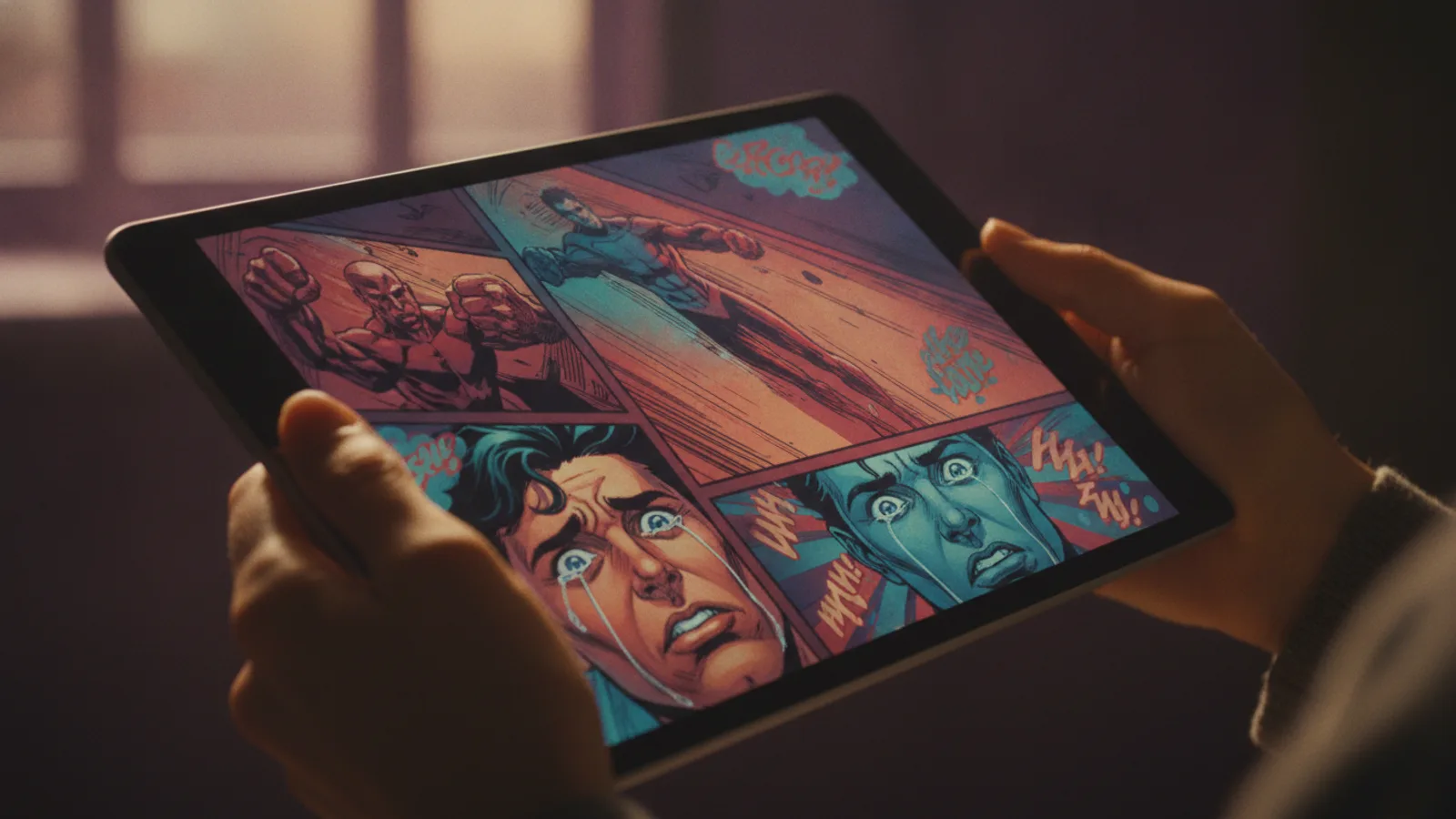
To make a comic book, you write a short premise, turn it into a page-by-page script, design the characters, lay out the panels, draw and letter each page, and finish with a cover. You can do every step by hand, or write the story yourself and let an AI comic generator draw and letter the pages for you.
Traditionally those jobs are split between a writer, a penciller, an inker, a colourist and a letterer. Making your own comic book means doing all of them, which is why most first comics never get finished. Below are the seven steps in order, what each one decides, and where AI can take the drawing off your hands.
Step 1: Find a premise that fits the length
A comic book is short. Pick a story that can be told in a handful of pages: one character, one goal, one problem. "A lighthouse keeper finds a message in a bottle addressed to her, written fifty years ago" works; a war between three kingdoms does not, at least not for a first book.
Write the premise in one sentence, then write the ending. Knowing where the last page lands keeps every other page honest.
Step 2: Write the script, page by page
A comic script is not prose. For every page it says where we are, what happens and who says what. Two rules keep it readable:
- Few words per page. Speech balloons cover the art; a page with a paragraph of dialogue reads like a wall of text.
- One beat per page. Each page does one job: set up, discover, argue, reveal. The page turn is your best tool for surprise, so put the big moments at the top of a new page.
With Cinely's AI comic generator, you type the story or idea (up to 2,000 characters) and the writer drafts the script for you: the setting, the action and the dialogue of every page, kept to about 25 words of dialogue and at most three speakers per page. You read it before anything is drawn, change what you like, and only spend credits when you approve it.
Step 3: Design your characters
Readers recognise characters by silhouette and a few details, so give each one something distinct: a coat, a hairstyle, a colour. Write those details down and keep them the same on every page.
On Cinely you can describe up to four characters, or add a clear photo of yourself or someone who agreed to be in it and have them redrawn in the comic's art style, the same on every page. You can also let the writer invent the whole cast. Only original characters are allowed: no superheroes or anime characters someone else owns, no celebrities, and the acceptable use policy also rules out sexual content and graphic gore. Making a comic starring a friend or your kid? Our guide to a custom comic book from your photos covers that case.
Step 4: Lay out the panels
Panel layout is how you control time. Many small panels slow a moment down; one big panel stops it. A wide panel tells the reader where they are; a close-up tells them how someone feels. Readers follow panels left to right, top to bottom, so arrange the action in that order.
On Cinely each page is drawn with five to eight panels in reading order, and the layout changes from page to page: a wide establishing shot on one, close-up reactions on another, an action sequence, a quiet conversation, a big splash panel, a reveal saved for the last panel. You don't plan the grid by hand; you make sure the script gives each page something worth showing.
Step 5: Choose the art style and draw
The style sets the mood before anyone reads a word. Cinely has six:
- Comic: bold inks, flat colour, halftone dots; the classic comic book look.
- Manga: black and white with screentones (see the AI manga guide).
- Manhwa: full-colour webtoon look (see how to make a webtoon).
- Manhua: painterly colour.
- Chibi: cute, big heads, pastel; good for kids.
- Noir: heavy black ink with one spot colour; good for crime and mystery.
When you approve the script, page one is drawn first, and the remaining pages are then drawn a few at a time with page one as their reference, so the cast and the look stay consistent. Pages appear as they are finished, and the comic waits in your library if you close the tab.
Step 6: Letter the dialogue
Lettering by hand is its own craft: balloon shapes, tails that point at the speaker, caption boxes for narration. On Cinely it is part of the drawing: the dialogue from your script is lettered into speech balloons on each page, and narrator lines go into rectangular caption boxes. The lettering follows the language you write the story in, or any of Cinely's 17 languages.
Step 7: Make the cover and put the book together
The cover sells the book: the main characters in one striking image, with the title. Cinely draws the cover for free alongside the pages, with your title (up to 80 characters) lettered across the top, or a title the writer picks.
Then assemble it. Download each page as a picture, or the whole comic with its cover as one PDF. Print it at home or at a print shop (the pages are tall 9:16, so choose "fit to page"), send the file as a gift, or post it. Cinely does not print or ship books, and comics cannot be published publicly on Cinely yet. The pages are marked as AI-generated; free accounts also carry a small "Made with Cinely" badge, which Premium removes.
What it costs
| Pages | Credits |
|---|---|
| 2 | 40 |
| 6 | 120 |
| 12 | 240 |
| 18 | 360 |
Every page is 20 credits in every quality tier and the cover is free. A page that cannot be drawn is refunded. New accounts get welcome credits and every day's check-in adds more, so a short comic book is possible without buying anything. Credit packs are on the credits page.
A first comic book in one evening
- Write the premise and the ending in two sentences.
- Open the AI comic generator, paste the story, pick a style and six pages.
- Add your characters, or leave the cast to the writer.
- Read the script out loud and cut every line you would skip as a reader.
- Approve, wait for the pages, then read the whole thing once before you download the PDF.
If the story works on paper, it might work on screen too: the same premise can become a short film with Cinely's AI movie maker. For everything the comic tool can do, see the full guide to the AI comic generator.
- Do I need to know how to draw to make a comic book?
- No. You need a story and a script; the drawing can be done by an AI comic generator. On Cinely you type the idea, edit the page-by-page script for free, and the pages are drawn with the panels and the lettering in place.
- How many pages should my first comic book have?
- Short. Six pages is enough for a beginning, a turn and an ending, and it is Cinely's default. You can choose anything from 2 to 18 pages (in steps of two) plus a cover.
- How much does it cost to make a comic book with AI on Cinely?
- Every page is 20 credits and the cover is free: 6 pages cost 120 credits, 12 pages 240 and 18 pages 360. The script is free to read and edit, credits are only charged when you approve it, and a page that cannot be drawn is refunded.
- Can I print my comic book?
- Yes, yourself. Download the whole comic with its cover as one PDF and print it at home or at a print shop. Cinely does not print or ship books. The pages are tall (9:16), so use "fit to page" when printing.
- Can I use characters from a famous comic or film?
- No. Only original characters, or people who agreed to be drawn from their photo. Copyrighted characters, celebrities and real public figures are not allowed, and the story is checked before anything is charged.
Written with AI assistance and edited by the Cinely Team.