
Music Video Maker for Independent Artists
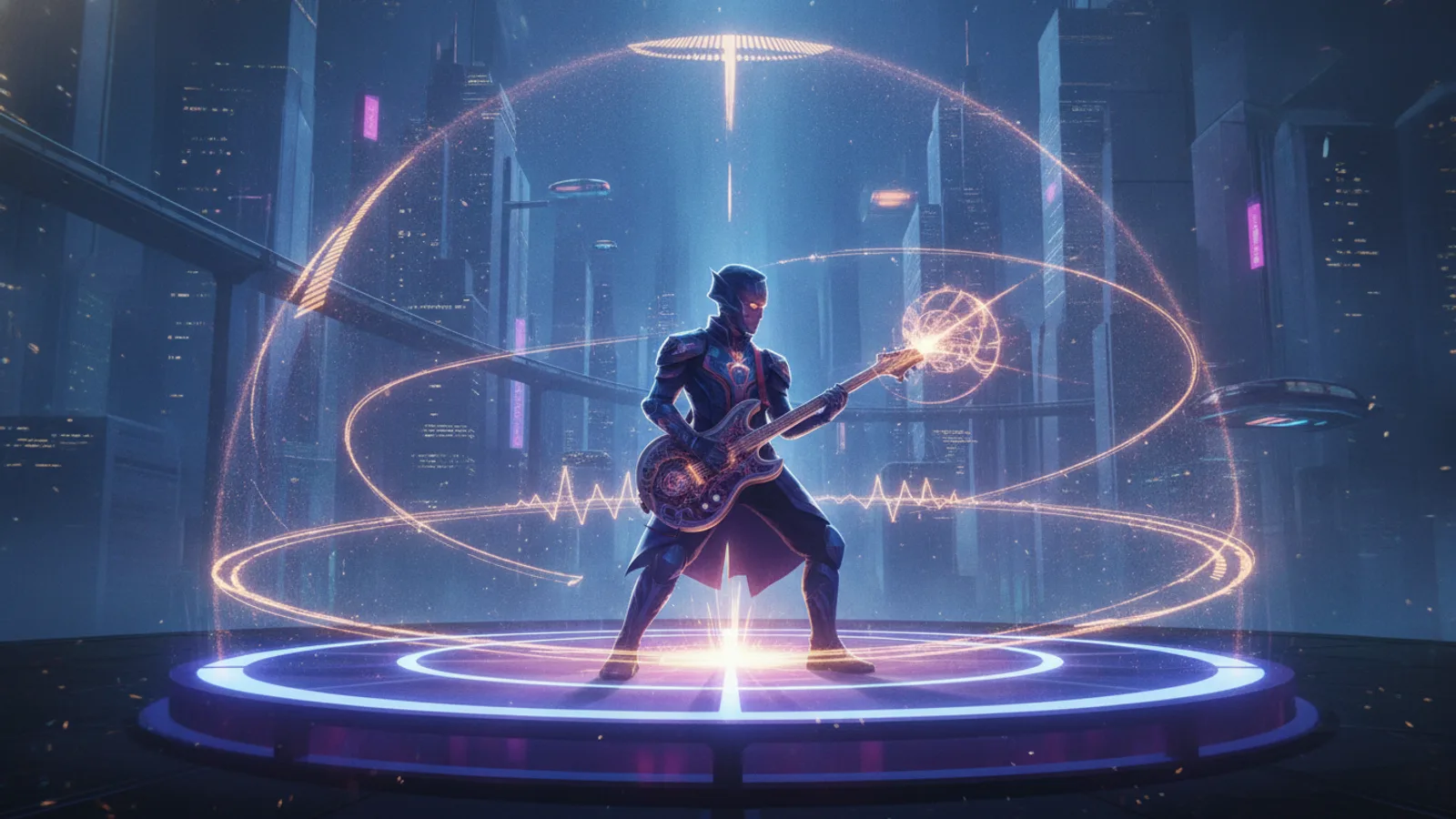
You finished the single. The mix is done, the release date is set, and now every platform wants visuals: a video for YouTube, a vertical clip for Shorts, Reels and TikTok, something that looks like it belongs to the same release. For most independent artists the budget for that is close to zero. A music video maker that works from the song you already have is the practical answer, and this guide shows how to plan a whole release on Cinely, priced in credits per clip so you know the cost before you start.
The tool is the AI music video maker: you upload your track, the video is built from AI-generated 8-second scenes, your song is laid over them, and the lyrics appear as subtitles in time with the vocals.
The release pack: what to make
A single usually needs two pieces:
- The full-song video, landscape, for YouTube and your website.
- A 30-second vertical cut from the chorus, for Shorts, Reels and TikTok.
On Cinely each video is either portrait or landscape, so these are two separate videos made from the same uploaded track. That is also how it works out best creatively: the vertical cut is built for the small screen instead of being a cropped version of the wide one.
If you want a third piece, a 60-second cut gives you a longer teaser for the week before release.
What it costs, clip by clip
Everything is priced per 8-second clip, and you only pay after you have seen a free preview of the scenes and approved it. Uploading the song costs nothing.
| Piece | Clips | Standard (30 credits/clip) | Cinematic (60 credits/clip) |
|---|---|---|---|
| 30-second vertical cut | 4 (32 s) | 120 credits | 240 credits |
| 60-second teaser | 8 | 240 credits | 480 credits |
| Full 3-minute song | about 23 | about 690 credits | about 1,380 credits |
So the basic release pack (full song plus a 30-second cut) is about 810 credits in Standard. Per minute of song that is roughly 230 credits in Standard and twice that in Cinematic. A longer track scales the same way: a 5-minute song is about 38 clips, so about 1,140 credits in Standard. The maximum is 100 clips (13 min 20 s).
Pro and Cinematic need Premium; free accounts always render Standard. Premium Monthly is $14.99 with 3,000 credits (subscription credits do not roll over), and one-off credit packs are on /coins. New accounts get welcome credits and daily check-in credits, enough to try a 30-second cut before you commit to anything.
We are not going to compare that with other tools' prices; check those yourself. What matters for planning is that you know the number before you approve.
Step by step: from master to video
1. Upload the master. Open the music video maker and upload your track: MP3, M4A, WAV, FLAC or AAC, up to 50 MB and 15 minutes. You tick "I have the right to use this song in a video". If your release includes samples or a co-writer, make sure you have the rights to use it in a video before you upload.
2. Add the lyrics, or let Cinely hear them. Paste your lyrics (up to 5,000 characters, with [Verse] and [Chorus] lines), or leave the box empty and Cinely listens to the uploaded song and times the sung lines itself. Instrumentals work too. Lyric subtitles follow the song, and viewers can switch them off; the AI lyric video maker guide shows how the timing works.
3. Choose the length. Full song for the YouTube video. For the vertical cut, pick 30 seconds; it starts at the first chorus unless you pick another start point, which is usually exactly the part you want on Reels.
4. Set the look. Pick landscape or portrait, a style and a short concept for the scenes ("night drive through an empty city", "a paper boat crossing a stormy sea"). Add characters if your song has a protagonist: up to 20 on a free account, 50 on Premium.
5. Check the preview, then approve. The preview of the scenes is free. Approve it and the clips render; that is when the credits are charged.
Keep the release looking like one release
The thing that makes two videos feel like one campaign is a recurring face and a recurring look.
- Within each video, a character is drawn once and reused in every clip, so the same face carries the whole song.
- Between the landscape video and the vertical cut, use the same character description, the same style and a similar concept. Write them down once and paste them into both projects.
- Characters must be original, or a real person who agreed to it, which can be you. No celebrities or other real people without their consent, no sexual content. The prompt filter checks this before anything is charged.
Should your character sing?
For a lot of artists, a performance shot is what makes it feel like a music video rather than a slideshow. The optional "Character sings" (Premium only) switch does that: some chorus clips (at most half of the clips) show the character singing in time with your uploaded song, as long as it has lyrics. The AI singing video guide covers the switch in detail.
It changes the price of the whole video, not only of the sung clips: with it on, every clip costs 120 credits in Standard, 140 in Cinematic. A 30-second cut becomes 480 credits in Standard and a 3-minute song about 2,760. A sung clip that fails is replaced by an illustrated clip and the difference is refunded.
A sensible split for a tight budget: turn singing on for the 30-second vertical cut, where the chorus is the whole point, and leave it off for the full-song video.
Before you post
Free downloads carry the small "Made with Cinely" badge; Premium removes it. If the badge matters for your channel, plan the release pack inside one Premium month. Cinely works on the web and in the iOS and Android apps with one account, so you can make the video on your laptop and check it on your phone before it goes live.
For a closer walkthrough of the upload flow, read how to turn your song into a music video with AI. If your single was made with an AI music tool, see how to make a music video for your Suno song, and for what is free and what costs credits, free AI music video generator: what is really free.
Your release date is not moving. Open the AI music video generator, upload the master and start with the 30-second chorus cut. And if one day you want to tell a longer story than a song allows, try the AI movie maker.
- How much does a music video for a single cost on Cinely?
- You pay per 8-second clip, only after you approve a free preview: 30 credits per clip in Standard, 60 in Cinematic. In Standard a 3-minute song is about 690 credits and a 30-second vertical cut 120, so the full video plus a short cut is about 810 credits. With "Character sings" (Premium only) on, every clip costs 120 credits in Standard or 140 in Cinematic.
- Can I make both a YouTube video and a vertical cut for Reels and TikTok?
- Yes. Each video is either portrait or landscape, so make the full song in landscape for YouTube and a separate 30- or 60-second cut in portrait. The short cuts start at the first chorus unless you pick another start point.
- Which audio files can I upload?
- MP3, M4A, WAV, FLAC or AAC, up to 50 MB and 15 minutes, at least 5 seconds. Uploading costs no credits. You tick "I have the right to use this song in a video", so only upload songs you own or may use.
- Can the character in my video sing?
- Yes, with the optional "Character sings" switch. Some chorus clips (at most half of the clips) show the character singing in time with your uploaded song, as long as it has lyrics. A sung clip that fails is replaced by an illustrated clip and the difference is refunded.
Written with AI assistance and edited by the Cinely Team.