
AI Product Video Generator: Photos to a Video Ad
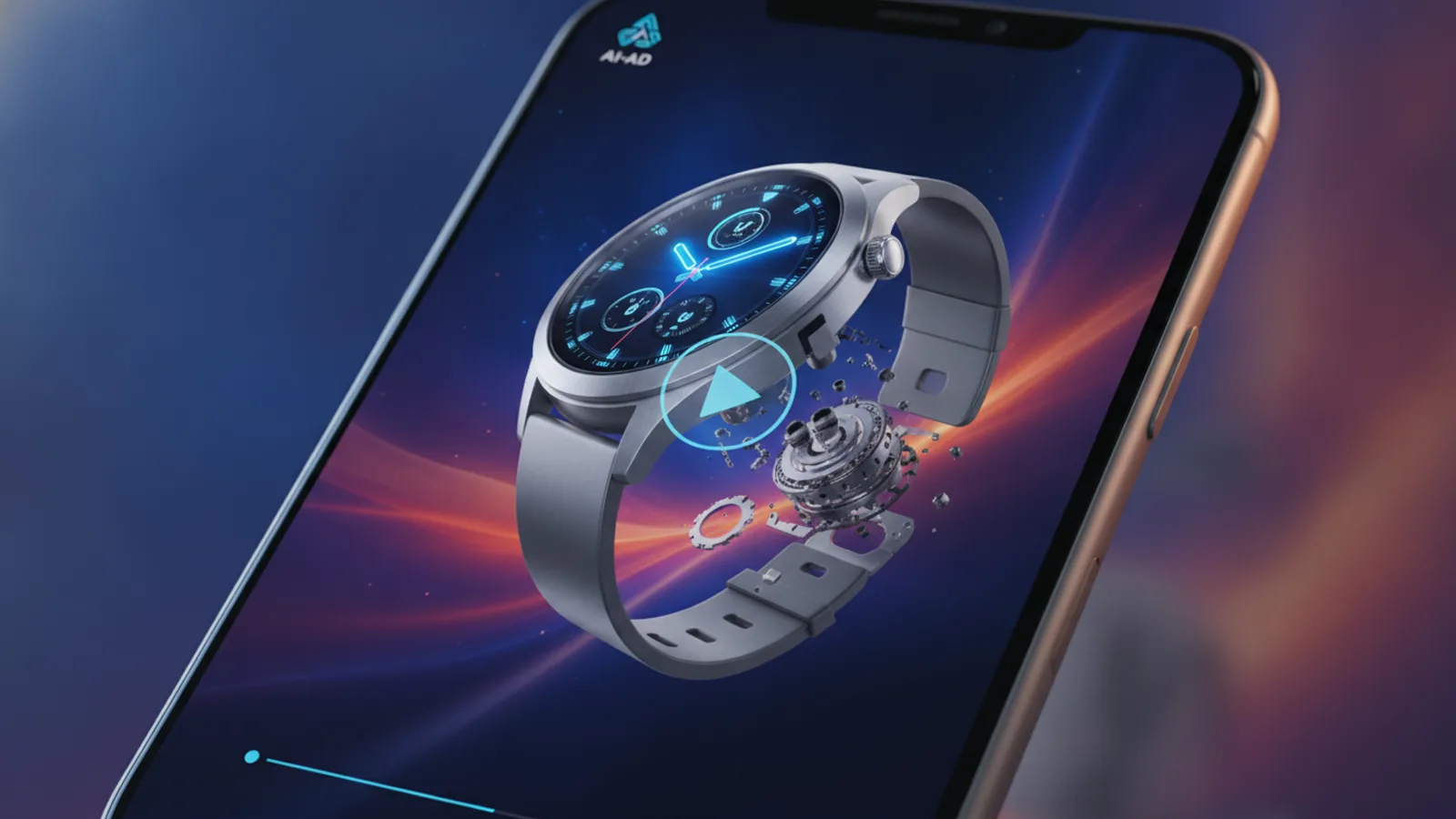
An AI product video generator turns photos of your product and a few lines of text into a short video ad: the product on screen, a hook, a benefit or two, a call to action and a voice-over. You skip the shoot and the edit, but the result is only as good as the photos and the lines you give it, so this guide covers what to check in a tool, how to shoot the photos and what to write.
The steps use Cinely's AI ad video maker, which makes 15 to 60 second product videos from up to three photos and lets you read the whole script on a free preview before you pay.
What a good AI product video generator should do
Before you trust a tool with your product, check five things:
- The product stays your product. Shape, colour, label and packaging should match your photo in every clip, not turn into a lookalike. On Cinely every clip is drawn from your photos.
- You read the script first. The text cards and the voice-over are claims about your product. You should see them before anything is charged. Cinely shows each card and each voice-over line on a free preview; credits are spent only when you approve.
- Length and frame fit your channel. Vertical 9:16 for Reels, TikTok and Shorts; widescreen 16:9 for YouTube or a product page. Cinely offers 15, 30, 45 or 60 seconds in either frame.
- The words work with the sound off. Text burned into the video carries the ad for silent scrollers. On Cinely the first clip carries a hook, each middle clip a benefit, the last a call to action.
- A clear price. Cinely prices by clip: every clip is 8 seconds and costs 30 credits in Standard (60 in Cinematic, which needs Premium).
| Length | Clips | Standard | Cinematic (Premium) |
|---|---|---|---|
| 15 s | 2 | 60 credits | 120 credits |
| 30 s | 4 | 120 credits | 240 credits |
| 45 s | 6 | 180 credits | 360 credits |
| 60 s | 8 | 240 credits | 480 credits |
How to shoot the product photos
The photo is the most important input. You can add up to three, and the ad is drawn from the first one.
- Plain background. A white wall, a sheet of card or a clean table. Clutter competes with the product.
- Even light. Daylight from a window, no harsh flash, no strong shadows across the label.
- The whole product, sharp. Fill most of the frame, keep the label readable, no fingers over the logo.
- First photo = the hero angle. The front of the pack, the face of the watch, the side of the shoe people recognise.
- Photos two and three: other angles or the product in use.
No photo at all? Leave the field empty and the product is drawn from its name and description. That suits a service, a shop or an app, but for a physical product a photo gives a far closer match. A photo the content filter refuses is rejected with "This photo cannot be used"; use your own product shots, not someone else's images.
What to write in each field
| Field | Limit | What works |
|---|---|---|
| Product name | 80 characters, required | The name as customers see it: "Glow vitamin C serum" |
| What makes it good? (optional) | 600 characters | The main benefit, who it is for, one proof: "Brightens dull skin in two weeks, light and non-sticky, 20% vitamin C. For women 25–40." |
| Call to action (optional) | 40 characters | One action and a reason: "Shop now — 30% off this week" |
Cinely writes the hook, the benefit lines and the voice-over from these fields (a voice-over is at most about 20 words per clip). The call to action you type is kept word for word on the last clip.
Examples by product type
These are starting points for the "What makes it good?" field and the hook you might expect. Change them to what your product really does.
- Skincare serum. Benefit: brighter skin, light texture, who it suits. Hook: "Tired of dull skin?"
- Wireless headphones. Benefit: battery life, noise cancelling, comfort on long trips. Hook: "Your commute, finally quiet."
- Specialty coffee. Benefit: origin, roast date, taste notes. Hook: "Coffee that tastes like somewhere."
- Sneakers. Benefit: cushioning, weight, the outfit they go with. Hook: "Built for all-day walking."
- Candle. Benefit: the scent, burn time, the room it suits. Hook: "Make the evening smell like this."
- Water bottle. Benefit: keeps cold for hours, leak-proof, fits a cup holder. Hook: "Still ice cold at 5 pm."
Only write benefits you can stand behind; the voice-over will say them out loud.
Step by step on Cinely
- Open the AI ad video maker on the web, or the Cinely app on iOS or Android (same account).
- Add 1 to 3 Product photos, then the Product name, What makes it good? and Call to action.
- Optional: add a Presenter, up to two people from a photo each, who show the product with the same face in every clip. Use yourself or people who agreed to it, never a celebrity. Without presenters, the ad is the product alone.
- Pick the Narrator voice: Auto, a voice from the catalog, or your own voice after two short recordings.
- Choose Standard or Cinematic, a visual style, the length and the frame.
- Press Preview ad and read every card and voice-over line. The preview is free.
- Approve. Credits are spent now and the clips are made. Downloads from a free account carry a small "Made with Cinely" badge; Premium removes it.
The words are written in the language you use Cinely in, so you can make the same product video for different markets.
Product video or UGC video?
A product video, as above, keeps the product at the centre with clean text cards. If you want an ad that looks like a real customer filmed it on a phone, holding the product and talking to the camera, that is a UGC video: see AI UGC ads from one product photo and UGC video examples by product. Many brands test both.
Honest limits
A generated product video is a short ad from your photos and your words. A blurry or busy first photo gives a weaker match, so reshoot before you blame the tool. The AI writes the copy, but you approve it: check every claim on the preview. And the video does not run itself; you post it or upload it to your ad account.
To plan the whole ad, hook, benefits and call to action, read how to make a commercial with AI. Then open the AI ad video maker and preview your first product video.
- What does an AI product video generator need from me?
- On Cinely: a product name, and ideally one to three photos of the product (the ad is drawn from the first one). A line about what makes it good and a call to action are optional. Without a photo the product is drawn from its name and description, so a photo gives the closest match.
- Will the product in the video look like my product?
- Every clip is drawn from your photos, so the shape, the colour and the packaging stay yours. A clear shot on a plain background gives the best match, and you check the free preview before any credit is spent.
- How long is the product video and what does it cost?
- 15, 30, 45 or 60 seconds, cut from 8-second clips (2, 4, 6 or 8 clips). In Standard each clip is 30 credits: 60, 120, 180 or 240 credits. Cinematic is 60 credits a clip and needs Premium.
- What is the difference between a product video and a UGC video?
- A product video puts the product itself at the centre, with text cards and a narrator, optionally shown by up to two presenters. A UGC video looks like a creator filmed it on a phone, holding the product and talking to the camera. Cinely makes both: the AI ad video maker and the UGC video maker.
Written with AI assistance and edited by the Cinely Team.