
UGC Video Examples: 8 Ad Ideas by Product Type
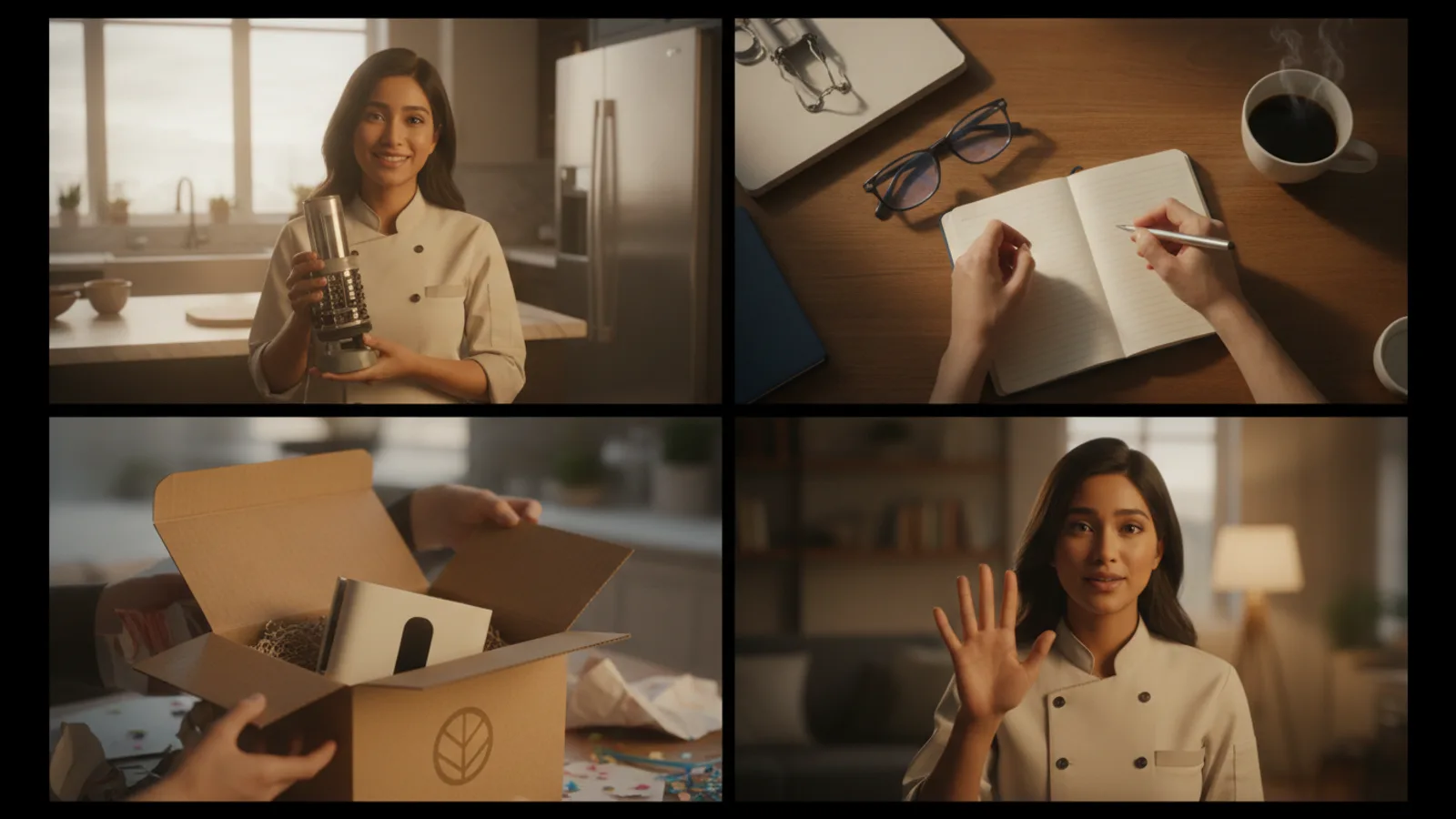
The best UGC video examples have the same skeleton: a person on their phone, a hook in the first three seconds, the product in their hand by the second shot, and a short call to action. What changes from product to product is the angle, the room and the length. Below are eight UGC ad examples by product type, each with the angle, setting, length and a sample hook, that you can film with a creator or make with an AI UGC video ad maker.
A note on the word: "UGC" covers anything customers create, from reviews to photos. In paid social it means the UGC video ad, content that looks like a customer's phone video, made on purpose for a brand. That is the format these examples cover; for the longer definition, see what UGC ads are.
The anatomy every example shares
Every example below is built from 8-second beats, the length of one natural talking shot:
- Beat 1, the hook. A line and an on-screen card of eight words or fewer. The product may still be out of the shot.
- Middle beats. The product named, held close with the label to the lens, and shown in use.
- Last beat, the call to action. A four-word card at most: "Link in bio", "Shop now", "Use my code".
A 15-second ad is two beats, 30 seconds four, 45 seconds six, 60 seconds eight. For the beat-by-beat templates and hook formulas, see UGC script templates and hooks.
8 UGC video examples by product type
1. Skincare serum: honest take, bathroom, 30 s
Hook: "Okay, honest take on the serum that's been on my shelf for a month." Card: My honest take. Then: why they picked it up, the dropper and texture shown on the back of the hand, one thing they like about how it feels. Why it works: the bathroom mirror is where skincare is used, and an opinion about texture is something the camera can show. Leave results ("my skin cleared up") out of the script: the camera can't show them and platforms restrict them.
2. Kitchen gadget: problem → solution, kitchen, 30 s
Hook: "If peeling garlic is the worst part of cooking for you, watch this." Card: The garlic problem. Then: the old way, the gadget brought into the shot, the gadget used on camera. Why it works: the problem is specific and the solution is visible in the same shot.
3. Snack or drink: POV, car, 15 s
Hook: "POV: you're in the car between errands and you forgot lunch again." Card: POV: no lunch break. Then: the call to action, product up by the face. Why it works: a 15-second POV is just a moment and a product. Cheap to test, easy to make five versions of.
4. Pet product: unboxing, bedroom or outdoors, 45 s
Hook: "It's here. I ordered this for my dog last week." Card: It finally came. Then: the box opened, the product turned in the hand, one detail up close, a first impression. Why it works: the reveal carries the attention; a calm first impression sounds like a friend, not a seller.
5. Home organiser: three reasons, desk, 45 s
Hook: "Three reasons this is the only organiser on my desk." Card: 3 reasons I kept it. Then: one reason per beat, each a different compartment or use, shown, then a quick bonus. Why it works: numbered beats tell the viewer how long they have to watch.
6. Fashion accessory: honest take, outdoors, 30 s
Hook: "I didn't expect to wear this every day, but here we are." Card: Didn't expect this. Then: the fit and the clasp shown up close, one honest caveat ("check the size guide first"). Why it works: the caveat beat is what makes an honest take believable.
7. App or digital product: problem → solution, desk, 30 s
Hook: "If your notes are spread across five apps, same." Card: Notes everywhere? Then: the phone screen shown to the camera, one task done in the app. Why it works: the product is the screen, so the creator turns the phone around instead of holding a box. Show the real interface, never invent features.
8. Gift set: unboxing, bedroom, 60 s
Hook: "Opening the gift set I'm giving my sister. Don't tell her." Card: Don't tell her. Then: the lid, each item lifted out, a detail, who it suits, the call to action. Why it works: gifting gives the viewer a reason to share it, and a 60-second unboxing has room for every item.
Picking the length, the room and the creator
- Length. Start at 15 seconds when you are testing hooks, 30 seconds once you know the angle, 45 to 60 seconds for unboxings and multi-item products.
- Room. Put the product where it is used: skincare in the bathroom, food in the kitchen or the car, office products at the desk. Keep the same room for the whole video.
- Creator. Match the person to the buyer you want to reach, then keep the same face and voice through the video so it reads as one take. Our guide to UGC-style video covers the phone-shot look in more detail.
- Language. If you sell in several markets, the same example in the buyer's own language is often a quicker test than a new concept.
Making these examples with an AI creator
On Cinely's AI UGC video ad maker each of the examples above is a few choices: a product photo and name, an AI creator from Cinely's library (or "Let Cinely pick"), the angle (honest take, unboxing, problem → solution, 3 reasons, POV or auto), where it is filmed (bedroom, car, kitchen, bathroom, desk, outdoors or auto) and the length. The video is always vertical 9:16 with captions, in any of 17 languages.
Cinely writes the hook card, the lines, the call to action and a post caption with hashtags, and shows them on a free preview. Credits are only spent when you approve: 30 per 8-second clip in Standard, 60 in Cinematic, so the 15-second POV example is 60 credits and the 60-second unboxing 240 in Standard. A clip that fails is refunded. Packs are on the credits page.
Some limits worth knowing: the creator is always an AI creator, and your own face, a real person or a celebrity isn't supported; the script only states what you put in the brief or what is visible, with no results, testimonials or health claims; and you should mark the video as AI-generated where you post it. The acceptable use policy applies to every video.
If you want the product as the star, without a presenter, the AI ad video maker makes a voiced product ad from product photos instead. For a full walkthrough of the UGC version, read AI UGC ads from one product photo.
- What is an example of UGC?
- UGC (user-generated content) is anything customers make about a brand: a product review video, an unboxing, a photo on Instagram, a written review. In advertising, "UGC" usually means the video format: a person filming themself on a phone, product in hand, talking straight to the camera. The examples in this article are of that UGC ad format.
- How long should a UGC video ad be?
- Most UGC ads run 15 to 30 seconds. Fifteen seconds fits a hook and a call to action, 30 seconds adds a demo, and 45 to 60 seconds suits unboxings and products with several things worth showing. A sensible approach is to test hooks at 15 seconds and extend the one that holds attention.
- Can I make UGC video examples without hiring creators?
- Yes. With an AI UGC video ad maker such as Cinely's, an AI creator holds your product (from one product photo) and talks to camera in a vertical 15 to 60 second video. The script is written for you and shown free before you approve; a 30-second ad is 120 credits in Standard. Label it as AI-generated where you post.
- Which UGC angle works best?
- It depends on the product. Problem-to-solution suits gadgets and cleaning products, unboxing suits gifts and good packaging, honest take suits everyday products and beauty, three reasons suits products with several visible features, and POV suits products tied to a familiar moment.
Written with AI assistance and edited by the Cinely Team.