
How to Make a Commercial With AI, Step by Step
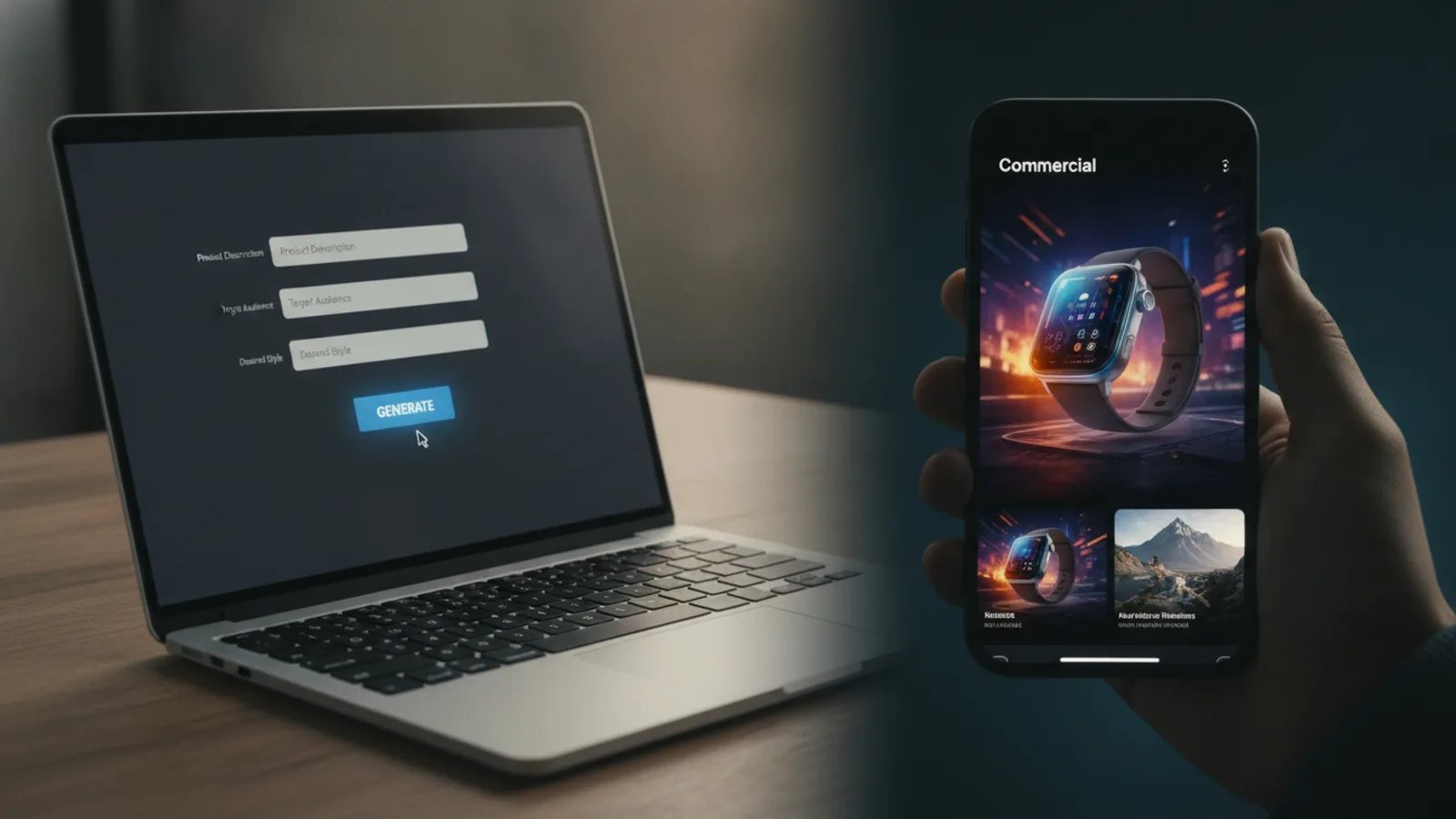
To make a commercial, decide the one thing a viewer should do after watching, then build a short video around it: a hook in the first seconds, one benefit at a time, and that call to action at the end. With an AI ad maker you skip the camera and the edit: you give the product, a line about what makes it good and the call to action, and you read the script on a preview before anything is made.
This guide covers the planning that makes any commercial work, then the AI way, step by step, with Cinely's AI ad video maker. If you want the "real person filmed on a phone" style instead, read what UGC ads are first; that is a different kind of ad.
Step 1: one goal, one viewer
Most weak commercials try to say everything. Write down two lines before you start:
- Who is watching? "Women 25–40 who want a simple skincare routine" is a viewer. "Everyone" is not.
- What should they do next? Shop, book, download, visit, use a code. One action.
Everything in the ad serves those two lines. If a benefit does not matter to that viewer, cut it.
Step 2: the three-part structure
Short commercials that work share a shape:
- Hook (first seconds). A question or a claim that makes the right viewer stop scrolling: "Tired of dull skin?" Keep it to about six words.
- Benefits (the middle). One benefit at a time, each in a short line of about eight words: "Brighter in two weeks", "Light and never sticky". Say what the viewer gets, not the spec sheet.
- Call to action (the end). A few words, an action and a reason to act now: "Shop now: 30% off this week".
Cinely builds the ad on exactly this shape. The first clip carries the hook card, every clip in between carries a benefit card, and the last clip carries the call to action. The text is burned into the video, so the ad still reads with the sound off, which is how many people scroll.
Step 3: pick the length and the frame for where it will run
| Length | Clips on Cinely | Good for |
|---|---|---|
| 15 seconds | 2 | Reels, TikTok, Shorts: a hook and a call to action |
| 30 seconds | 4 | A hook, two benefits, a call to action |
| 45 seconds | 6 | More benefits, a product page |
| 60 seconds | 8 | YouTube, a longer pitch |
Every clip is 8 seconds, so the "15-second" ad is two clips (16 seconds) and the 60-second ad is eight. Pick portrait 9:16 for Reels, TikTok and Shorts, or landscape 16:9 for YouTube.
Step 4: write the words (or let the AI write them)
A voice-over for a short ad is one or two sentences per clip, not a speech. On Cinely the narrator says at most about 20 words over an 8-second clip. Here is a worked 30-second script (4 clips) for a made-up vitamin C serum:
| Clip | Card on screen | Voice-over |
|---|---|---|
| 1 (hook) | Tired of dull skin? | Mornings shouldn't start with tired-looking skin. |
| 2 (benefit) | Brighter in two weeks | Twenty percent vitamin C brightens your skin in two weeks. |
| 3 (benefit) | Light, never sticky | It sinks in fast, so your routine stays simple. |
| 4 (call to action) | Shop now: 30% off | Try Glow serum today, 30% off this week only. |
You do not have to write this yourself. Cinely writes the hook, the benefits and the voice-over from your product name and description. The call to action you type is kept word for word.
Step 5: make the commercial with AI
Here is the whole flow on the AI ad video maker:
- Product photos (optional, up to 3). The ad is drawn from the first one, so use a clear shot on a plain background. No photo? Leave it empty and the product is drawn from its name and description. That works for a service, a shop or an app.
- Product name (required, up to 80 characters).
- What makes it good? (optional), up to 600 characters. Be concrete: "ergonomic chair with lumbar support and breathable mesh" beats "comfortable chair".
- Call to action (optional), up to 40 characters, shown on the last clip as you wrote it.
- Presenter (optional). Add up to two people, from a photo each. They show the product with the same face in every clip. Without them, the ad is the product alone. Use yourself or people who agreed to it, never a celebrity.
- Narrator voice. Auto, a voice from the catalog, or your own voice.
- Quality, look, length, frame. Standard or Cinematic (Cinematic needs Premium), a visual style, 15 to 60 seconds, portrait or landscape.
- Preview ad. Cinely writes every clip and shows you each card and voice-over line. The preview is free. Read it the way your viewer will.
- Approve. Credits are spent only now, and the clips are made.
The ad is written in the language you use Cinely in, so an ad for a Spanish-speaking audience comes out in Spanish. The same account works in the Cinely app on iOS and Android.
What it costs
The price is set by the number of clips:
| Length | Standard (30 credits a clip) | Cinematic (60 a clip, Premium) |
|---|---|---|
| 15 s | 60 credits | 120 credits |
| 30 s | 120 credits | 240 credits |
| 45 s | 180 credits | 360 credits |
| 60 s | 240 credits | 480 credits |
New accounts get welcome credits and can collect daily check-in credits, and more credits are on the credits page. Downloads from a free account carry a small "Made with Cinely" badge; Premium removes it.
Common mistakes
- A vague description. The AI can only sell what you tell it. Give the real benefit, who it is for, and one detail that proves it.
- Three calls to action. "Follow us, visit the site and use the code" is three asks. Pick one.
- A busy product photo. A product on a cluttered table is harder to draw well than the same product on a plain background.
- Skipping the preview. It is free and it is the moment to catch a wrong claim. Never publish a benefit your product does not deliver.
- Someone else's brand or face. Photos and text pass a content filter before anything is charged: no real people or celebrities without consent, no copyrighted characters.
Honest limits
An AI commercial on Cinely is a short ad made from your photos and your lines: 15 to 60 seconds, product shots, optional presenters, text cards and a voice-over. It is not a filmed TV production with a director, and it does not buy media or run the ad for you; you post it where your viewers are. Read every line on the preview: you are the one making the claims.
Where to go next
- Want the product on screen to look like yours in every clip? Read how an AI product video generator works, with photo tips and examples by product.
- Prefer a creator holding the product and talking to the camera? See AI UGC ads from one product photo and the UGC script templates and hooks.
Ready to try it? Open the AI ad video maker, add your product and read your first preview.
- What do I need to make a commercial with AI?
- On Cinely, a product name is the only required field. Add one to three product photos if you have them (the first one is shown in every clip), a line or two about what makes the product good, and a call to action of up to 40 characters. Without a photo, the product is drawn from its name and description, which suits a service, a shop or an app.
- How long should a commercial be?
- As long as its one message needs, and no longer. 15 seconds suits Reels, TikTok and Shorts; 30 seconds gives room for two or three benefits; 45 or 60 seconds suits YouTube or a product page. On Cinely the ad is cut from 8-second clips, so 15, 30, 45 and 60 seconds are 2, 4, 6 and 8 clips.
- How much does an AI commercial cost on Cinely?
- It is priced by clip: 30 credits a clip in Standard, so 60 credits for 15 seconds, 120 for 30, 180 for 45 and 240 for 60. Cinematic is 60 credits a clip and needs Premium. The preview comes first and is free; credits are spent only when you approve it.
- Can I check the script before the commercial is made?
- Yes. Cinely writes the hook, the benefits, the call to action and the voice-over, then shows you every line on a free preview. You approve it before any credit is spent.
- Can I use my own voice or my own face?
- Yes for both. The narrator can be Auto, a voice from the catalog, or your own voice after two short recordings (you talking, then a consent sentence). You can add up to two presenters from a photo each, yourself or people who agreed to it; they keep the same face in every clip.
Written with AI assistance and edited by the Cinely Team.