
Movie Trailer Voice: Get the "In a World" Narrator
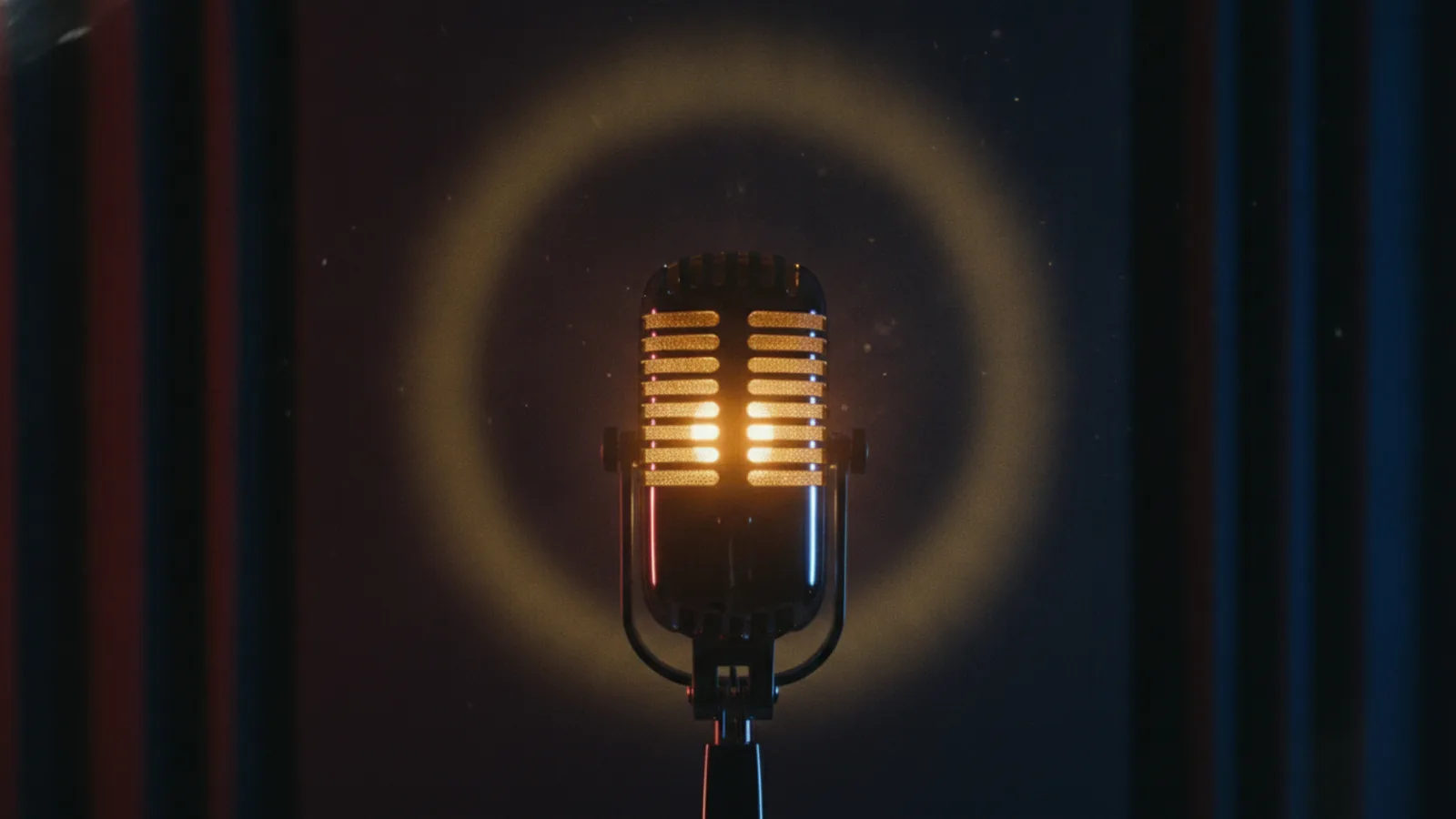
The movie trailer voice is the deep, unhurried narrator who opens with "In a world…" and leaves a beat of silence after every line. You can get it without hiring a voice actor: write a few lines of 12 words or fewer, give them to a deep AI narrator told to speak slowly and dramatically, and keep the voice out of the final seconds so the title lands on music alone.
This guide covers what makes that voice work, how to write narration that sounds like a trailer (with lines you can adapt), and how to get it voiced automatically in an AI movie trailer generator, with a catalog voice or your own.
What makes a voice sound like a trailer
People remember the voice, but most of the effect is the writing and the timing around it.
- Low and slow. A deep register, a little slower than normal speech, with weight on the last word of each phrase.
- Short lines. A trailer narrator never explains. Two to twelve words, then stop.
- Pauses. The music and the images fill the gaps. A line followed by two seconds of picture hits harder than two lines back to back.
- Big, simple claims. "One choice." "Nothing will be the same." The narrator states; the pictures prove it.
- Silence at the end. The last seconds belong to the title card and the music peak. A narrator talking over the title steals it.
Those rules are exactly how Cinely's trailer narrator is built: the voice is told to be "a cinematic movie-trailer narrator, deep and dramatic, short pauses between phrases", each line is fitted to 12 words at most by whole sentences, the narrator speaks on at most three clips, and never on the last one.
How to write trailer narration
Write the narration last, after you know the shots. Each line should sit on one beat of the trailer.
- The world. Set the place and the rule. "In a city that never sleeps, one woman stopped dreaming."
- The hero. Who this is about and what they want. "She only wanted one quiet year."
- The turn. What breaks. "Then the letters started arriving."
- Silence. Let the montage and the title play out without a voice.
That is three lines for a 30-second trailer, which is plenty. For a 15-second teaser, use one: the world or the turn, never both.
Trailer voice lines you can adapt
These are original lines for invented films, grouped by mood. Swap the nouns and keep the rhythm.
Epic and action
- "Every empire falls. This one is falling tonight."
- "They sent an army. She sent a message."
- "This summer, the sky is no longer safe."
Horror
- "The house was quiet. Until they moved in."
- "Some things wait. This one has waited long enough."
- "Don't turn around."
Mystery and thriller
- "Six strangers. One locked room. No way out."
- "Everyone in this town has a secret. Hers just woke up."
- "The truth was buried. Someone is digging."
Romance
- "She wasn't looking for love. She was looking for the last train."
- "Some summers you remember. This one remembers you."
Drama
- "He came home. Home did not come back with him."
- "Three sisters. One house. One last chance to forgive."
Comedy
- "He had one job. He has now lost it twice."
- "This holiday season, the family is coming. All of them."
Common mistake: writing the plot as narration. "Jake is a detective who has to find the killer before Friday" is a logline read aloud. Our logline examples are for that sentence; the narrator only gets the feeling of it.
Choose the voice
On the trailer form the Narrator voice section offers three choices.
- Auto (the default). The mood picks the voice: a deep voice for Epic, Action, Horror and Mystery, a grave one for Drama, a soft one for Romance and a bright one for Comedy. If you only want "the trailer voice", pick a big mood and leave this on Auto.
- One of the 30 narrator voices. Tap More voices… and tap a voice to hear a sample before you choose. Useful when a romance should sound darker or a horror trailer should have a younger, quieter narrator.
- My voice. Your own voice reads the lines. You make two short recordings in a quiet room: you talking naturally (8 to 35 seconds), then one consent sentence read word for word. A headset or a phone held close works best; a laptop microphone across the desk sounds muffled. This is not a Premium feature. There is a fuller guide to making an AI video with your own voice.
The narration can be in any of Cinely's 17 languages; by default the language of your logline decides.
You cannot clone someone else's voice or ask for a famous narrator's. "My voice" only works with your own recording and the consent sentence, and Cinely does not imitate real people.
Make a trailer with the narrator, step by step
- Open the AI trailer maker and choose From an idea.
- Write the logline, 20 to 600 characters: the hero, the place and the problem. Give the trailer a title (up to 60 characters).
- Pick the length. Teaser (15 s, 2 clips), Trailer (30 s, 4 clips) or Long (60 s, 6 clips). Each clip is 8 seconds.
- Pick the mood. Epic, Action, Horror, Romance, Comedy, Drama or Mystery. The mood sets the music bed, which is timed to peak on your title card, and on Auto it also picks the voice.
- Choose the narrator voice: Auto, a catalog voice or My voice.
- Fill in the cards: a tagline (leave it empty and Cinely writes one), a release line such as Coming soon, and an optional parody rating card.
- Preview. Cinely writes the clips and the narrator lines in trailer style ("In a world…", "This summer…", "One choice.") and shows every clip, line and card on a free preview. If you make the trailer with the Agent, you can ask it to change a narrator line on the preview.
- Approve. Credits are charged only now: 30 credits a clip in Standard (60 for a teaser, 120 for 30 seconds, 180 for 60 seconds) or 60 a clip in Cinematic, which needs Premium.
The people in your trailer do not talk; the narrator is the only voice, which is how most trailers sound anyway. If you add yourself under Star in your trailer (up to two photos, of people who agreed), you act and the narrator tells your story.
Already made a film on Cinely? From my movie cuts a trailer from its own scenes for a flat 30 credits. That version keeps the film's own sound, turned down under the music bed, rather than adding a new narrator, so use From an idea when the trailer voice is the point.
Mistakes that kill the trailer voice
- Too many lines. Three is the maximum for a reason. More narration means fewer pauses, and the pauses are what make it dramatic.
- Long sentences. Anything over 12 words starts to sound like an audiobook.
- Talking over the title. Keep the last clip silent and let the music and the title card do the work.
- The wrong voice for the mood. A booming voice on a gentle romance plays as parody. Sometimes that is the joke; make sure it is on purpose.
- Reading the plot. The narrator sells a question, not the answer.
Where to go next
For the full shot-by-shot structure the narration sits on, read how to make a movie trailer. Short on time? A 15-second teaser has room for one line; teaser vs trailer explains when that is the better choice. For a trailer starring you and your friends, try the fake movie trailer guide, and for the line on the end card, see our movie tagline examples.
New accounts get welcome credits and daily check-in credits, so you can try a teaser before you buy anything. Free downloads carry a small "Made with Cinely" badge; Premium removes it. Ready to hear your story in the trailer voice? Open the movie trailer maker, and when people ask for the whole film, make it with the AI movie maker.
- What is the movie trailer voice?
- It is the deep, slow, dramatic narrator heard over classic trailers, speaking short lines such as "In a world…" or "This summer…" with long pauses between them. The effect comes as much from the writing (few words, big claims, silence) as from the voice itself.
- Is there a free movie trailer voice generator?
- Cinely's AI movie trailer generator writes and voices the narrator for you when you make a trailer from an idea. The preview is free; credits are charged only when you approve, and new accounts get welcome credits and daily check-in credits to try a 15-second teaser.
- How does Cinely choose the narrator voice?
- On Auto, the trailer's mood decides: a deep voice for Epic, Action, Horror and Mystery, a grave one for Drama, a soft one for Romance and a bright one for Comedy. You can also pick any of the 30 narrator voices after listening to a sample, or choose "My voice".
- Can I use my own voice as the trailer narrator?
- Yes. Choose "My voice" and make two short recordings in a quiet room: you talking naturally for 8 to 35 seconds, then one consent sentence read word for word. It is not limited to Premium. You can only record your own voice, not someone else's.
- How many lines does the narrator speak?
- In a Cinely trailer the narrator speaks on at most three clips, each line 12 words or fewer, and never on the last clip, so the title lands in silence. A 15-second teaser has room for one line, a 30-second trailer for up to three.
Written with AI assistance and edited by the Cinely Team.