
Teaser vs Trailer: What's the Difference?
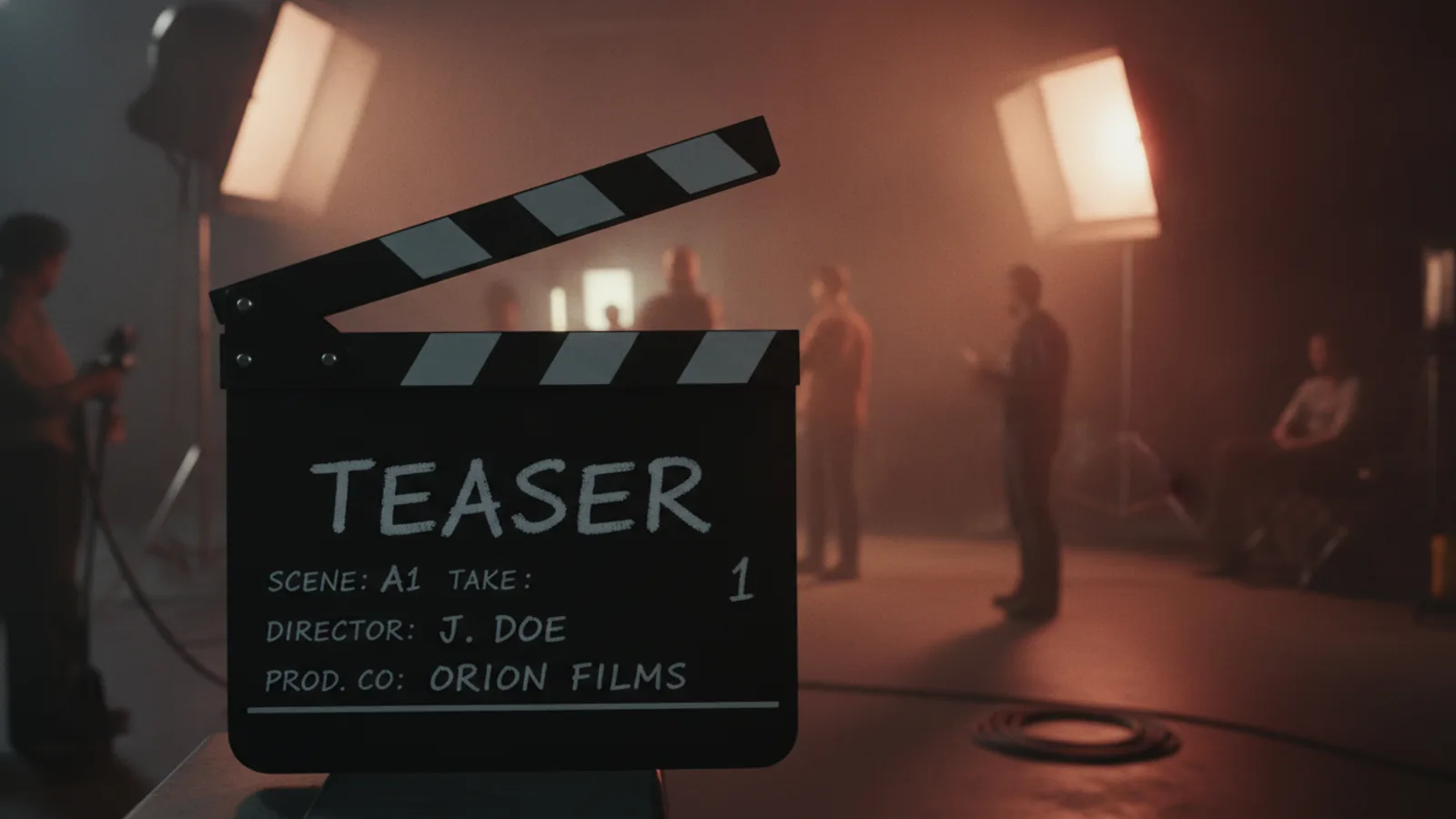
A teaser trailer is a short first look that announces a film and sets its mood without explaining the plot; a trailer comes later, runs longer and sells the story itself. If you are asking "teaser vs trailer" for your own project, the quick rule is: tease when you want people curious, release the trailer when you want them to understand why the film is worth their time.
Below: the differences side by side, when each one works, and how to make both with Cinely's AI movie trailer generator, from a one-line idea or from a film you already made.
What is a teaser trailer?
A teaser is the first piece of marketing a film gets. Studios usually release it early, sometimes before the film is finished, and it rarely does more than three things:
- Shows the title and a handful of striking images.
- Sets a tone: dread for a horror film, scale for an epic, a wink for a comedy.
- Promises a release, usually vaguely: "Coming soon", "This summer".
What it leaves out is just as important. There is no plot summary, often no clear villain, sometimes not even the lead's face. The goal is a question in the viewer's head ("what is that?") and a title they remember.
What a trailer does differently
A trailer is the argument for the film. It introduces the main characters, sets up the central conflict, raises the stakes and builds to a peak before the title. It is longer than a teaser because it has more to do, and it uses text cards between shots (intertitles such as "ONE CITY. ONE SECRET.") to walk the viewer through the setup.
Teaser vs trailer at a glance
| Teaser | Trailer | |
|---|---|---|
| Job | Make people curious | Make people want to watch |
| Story | Hinted, mostly hidden | Characters, conflict, stakes |
| Length | Short | Longer |
| Text cards | Few or none | Intertitles guide the story |
| Release line | Vague ("Coming soon") | Often specific |
| When | First, early | Later, closer to release |
Cinely's trailer maker follows the same logic in its three lengths: Teaser (15 seconds) has no intertitles at all, just shots, music and the end cards. Trailer (30 seconds) adds 2 intertitles and Long (60 seconds) adds 3, so the longer cuts have room to tell the setup.
When to use a teaser
- Announcing something new. A first post about a series, a book or a short film you are planning.
- Testing an idea. Before you spend time on a full film, a 15-second teaser shows whether the concept lands with friends or followers.
- Short-form feeds. A teaser fits Reels, Shorts and TikTok, where a long setup loses people. Pick portrait framing for those.
- Starting a countdown. Release the teaser first, the full trailer a little later.
When to use the full trailer
- The film exists and you want people to press play.
- You need to explain the premise, for example on a channel page, a pitch or a crowdfunding page.
- You have a second beat to offer. If the teaser got attention, the trailer pays it off with the story.
For the structure of a full trailer, beat by beat, see how to make a movie trailer.
How to make a teaser with AI
Open the AI movie trailer generator (also at /create?type=trailer). There are two ways to start.
From an idea (no film needed)
- Choose From an idea and write a logline: what the movie is about, 20 to 600 characters. Not sure how to phrase it? Our logline examples show the formula.
- Pick Teaser (15 s). The teaser is written as 2 clips of 8 seconds.
- Choose a mood: Epic, Action, Horror, Romance, Comedy, Drama or Mystery. Each mood has its own music bed, timed so its peak lands on the title card, with a riser into the title and a sub drop under the release line.
- Add the title (up to 60 characters). The tagline is optional: leave it empty and Cinely writes one, or borrow a shape from these movie tagline examples. Pick a release line (Coming soon, Now streaming, None or your own words up to 24 characters) and, if you like, a parody rating card.
- Optional: Star in your trailer with up to 2 photos, only of people who agreed to be in the video.
- Press Preview trailer. You see every clip, the narrator lines and the cards for free; credits are charged only when you approve. In Standard the teaser costs 60 credits (2 × 30); Cinematic is 60 credits a clip and needs Premium.
The narrator speaks on at most 3 clips, about 12 words each, and never on the last one, which suits a teaser's few words. The voice can be Auto (the mood decides), a voice from the catalog or your own recorded voice; our guide to the trailer narrator voice helps you choose.
From a film you already made
If you made a film or series on Cinely, choose From my movie, pick the film and the episodes to cut from. The film needs at least 3 finished scenes. A teaser takes 5 shots of 1 to 5 seconds each, the first ones longer and the montage speeding up; a 30-second trailer takes 8 shots, a long one 12. The cut costs a flat 30 credits at any length, the preview is ready at once and you can reorder the shots before you approve.
This is the easy way to do both: cut the 15-second teaser first, then the 30- or 60-second trailer from the same film when you are ready to say more. The ending stays out of both unless you turn on "May reveal the ending".
Teaser mistakes to avoid
- Explaining too much. If the teaser tells the whole premise, the trailer has nothing left to reveal.
- No title card. A teaser that people cannot name is wasted. Keep the title short and readable.
- Spoilers. A teaser should never show the last scene. Leave the ending toggle off.
- Real stars or famous franchises. Cinely only makes original characters: no real celebrities, no copyrighted characters. A fan teaser for an existing film will be blocked before anything is charged; your own concept will not. For playful original ideas, see the fake movie trailer guide, and for authors, book trailers with AI.
From teaser to the actual film
A teaser is a promise. If it works, the next step is the film it promised. The AI movie maker turns the same idea into a film made of 8-second scenes with the same characters in every scene, and once it is finished you can cut its real trailer from it in one step. To see what other creators have made, browse AI movie series.
New accounts get free welcome credits plus daily check-in credits, enough to try a teaser. Free downloads carry a small "Made with Cinely" badge; Cinely Premium removes it. Ready? Write one line about your movie and make the teaser in the AI movie trailer generator.
- What is a teaser trailer?
- A teaser trailer is a short first look at a film, released before the main trailer. It announces the title and sets the mood with a few strong images, a line or two and a release line like "Coming soon", while keeping the plot mostly hidden.
- What is the difference between a teaser and a trailer?
- Purpose and length. A teaser makes people curious and remember a title; it is shorter and explains very little. A trailer comes later, runs longer and sells the story: who the characters are, what the conflict is and why you should watch.
- How long is a teaser on Cinely?
- In Cinely's trailer maker the 15-second length is labelled "Teaser", the 30-second length "Trailer" and the 60-second length "Long". A teaser made from an idea is 2 clips of 8 seconds; a teaser cut from your own film is 5 shots.
- How much does a teaser cost to make?
- From an idea, a 15-second teaser is 2 clips at 30 credits each in Standard, so 60 credits (Cinematic is 60 credits a clip and needs Premium). Cut from a film you already made on Cinely, any length costs a flat 30 credits. You see a free preview first and pay only when you approve it.
- Does a teaser spoil the ending?
- It should not. When Cinely cuts a trailer from your film, the last fifth of the story is left out unless you turn on "May reveal the ending".
Written with AI assistance and edited by the Cinely Team.