
Social Story Generator: Make a Social Story Video
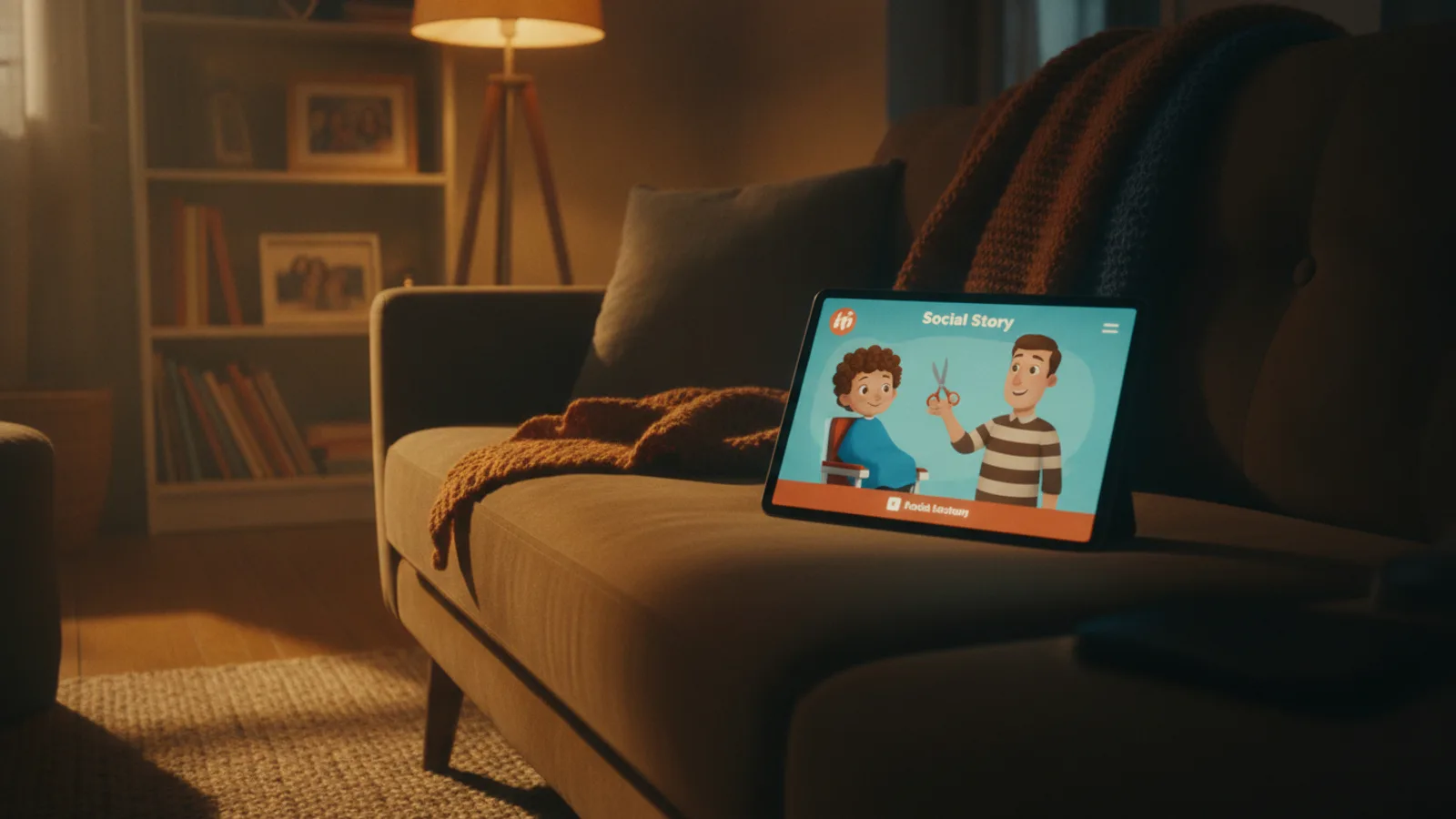
A social story generator turns one situation your child is about to meet, such as a haircut, the dentist or a fire drill, into a short story that says what will happen and what they can do. With Cinely's AI educational video maker you write that situation in one sentence, choose the age, add the child's name (and their photo, if you like), and get a 30 to 90 second cartoon in which your child is the hero, with every line readable on a free preview before you spend a credit.
This guide is for parents, teachers and anyone who already writes social stories on paper and wants a video version. It covers what goes into a good social story, a fill-in template, a full 60-second example about a haircut, ten topic ideas, and the exact steps in Cinely.
What a social story is
A social story describes an everyday situation from the child's point of view, in calm and literal words. The format was developed by the educator Carol Gray in the early 1990s, and many parents and teachers, including those of autistic children, use stories like this before something new or hard: a first visit, a change of routine, a loud place.
A good social story usually:
- Says what will happen, in order. "First we sit in the big chair. Then the hairdresser puts on a cape."
- Describes, it does not order. "Many children hold still while the scissors snip" works better than "Don't move!".
- Uses words like "usually" and "sometimes". Real life changes; a story that promises the exact same thing every time can upset a child when it doesn't happen.
- Shows what other people do. The dentist counts teeth, the teacher rings the bell, mum waits in the chair by the door.
- Gives the child something to try. Take a deep breath, squeeze a toy, ask for a break.
- Ends on a good feeling. "My hair looks neat. I did it!"
A video adds what paper cannot: the child sees a character with their own face walk through each step, and hears a warm voice say their name.
How Cinely's lesson structure fits a social story
The educational video maker writes every video as a short lesson for a child aged 2 to 10, cut into 8-second clips. The order of the clips follows a fixed shape, which happens to match a social story well:
| Clip | What the writer does | In a social story |
|---|---|---|
| First | A hook: a question or a wonder about the topic, asked to the child | "Today we are going to get a haircut!" |
| Teaching clips | One idea each, taken in turn from these angles: what it looks like; when and where it happens; the child doing it step by step; what happens if we forget, shown gently and a little funny, never scary; a friend or family member doing it too; doing it together slowly; a small surprising fact; the good feeling afterwards | The steps, the place, other people, the feeling |
| Second to last | A gentle quiz question to the child | "What do we wear in the chair?" |
| Last | Praise and the one thing to remember | "Great job! Sit still, and it is soon done." |
A few rules the writer always follows help here too. The people in the video never talk: one narrator speaks to the child, which keeps it calm and simple. If you give the child's name, the narrator says it in the first clip, in the last clip and once in between, and says "you" elsewhere. And every lesson is written under kid-safe rules: nothing scary, no violence, no danger shown as fun, no brands or copyrighted characters, bright and friendly scenes, mistakes that are gentle and never shamed.
Words matched to the age
Pick one of three age bands. They change the words, not just the pictures:
- 2–4: sentences of 3 to 6 short words, the key word said twice, at most 12 words per clip.
- 5–7: sentences of at most 10 words, one concrete example per clip, at most 16 words per clip.
- 8–10: clear sentences with a short "why" behind each idea, never babyish, at most 20 words per clip.
For a social story, pick the band that matches how your child understands language, not only their birthday.
A social story template you can fill in
Write this on paper first, then squeeze it into the one-sentence topic.
- The situation: "Today/soon, [name] is going to ______."
- Where and when: "It happens at ______, usually ______."
- The steps, in order: "First ______. Then ______. Then ______."
- Other people: "______ will ______. They are there to help."
- Something to try: "If it feels too much, I can ______."
- The good ending: "When it is done, ______."
Topic sentence made from it, under 300 characters: "Getting a haircut: we sit in the big chair, wear a cape, the scissors snip and tickle, we can squeeze our toy, then we see our neat hair in the mirror."
Example: a 60-second haircut story
Age 5–7, 60 seconds, which is eight clips of 8 seconds. This is the kind of script to aim for; the writer words it its own way, and you read the result on the preview.
| Clip | Word card | Narrator |
|---|---|---|
| 1 | Haircut day! | "Hi Leo! Today is haircut day. What will happen?" |
| 2 | Big chair | "This is the big chair. It goes up, up, up!" |
| 3 | Saturday | "We usually go on Saturday morning. Dad comes too." |
| 4 | Cape on | "First, a soft cape. Then snip, snip, snip." |
| 5 | Tickle! | "Sometimes hair tickles your nose. Achoo! That is okay." |
| 6 | Dad too | "Dad gets a haircut too. He sits very still." |
| 7 | What do we wear? | "Can you remember what we wear in the chair?" |
| 8 | Neat hair! | "Great job, Leo! Sit still, and it is soon done." |
10 social story ideas for a video
- Getting a haircut
- Going to the dentist
- A visit to the doctor
- The first day at a new school
- What happens in a fire drill
- Waiting in line
- A new baby in the family
- Sharing toys with a friend
- The loud hand dryer in public bathrooms
- A trip to the supermarket
How to make it in Cinely
- Open the AI educational video maker and type your topic sentence in What should your child learn? (up to 300 characters).
- Set Your child's age: 2–4, 5–7 or 8–10.
- Add the Child's name (optional) so the narrator talks to them by name.
- Optional: under Who is in the lesson, add a clear photo of your child's face (the first photo is your child) and, if they agree, photos of the people in the story. Everyone keeps their own face in every clip. Only upload a photo of a child you are the parent or guardian of; it is used for that video only.
- Optional: A companion, described in one line ("Pip, a small green turtle with a red cap"). Using the same companion in every story gives your child a familiar guide.
- Choose the length (30, 60 or 90 seconds), the language, a visual style and the narrator: Auto, a voice from the catalog, or your own recorded voice.
- Press Preview lesson and read every card and line. If something is not how your child's day really goes, change the topic sentence and preview again.
- Approve, then download and watch it together a few times before the real event.
The video is landscape by default, good for a tablet or a classroom screen, and can be switched to portrait for a phone.
Cost
Each 8-second clip is 30 credits in Standard quality, or 60 in Cinematic (Cinematic needs Premium).
| Length | Clips | Standard |
|---|---|---|
| 30 s | 4 | 120 credits |
| 60 s | 8 | 240 credits |
| 90 s | 12 | 360 credits |
New accounts get 100 welcome credits and the daily check-in adds more; more credits are on the coins page. A filter checks the request before anything is charged, and a scene that gets blocked is refunded. Free downloads carry a small "Made with Cinely" badge, which Premium removes.
Tips and limits
- One situation per video. A morning routine is better as two short stories than one long one.
- Describe what usually happens. Avoid promising that something will never hurt or never be loud.
- Check every word. You know your child; the preview is there so nothing surprises them.
- Ask the people who support your child. A teacher or therapist can tell you which situations to start with.
- Ages 2 to 10 only. For teenagers and adults, a different format fits better.
For lessons on letters, numbers and habits, see how to make educational videos for kids; for classroom reading practice, make a sight words video; and to teach a value through a tale, see moral story videos for kids.
Write your first situation in the AI educational video maker, read the preview with your child's day in mind, and watch it together before the big moment.
- What is a social story?
- A social story is a short, calm description of a situation a child is about to meet, such as a haircut or a fire drill: what happens, what other people do, what the child can try, and a positive ending. The format was developed by the educator Carol Gray in the early 1990s and is used at home and in schools.
- Can I make a social story video for free?
- You can start without paying. New Cinely accounts get 100 welcome credits and the daily check-in adds more. A 30-second story is 4 clips, 120 credits in Standard quality, and the preview of the whole script is free: credits are only spent when you approve the video.
- Can my child be in the video?
- Yes, if you are their parent or guardian. Add one clear photo of the child's face under "Who is in the lesson" and they appear with the same face in every clip. The photo is used for that video only. Other people can be added with their own photo only if they agree.
- Can I change the words before the video is made?
- You read every word card and every narrator line on the preview before anything is charged. Those lines are not edited one by one on the preview: rewrite the topic sentence and preview again. The description of each scene's picture can be edited.
- Does a social story video replace therapy?
- No. It is a short cartoon that describes a situation in calm, simple words. If your child has support from a teacher, a speech therapist or another professional, ask them which situations and words to use.
Written with AI assistance and edited by the Cinely Team.